- You are here:
- AM.CO.ZABuythisCNC Utilities Homepage
- PrintUP-3D-Printer
- Component Manuals
- 3D打印机使用英文说明.pdf
- Page 13 of 17

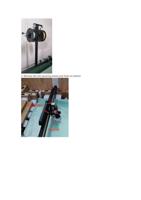
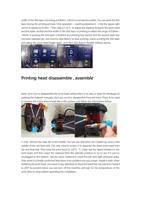
4. To block the print head, first heat the print head temperature to 220°C, confirm
whether it is blocked on the left or right, and then quickly pull out the material on
both sides manually; if it is blocked on the left, first pull out the right side and then
the left; If the material is blocked on the right side, first pull out the left side and
then the right side; then manually insert the material and push it hard to squeeze
out the blocked material.
If the material cannot be squeezed out by manual pushing, make a mark first and
then manually pull out the material quickly, and then compare the length on the
periphery to roughly determine the location of the blockage so that you can
disassemble the nozzle later (try not to disassemble the print head unless
necessary)
5. Regularly check whether all the screws on the print head extruder are loose to
prevent printing failure or head clogging.
The printed word case will not stick to the table or have edges that warp.