- You are here:
- AM.CO.ZABuythisCNC Utilities Homepage
- GoPrinter-Portable-Printer
- Component Manuals
- T-H说明书英文.pdf
- Page 6 of 14
5
1
2
3
4
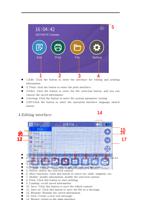
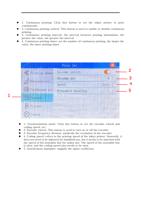
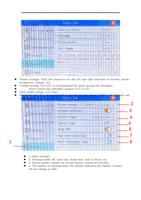
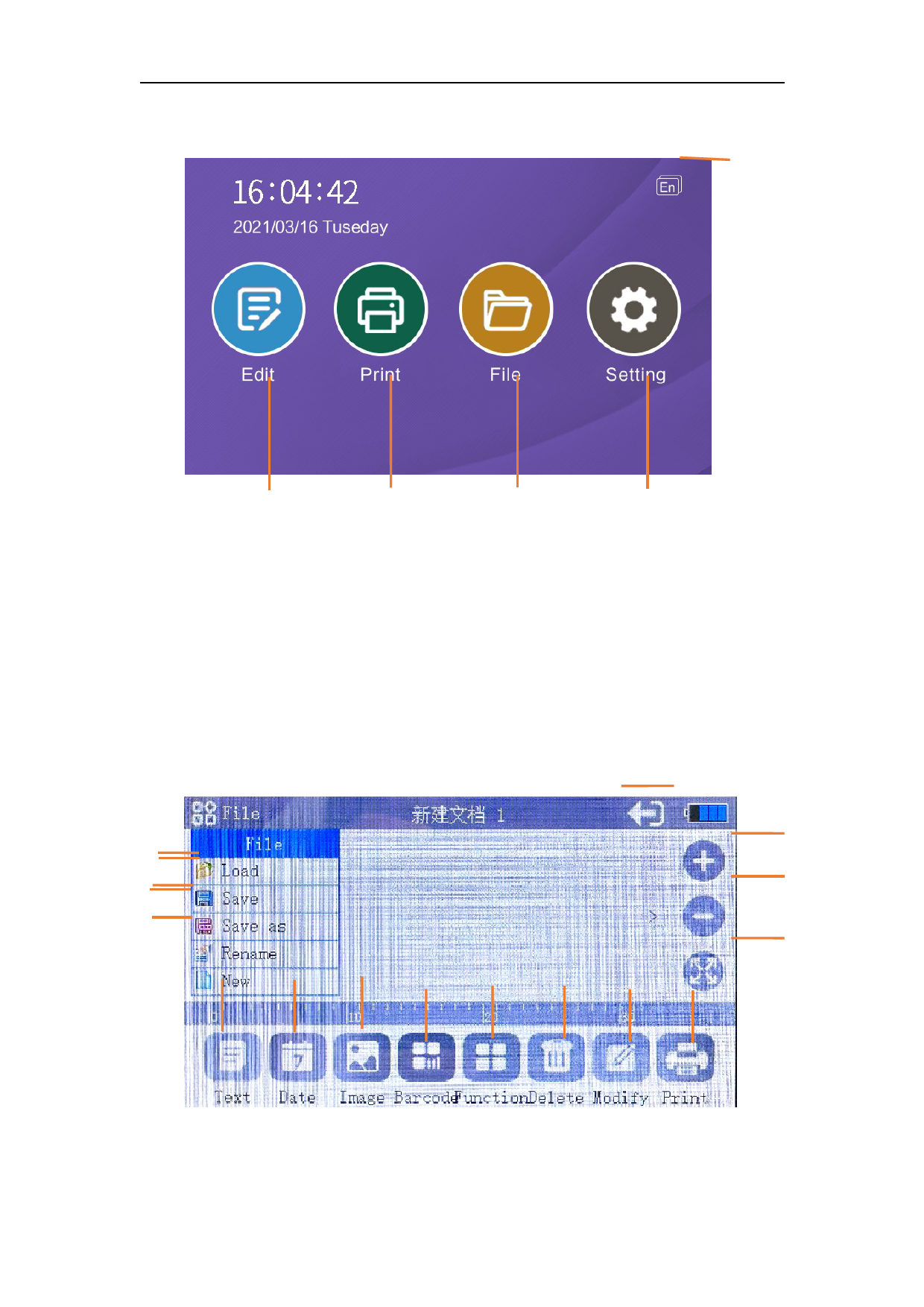
1.Edit: Click the button to enter the interface for editing and printing
information
2. Print: click the button to enter the print interface
3.Files: Click the button to enter the file selection button, and you can
choose the saved information
4.Setting: Click the button to enter the system parameter setting
5.EN:Click the button to enter the operation interface language switch
button
4.Editing interface
14
11901
1165
132
17
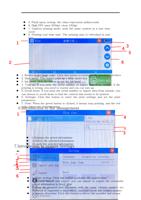
1. Text: Click this button to enter the input interface and enter text
5 6 7 8 2. Date: Click this button to enter the selected system date, which can be
1 2 3 4 updated in real time
3. Pictures: Insert the U disk to import pictures and print
4. Graphic code: Insert U disk to edit QR code and bar code
5. Delete: delete the selected content
6. More functions: Click this button to select txt, table, segment, etc.
7. Modify: modify information, modify the selected content
8. Print: Click this button to start printing
9. Loading: recall saved information
10. Save: Click this button to save the edited content
11. Save as: Click this button to save the file as a message
12. Rename: Rename the saved information
13. New: Create a new text message
14. Return: return to the main interface