- You are here:
- AM.CO.ZABuythisCNC Utilities Homepage
- GoPrinter-Portable-Printer
- Component Manuals
- T-H说明书英文.pdf
- Page 7 of 14
5.Print
parameter
introduction
1
23
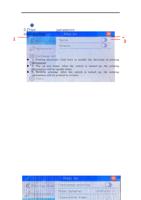
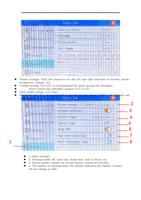
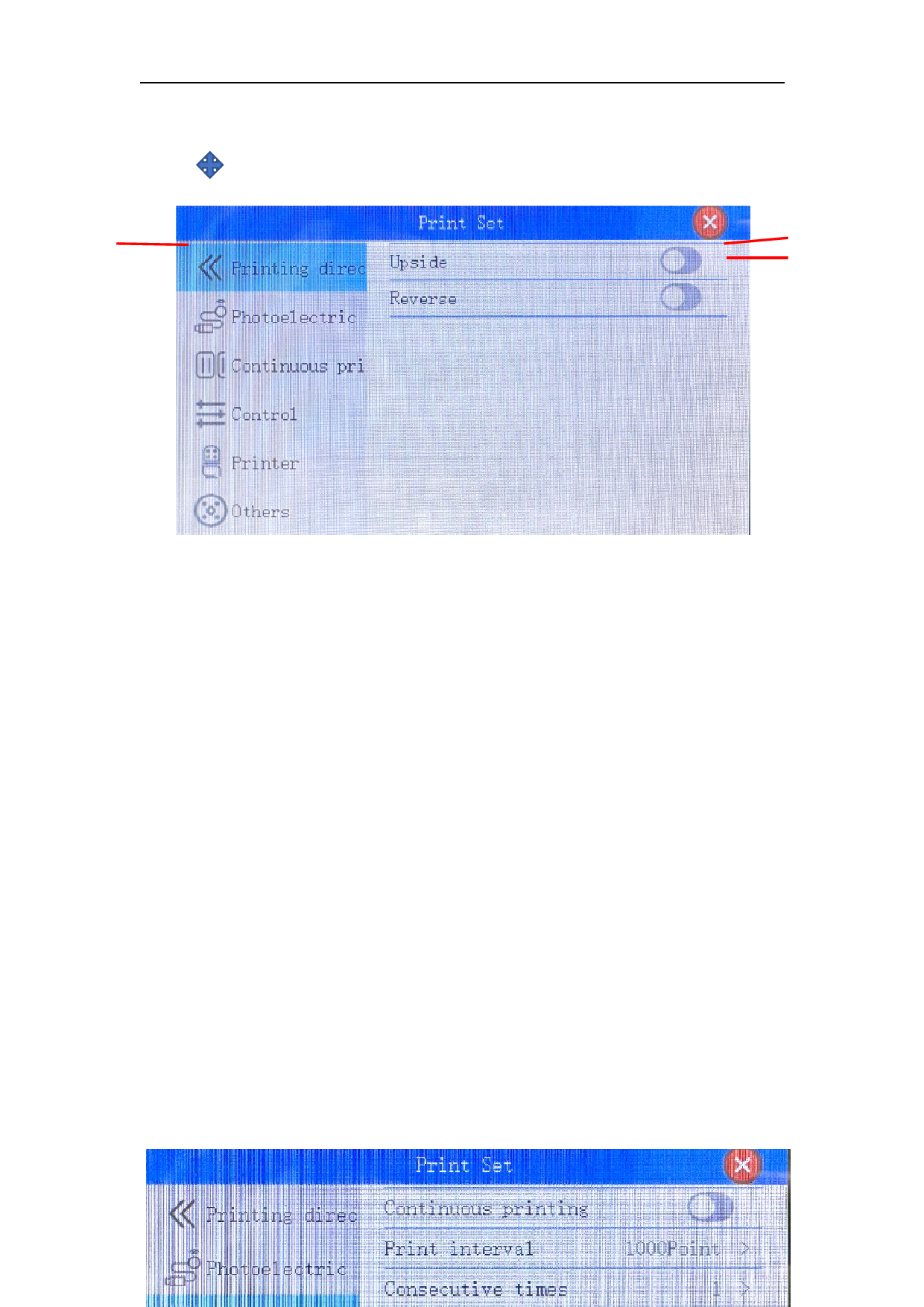
1. Printing direction: Click here to modify the direction of printing
information
2. Flip up and down: After the switch is turned on, the printing
information will be upside down
3. Reverse printing: After the switch is turned on, the printing
information will be printed in reverse