- You are here:
- AM.CO.ZABuythisCNC Utilities Homepage
- GoPrinter-Portable-Printer
- Component Manuals
- T-H说明书英文.pdf
- Page 12 of 14
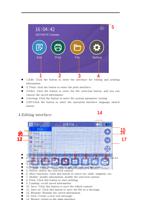
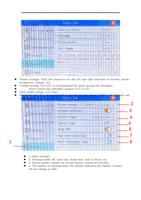
4. System information: Click this button to upgrade the software, view
the version number, etc.
5. System settings: Click this button to set button tone, restore factory
settings, Bluetooth connection, etc.
6. Language selection: Click this button to switch the system language
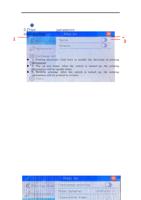
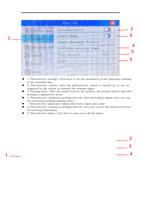
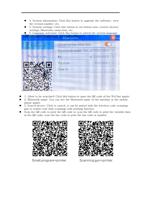
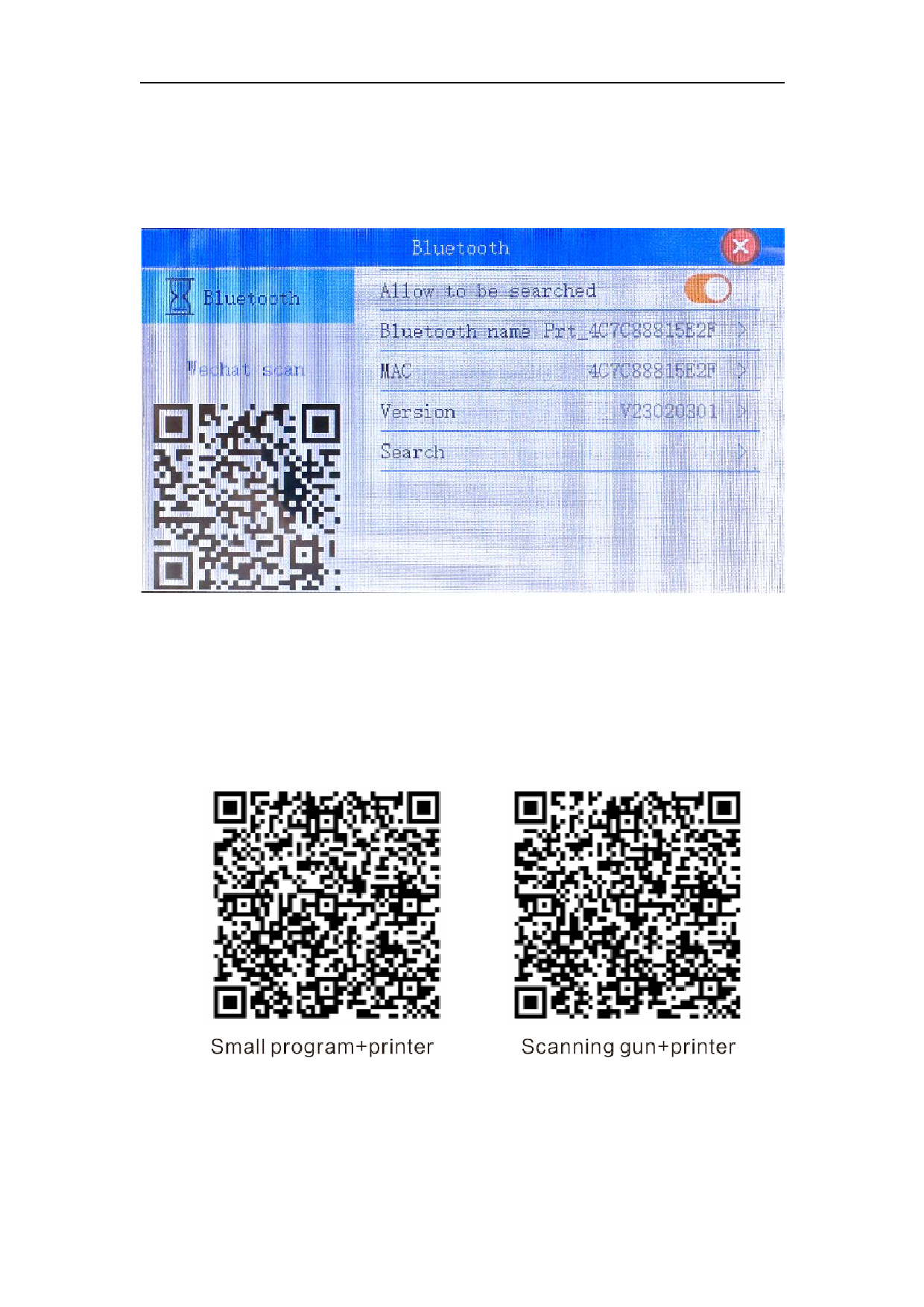
*Bluetooth function introduction
1. Allow to be searched: Click this button to open the QR code of the WeChat applet
2. Bluetooth name: You can see the Bluetooth name of the machine in the mobile
phone applet
3. Search device: Click to search, it can be paired with the wireless code scanning
gun to realize real-time scanning code printing function
Scan the QR code to print the QR code or scan the QR code to print the variable data
in the QR code; scan the bar code to print the bar code or number.