- You are here:
- AM.CO.ZABuythisCNC Utilities Homepage
- GoPrinter-Portable-Printer
- Component Manuals
- T-H说明书英文.pdf
- Page 11 of 14
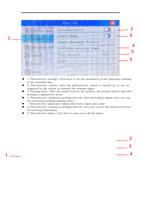
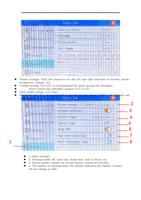
5. Flash spray setting: the value represents milliseconds
6. High DPI: open 300dpi; close 150dpi
7. Gapless printing mode: print the same content in a non-stop
cycle
8. Printing real-time time: The printing time is refreshed in real
time.
1
2
43
5
6
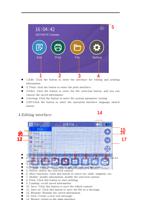
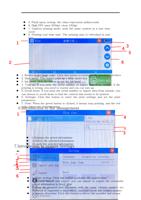
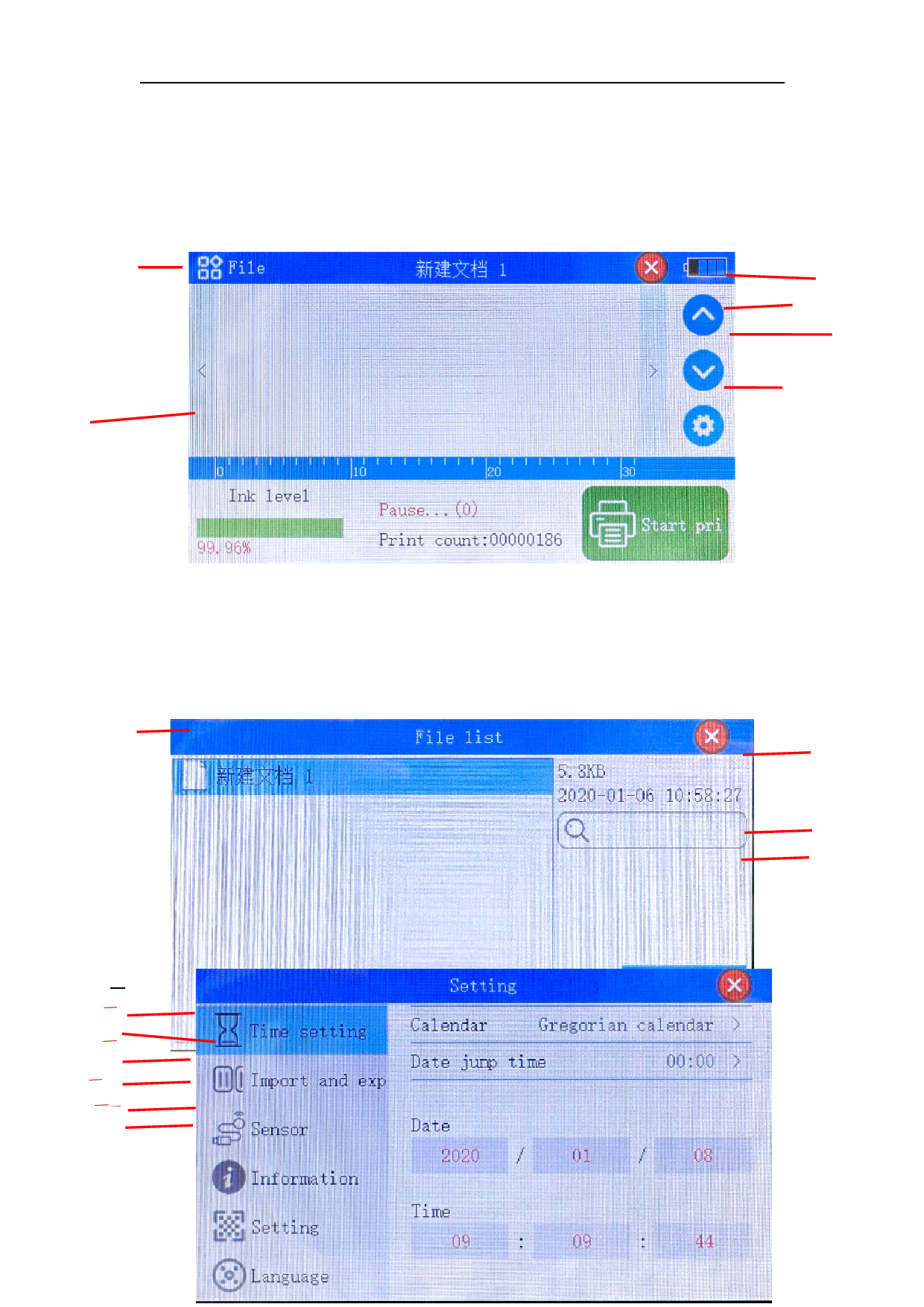
1. Return to the home page: Click this button to return to the previous interface
2. Main menu: This button pops up a drop-down box
3. Ink level: click the button to set the ink level
4. Turn up: If you print the serial number or import data from outside, if the
printing is wrong, you need to reprint and you can turn up
5. Scroll down: If you print the serial number or import data from outside, you
can choose to scroll down to find the content that needs to be printed
6. Settings: Click this button to enter the print settings and set the print
parameters
7. Print: When the green button is clicked, it means stop printing, and the red
6.cInoltorr omdeauncsttihoenprtinotinfgilsetatmusanagement
1
4
2
3
1.Displays the saved information
2.Delete the selected information
7.Introduc34t..iLFooinnaddtsinotfhoesrmysaestlietocentemd iSnfeortmtiantiogns
21
435
6
1. Time setting: Click this button to modify the system time
2. Record import and export: you can import or export the externally
edited information to the U disk
It must be ensured that machines with the same version number are
imported or exported to each other, carefully check the version number
3. Sensor detection: Click this button to detect the encoder and sensor