Guangzhou Senyang Electronic Technology Co.
Chapter 4 "Calibration" module description
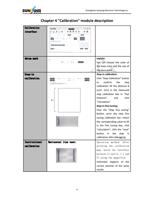
Calibration
interface
datum mark
Step-in
calibration
Institutional
calibration
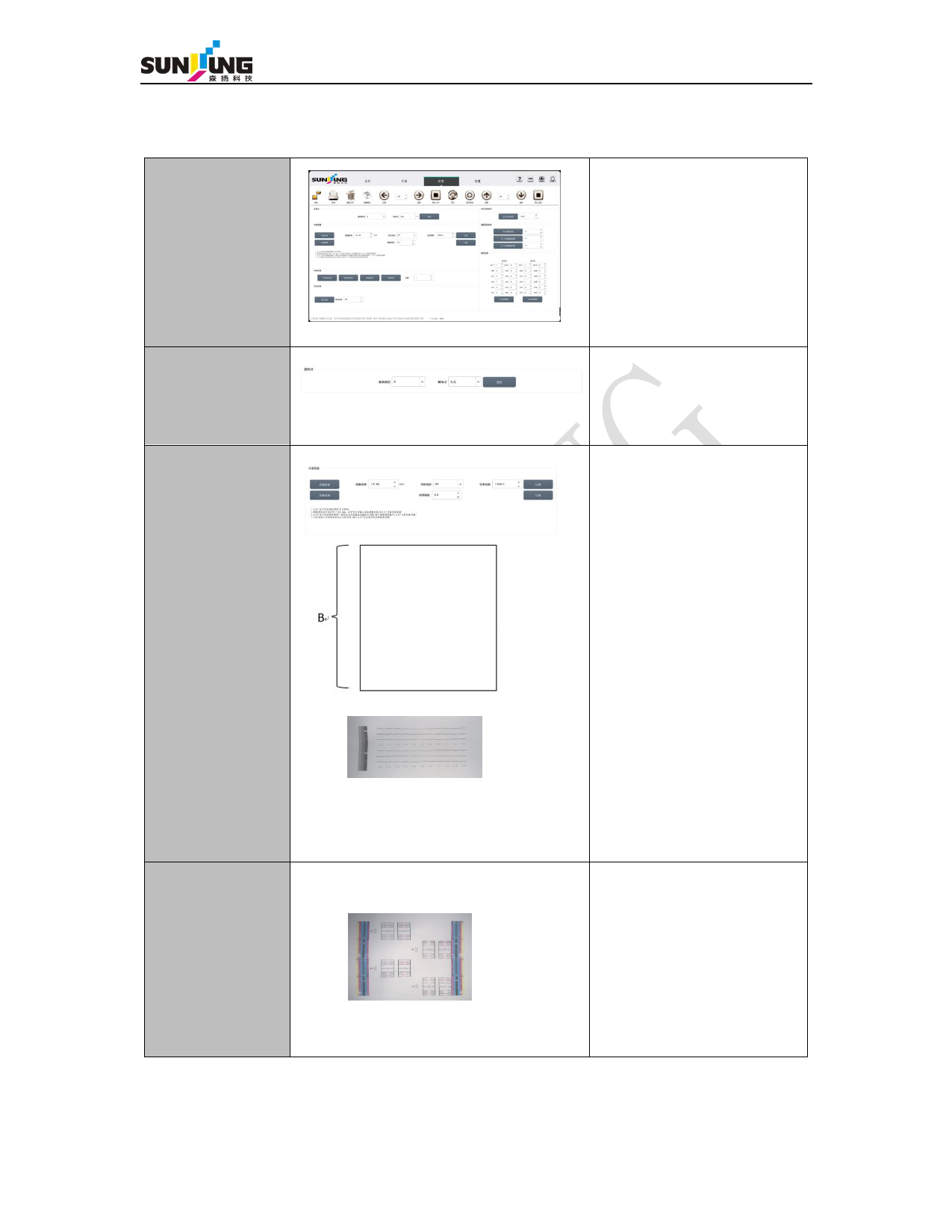
Horizontal line test:
9
explain:
You can choose the color of
the base color and the size of
the base point.
Step-in calibration:
Click "Step Calibration" button
to confirm the step
calibration, fill the distance B
(unit: mm) in the measured
step calibration box in "Test
Distance", and click
"Calculation".
Step-in fine-tuning:
Click the "Step fine tuning"
button, print the step fine
tuning calibration bar, match
the corresponding value to fill
in the fine tuning box, click
"calculation", click the "save"
button in the step in
calibration after debugging.
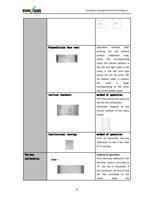
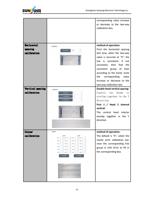
Operation method: After
printing the calibration
map, watch the interface
between C1 and C1, C 1 and
C7 using the magnifier.
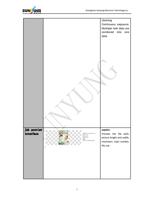
Schematic diagram of the
correct position of the spray
nozzle: