Guangzhou Senyang Electronic Technology Co.
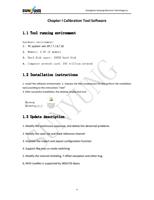
Chapter I Calibration Tool Software
1.1 Tool running environment
hardware environment:
1、 PC system: win XP / 7 / 8 / 10
2、 Memory: 4.0G of memory
3、 Hard disk space: 100GB hard disk
4、 Computer network card: 100 trillion network
1.2 Installation instructions
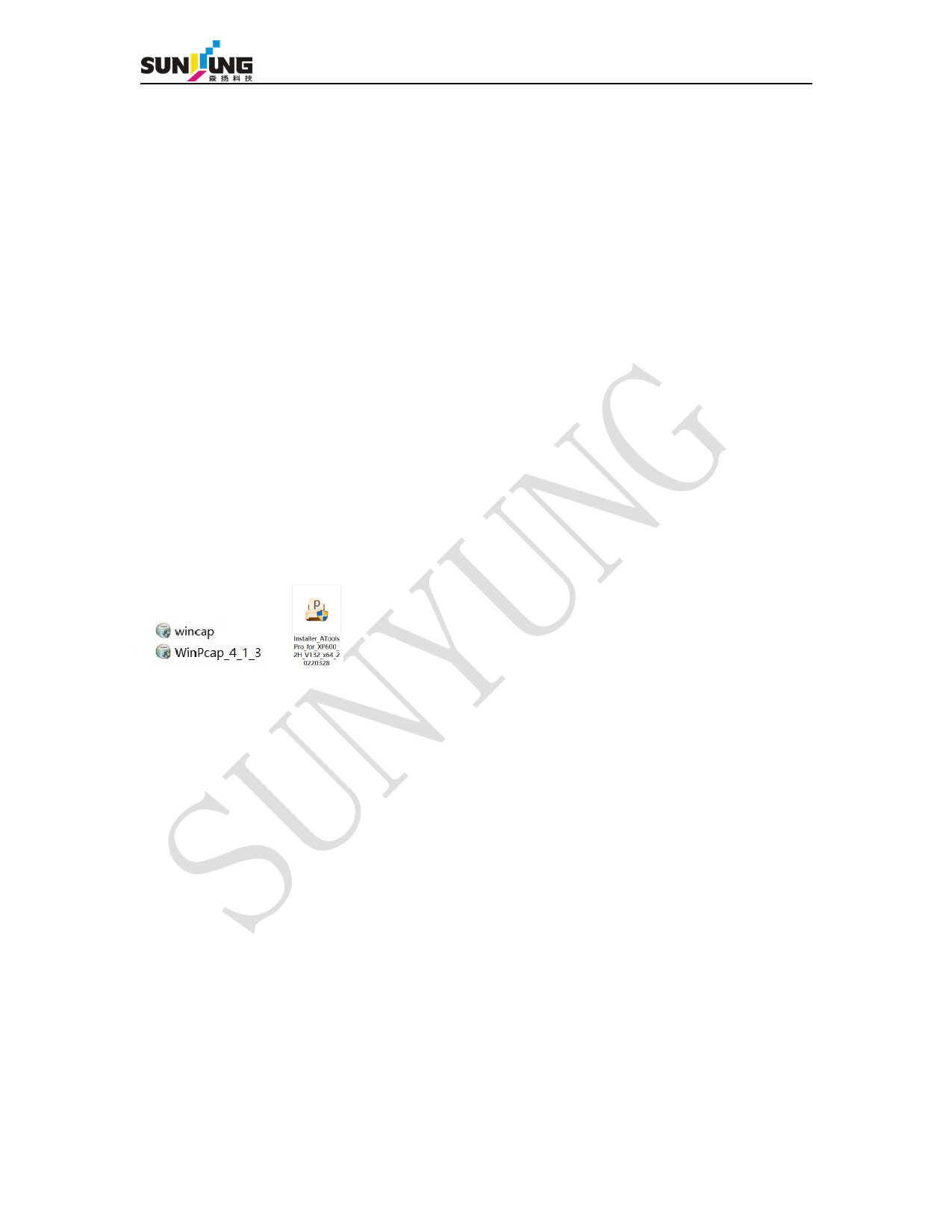
1. Install the software environment. 2. Unpress the tool compression kit and perform the installation
tool according to the instructions "next"
3. After successful installation, the desktop display tool icon
1.3 Update description
1. Modify the continuous exposure, and delete the abnormal problems
2. Modify the color set and fixed reference channel
3. Improve the import and export configuration function
4. Support the new uv mode switching
5. Modify the channel shielding, Y offset exception and other bug
6, With LowRes is supported by 360x720 4pass
4