



Page 5 / 14 of Manual Contour Cutting by SignMaster on V-Smart Vinyl Cutter

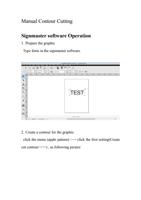
ManualContourCuttingSignmastersoftwareOperation1.PreparethegraphicTypefontsinthesignmastersoftware.2.Createacontourforthegraphicclickthemenu(applepattern)clickthefirstsetting(Createcutcontour……),asfollowingpicture
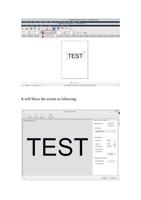
ItwillShowthescreenasfollowing:
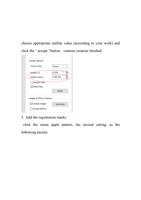
chooseappropriateoutlinevalue(accordingtoyourwork)andclickthe“accept”button,contourcreationfinished.3.Addtheregistrationmarksclickthemenuapplepattern,thesecondsetting,asthefollowingpicture
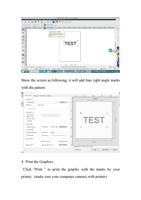
Showthescreenasfollowing,itwilladdfourrightanglemarkswiththepattern.4.PrinttheGraphicsClick“Print”toprintthegraphicwiththemarksbyyourprinter.(makesureyourcomputerconnectwithprinter)
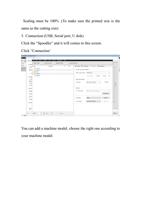
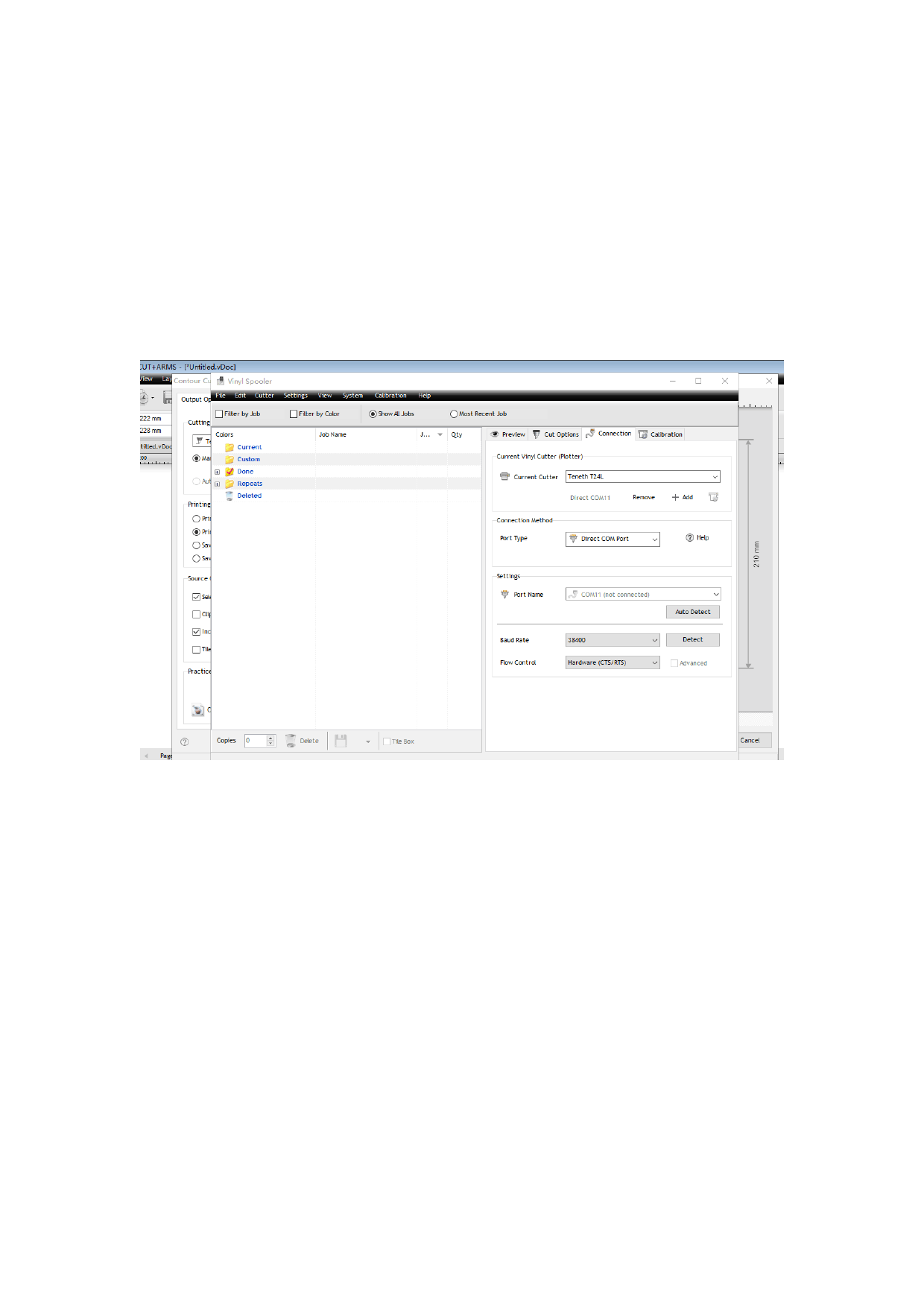
Scalingmustbe100%.(Tomakesuretheprintedsizeisthesameasthecuttingsize)5.Connection(USB,Serialport,Udisk)Clickthe“Spoodler”anditwillcomestothisscreen.Click“Connection’Youcanaddamachinemodel,choosetherightoneaccordingtoyourmachinemodel.
WhenyouconnectthemachineandcomputerbyusingUSBcable,choosethe“Porttype”“DirectCOMPort”.The“Setting”,selecttheportname.(IfyouinserttheUSBcable,itwillshowthecablename)6.Cutting
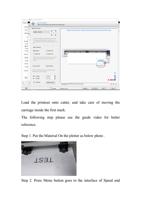
Loadtheprintoutontocutter,andtakecareofmovingthecarriageinsidethefirstmark.Thefollowingsteppleaseseetheguidevideoforbetterreference.Step1.PuttheMaterialOntheplotterasbelowphoto.Step2.PressMenubuttongoestotheinterfaceofSpeedand
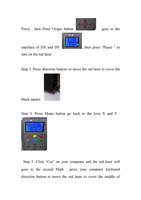
Force,thenPressOriginbuttongoestotheinterfaceofDXandDY,thenpress“Pause”toturnontheredlaser.Step3.Pressdirectionbuttonstomovetheredlasertocovertheblacksquare.Step4.PressMunubuttongobacktotheAxisXandY.Step5.Click“Cut”onyourcomputerandtheredlaserwillgoestothesecondMark,pressyourcomputerkeyboarddirectionbuttontomovetheredlasertocoverthemiddleof
mark,thenClick“next”tothethirdoneandtheforthone……asvideo.Notice:itisimportantthatmustPressOriginbuttonontheplotterafteryoumovetheredlasertothefinalmark
    "

Do you need help?

Call Me Back
    "

Do you need help?

Call Me Back