Machine Maintenance and Errors Instruction
Maintenance Manual
※ Turn on the machine and use machine every day, which is suggested.
※ If the machine will not be used for over 7 days, the print heads are suggested to disassemble and
make a cleaning, and then keep wet.
※ Before printing, please adjust the print gap between print head and print object to be 2-3mm, and
then start printing. Be cautious, if the print head is lower than print object surface, the print head will
get scratched or clashed.
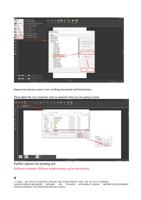
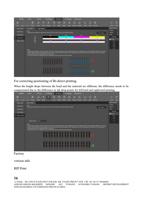
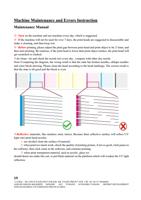
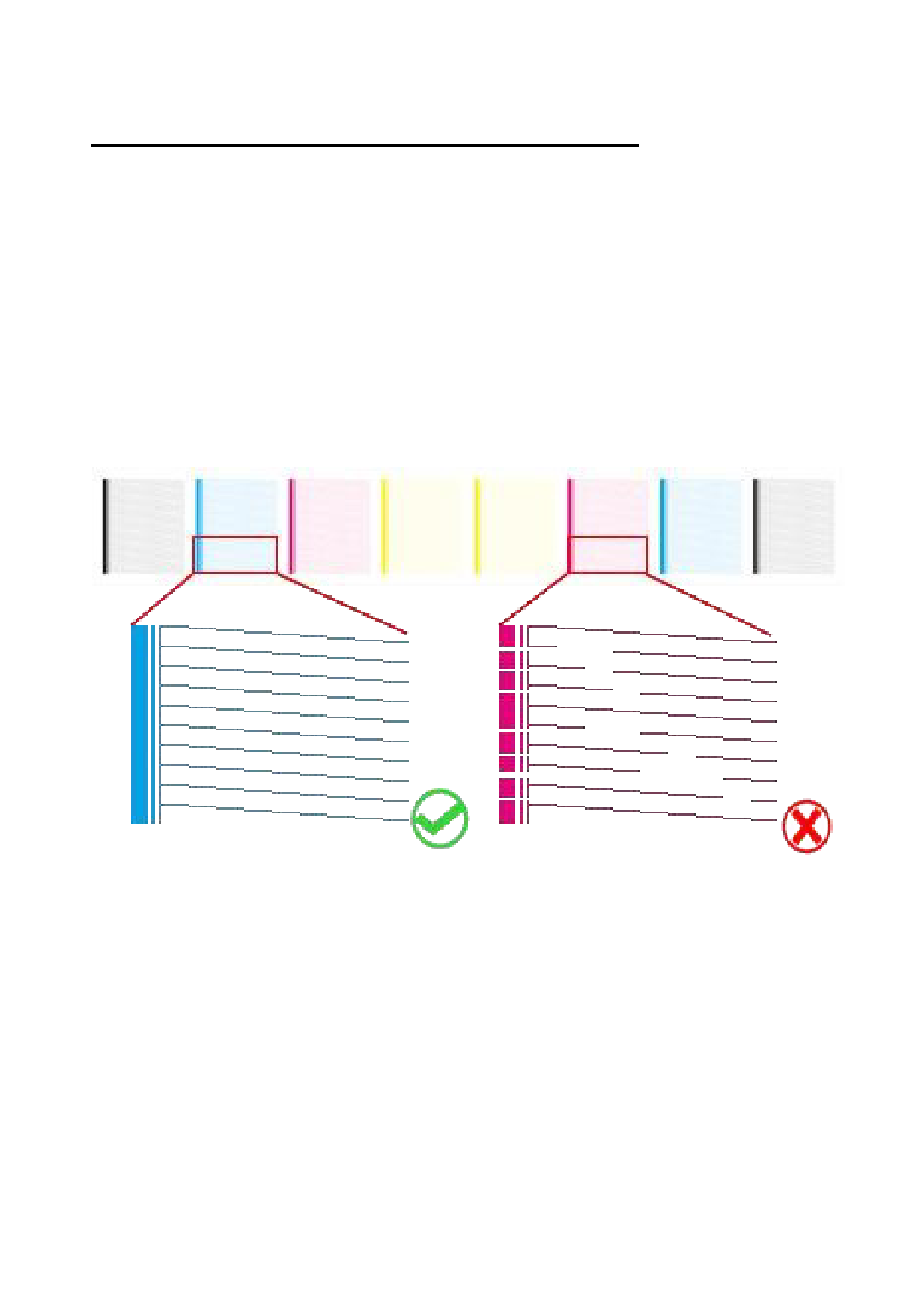
※do clean---do and check the nozzle test every day , compare with other day nozzle.
Note=Comparing the diagram, the wrong result is that the state has broken needles, oblique needles
and color block drawing. Please clean the head according to the head markings. The correct result is
that the state is all good and the block is even.
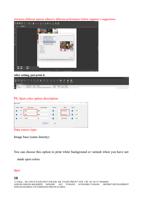
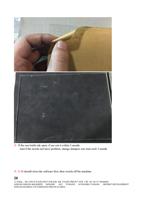
※Reflective materials, like stainless steel, mirror, Because their reflective surface will reflect UV
light onto print head nozzles.
1: use alcohol clean the surface of material.
2: when print too much work, check the quality of printing picture, if not so good, click pause in
the software, then click clean in the software, and continue printing.
3: when print transparent material, such as acrylic, glass ect.
should donot use make this out, or put black material on the platform,which will weaken the UV light
reflection.
19
公司地址:浙江省杭州市余杭区临平东湖北路 488 号东湖生物医药产业园 3 楼 Tel:+86 571 88568605
ADD:4FLOOR,NO.486,NORTH DONGHU AVE YUHANG ECONOMIC,YUHANG DISTRICT,DEVELOPMENT
ZONE,HANGZHOU CITY,ZHEJIANG PROVICE,CHINA