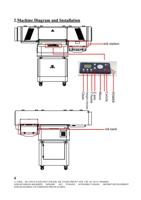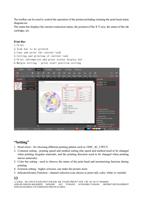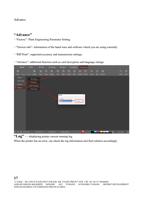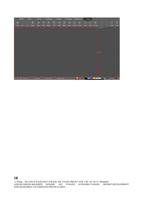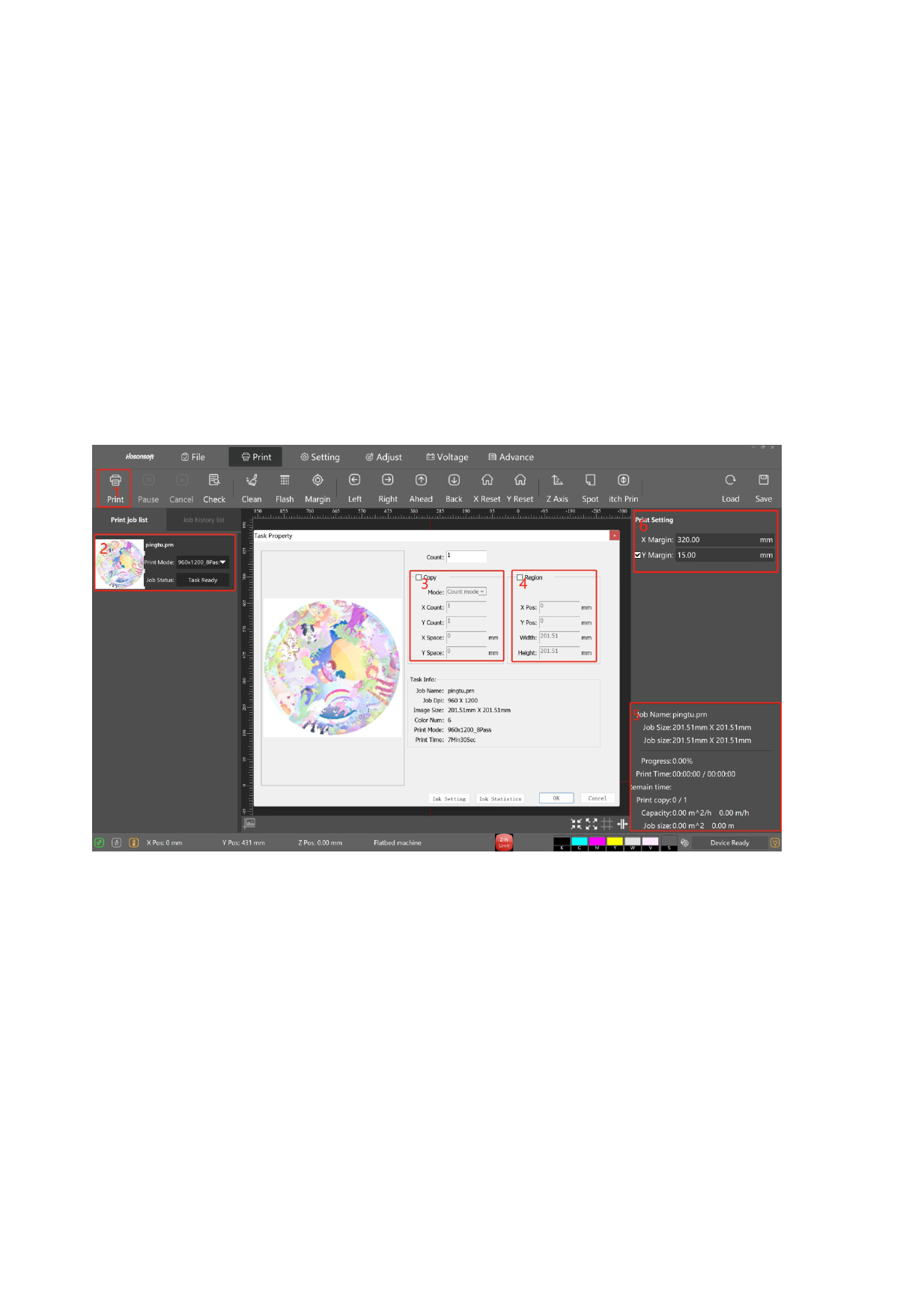
The toolbar can be used to control the operation of the printer,including cleaning the print head status
diagram,etc.
The status bar displays the current connection status, the position of the X Y axis, the status of the ink
cartridge, etc.
Print Bar
1.Print
2.Task bar to be printed
3.Copy and print the current task
4.Cutting and printing of current task
5.Print information and print status display bar
6.Margin setting - print start position setting
“Setting”
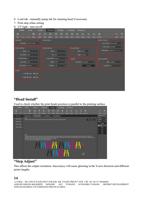
1. Head select - for choosing different printing pattern such as 1H4C_4C_CWCV,
2. Common setting - printing speed and method setting (the speed and method need to be changed
when printing irregular materials, and the printing direction need to be changed when printing
mirror materials)
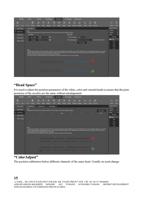
3. Color bar setting - used to observe the status of the print head and moisturizing function during
printing
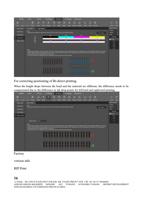
4. Eclosion setting - higher eclosion, can make the picture more
5. delicateAdvance Function - channel selection (can choose to print only color, white or varnish)
13
公司地址:浙江省杭州市余杭区临平东湖北路 488 号东湖生物医药产业园 3 楼 Tel:+86 571 88568605
ADD:4FLOOR,NO.486,NORTH DONGHU AVE YUHANG ECONOMIC,YUHANG DISTRICT,DEVELOPMENT
ZONE,HANGZHOU CITY,ZHEJIANG PROVICE,CHINA