User Manual of Machine Vision Camera SDK Plugin (Sherlock)
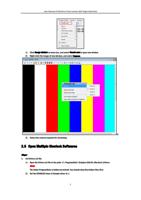
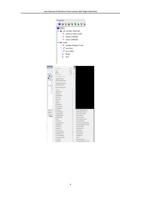
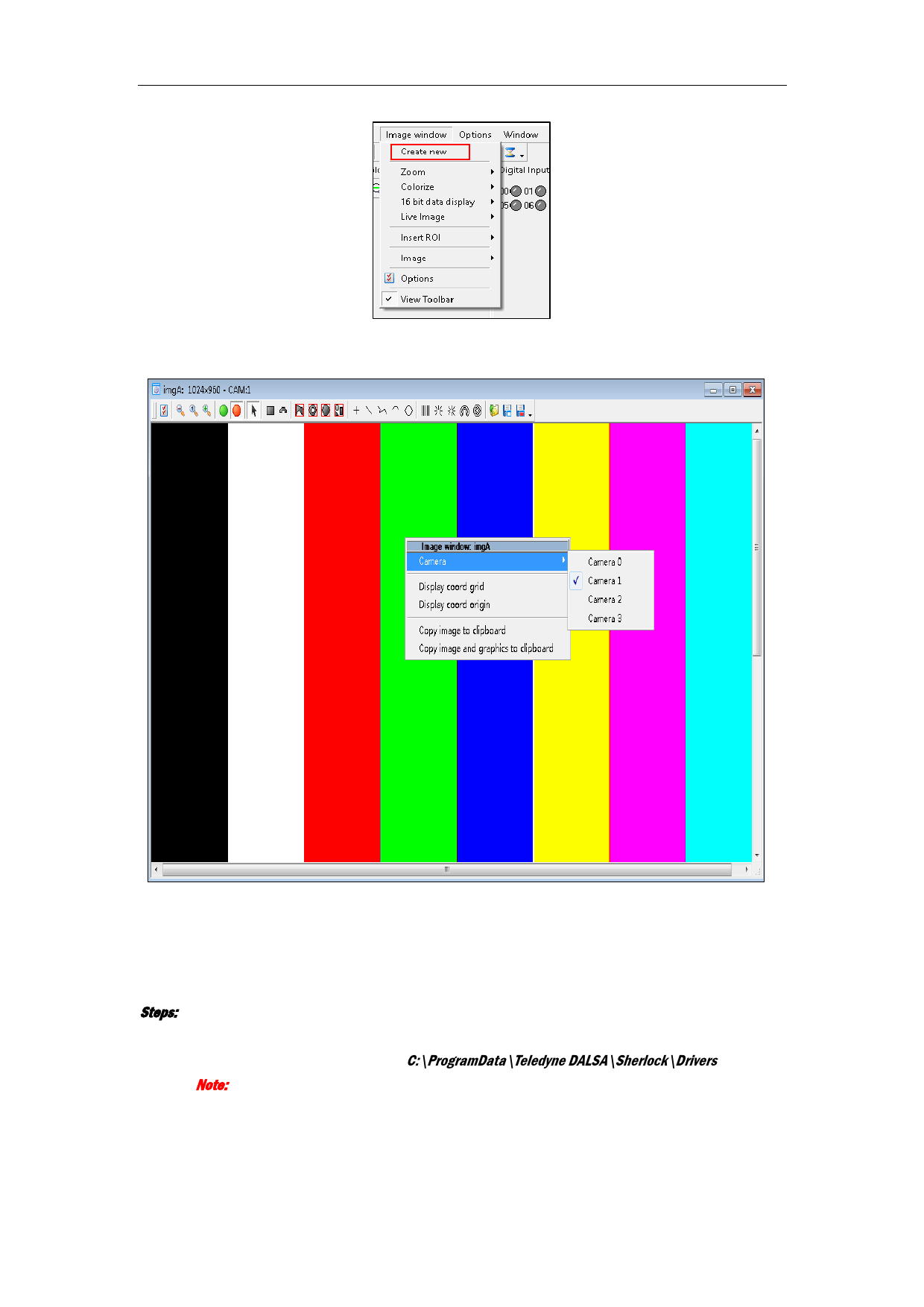
1) Click Image window on menu bar, and select Create new to open new window.
2) Right-click the image of new window, and select Camera.
3)
3) Select the camera required for streaming.
2.5 Open Multiple Sherlock Softwares
Steps:
1. Set Drivers.ini file.
1) Open the Drivers.ini file in the path: C:\ProgramData\Teledyne DALSA\Sherlock\Drivers.
Note:
The folder ProgramData is hidden by default. You should show the hidden files first.
2) Set the ENABLED value of Sample driver to 1.
5