User Manual of Machine Vision Camera SDK Plugin (Sherlock)
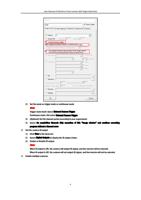
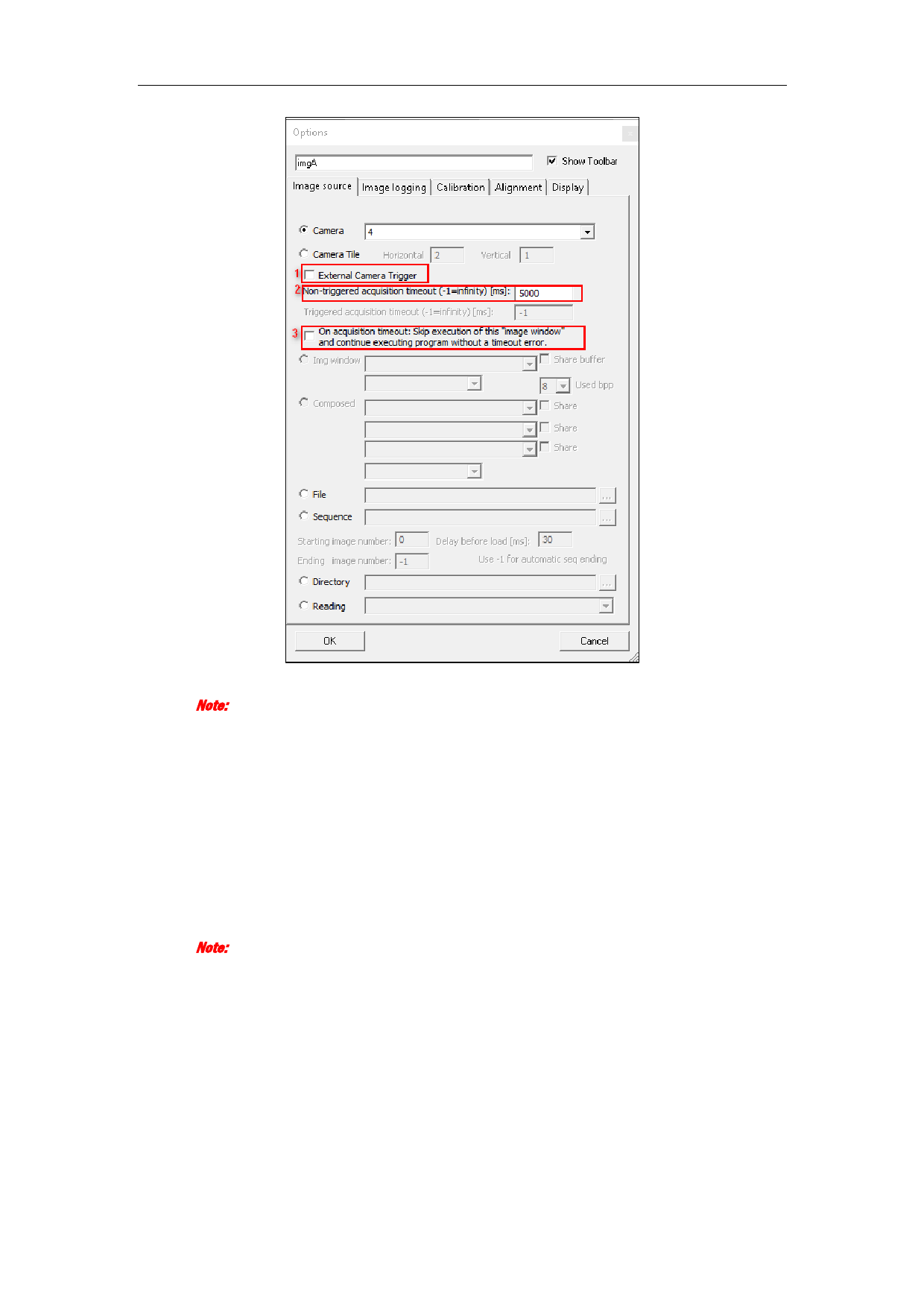
2) Set the mode as trigger mode or continuous mode.
Note:
Trigger mode line0: Select External Camera Trigger.
Continuous mode: Not select External Camera Trigger.
3) (Optional) Set the timeout period according to your requirement.
4) Select On acquisition timeout: Skip execution of this “image window” and continue executing
program without a timeout error.
2. Set the camera IO output
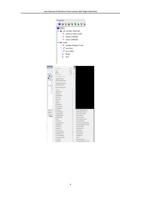
1) Click View in the menu bar.
2) Select Digital Outputs to display the IO output status.
3) Enable or Disable IO output.
Note:
When IO output is ON, the camera will output IO signal, and line inverter will be selected.
When IO output is Off, the camera will not output IO signal, and line inverter will not be selected.
3. Enable multiple cameras.
4