User Manual of Machine Vision Camera SDK Plugin (Sherlock)
Chapter 2Configuration
2.1 Copy Dynamic Link Library
Steps:
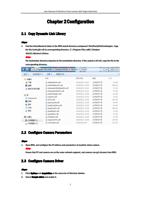
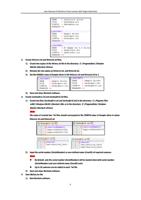
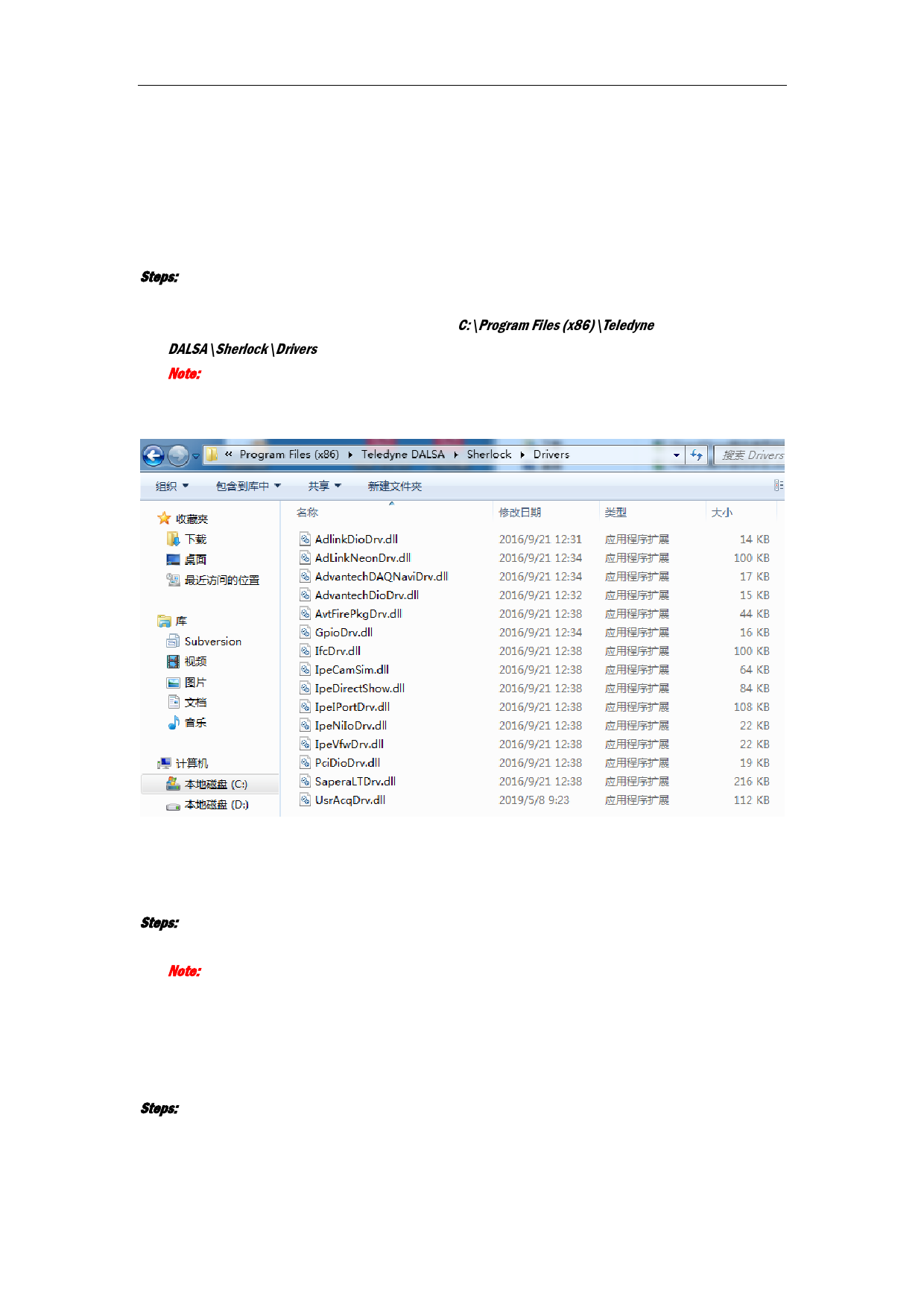
1. Find the DalsaSherlock folder in the MVS install directory evelopment\ThirdPartyPlatformAdapter. Copy
the file UsrAcqDrv.dll to corresponding directory: C:\Program Files (x86)\Teledyne
DALSA\Sherlock\Drivers.
Note:
The destination directory depends on the installation directory. If the system is 64-bit, copy the file to the
corresponding directory.
2.2 Configure Camera Parameters
Steps:
1. Open MVS, and configure the IP address and parameters of machine vision camera.
Note:
Ensure that PC and camera are on the same network segment, and camera can get streams from MVS.
2.3 Configure Camera Driver
Steps:
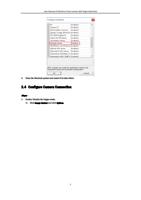
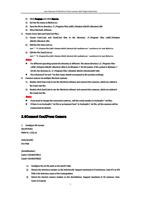
1. Click Options and Acquisition on the menu bar of Sherlock window.
2. Select Sample driver and enable it.
2