l Single controller to PC with single NIC
STEP 1:
Set the work mode to be ETHERNET on the panel. And then set the controller IP address between
192.168.001.100-192.168.001.149
STEP 2:
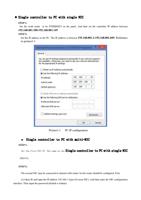
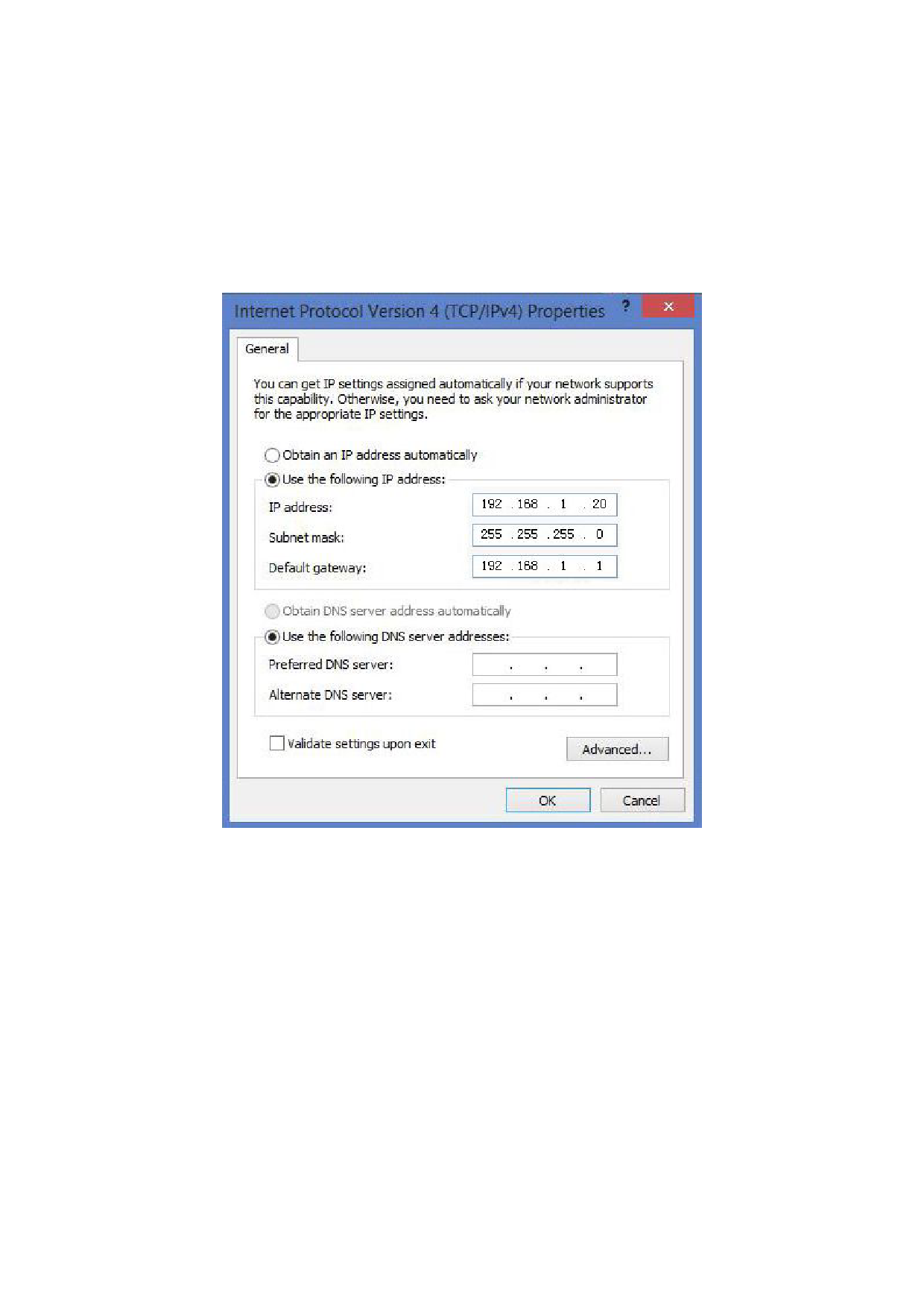
Set the IP address in the PC. The IP address is between 192.168.001.2-192.168.001.049. Reference
to picture1-1
Picture1-1 PC IP configuration
l Single controller to PC with multi-NIC
STEP 1:
Set the first NIC IP. The same as the Single controller to PC with single NIC
above.
STEP 2:
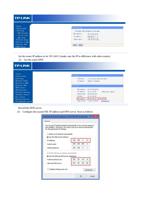
The second NIC may be connected to internet with router. So the router should be configured. First.
(1) Open IE and input the IP address 192.168.1.1(just for most NIC). And then enter the NIC configuration
interface. Then input the password (default is Admin)