PL-2303 Mac OS X Driver Installation Guide
Document Rev 1.0
PL-2303 Mac OS X Driver Installation Guide
Using the USB-to-Serial Device under Mac OS X
The following steps will show how to use the PL-2303 device under Mac OS X operating system:
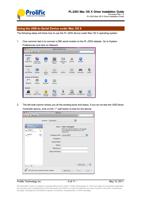
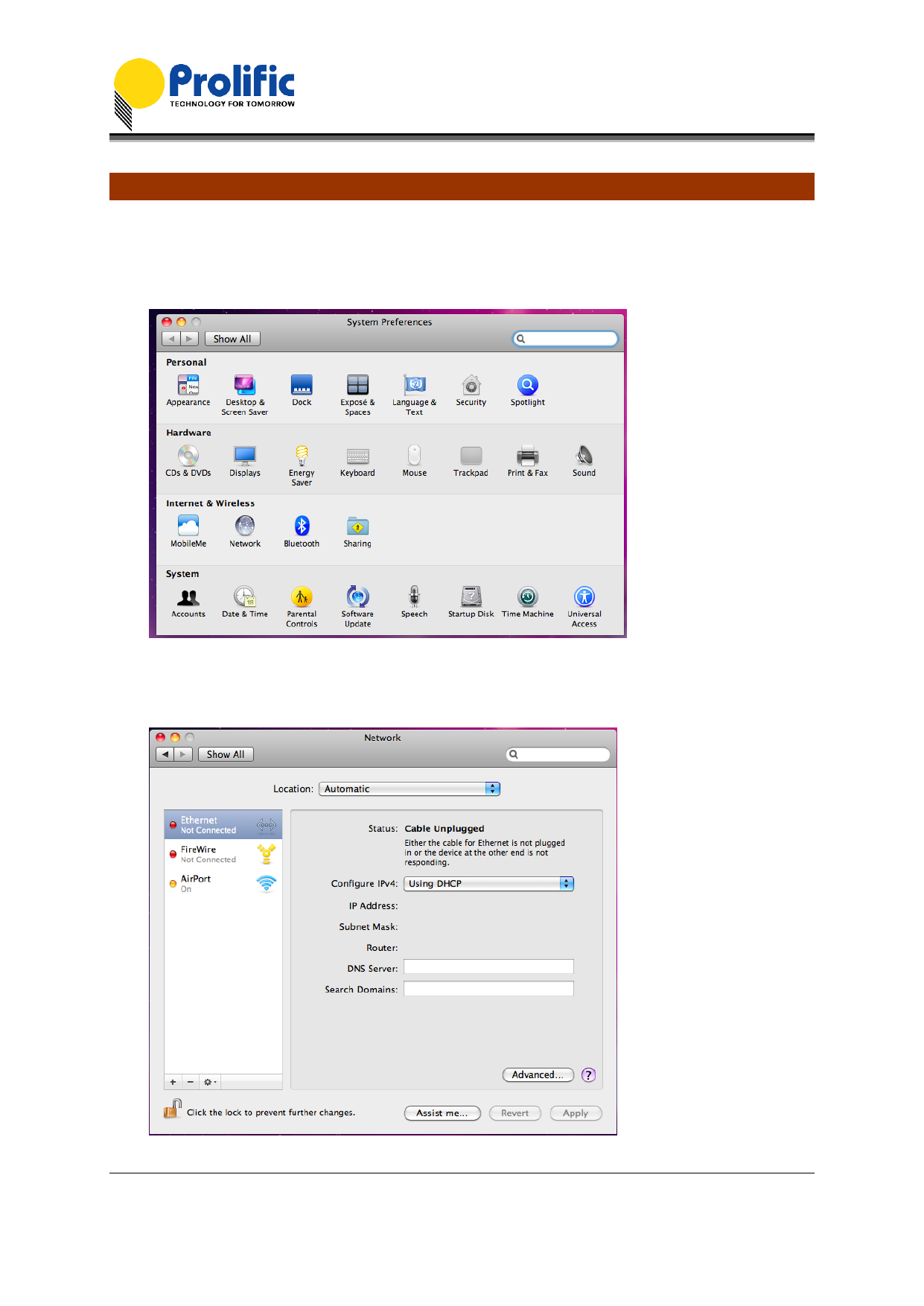
1. One common test is to connect a 56K serial modem to the PL-2303 adapter. Go to System
Preferences and click on Network.
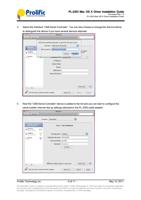
2. The left side column shows you all the existing ports and status. If you do not see the USB Serial
Controller device, click on the “+” add button to look for the device.
Prolific Technology Inc.
- 5 of 11 -
May 13, 2011
All information herein is subject to change without prior notice. Prolific Technology Inc. does not make any warranties regarding
the accuracy and completeness of this document and shall in no event be liable for any loss of profit or any other commercial
damage, including but not limited to special, incidental, consequential, or other damages.