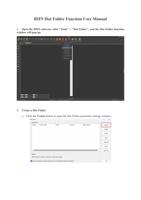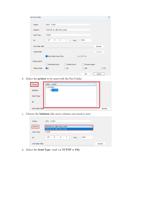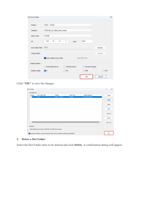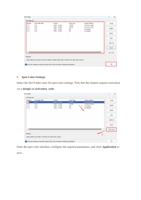
e. If you choose TCP/IPsending, enter the corresponding printer IP address and port
number.
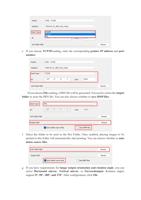
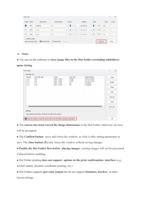
If you choose File sending, a PRN file will be generated. You need to select the output
folder to store the PRN file. You can also choose whether to save BMP files.
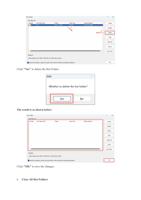
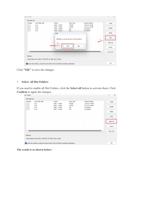
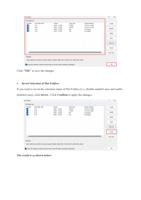
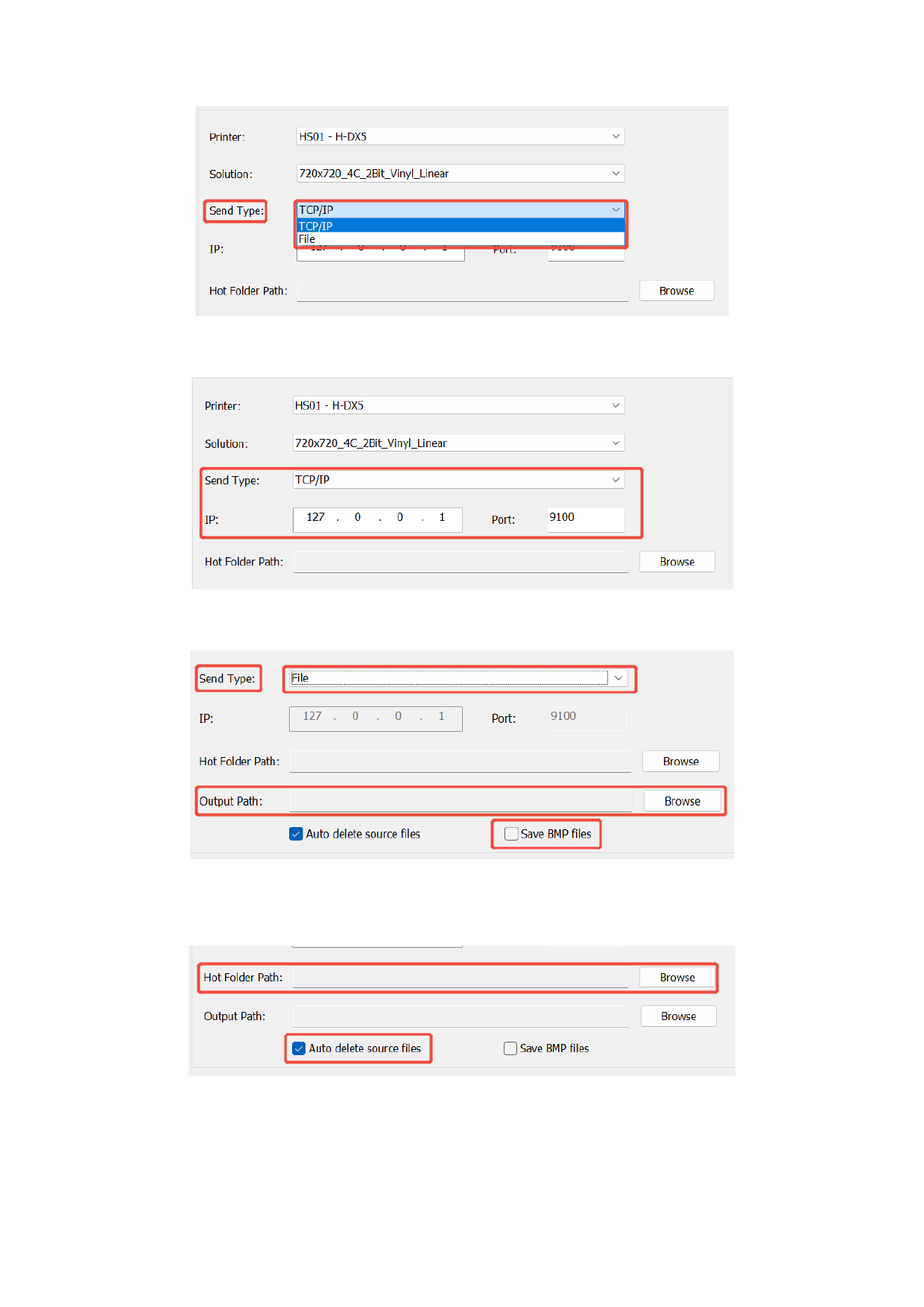
f. Select the folder to be used as the Hot Folder. Once enabled, placing images to be
printed in this folder will automatically start printing. You can choose whether to auto
delete source files.
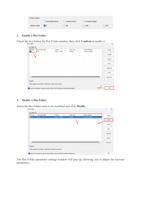
g. If you have requirements for image output orientation and rotation angle, you can
select Horizontal mirror, Vertical mirror, or Forwardoutput. Rotation angles
support 0°, 90°, 180°, and 270°. After configuration, click OK.