10. Notes
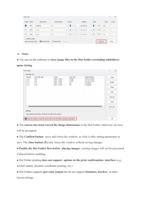
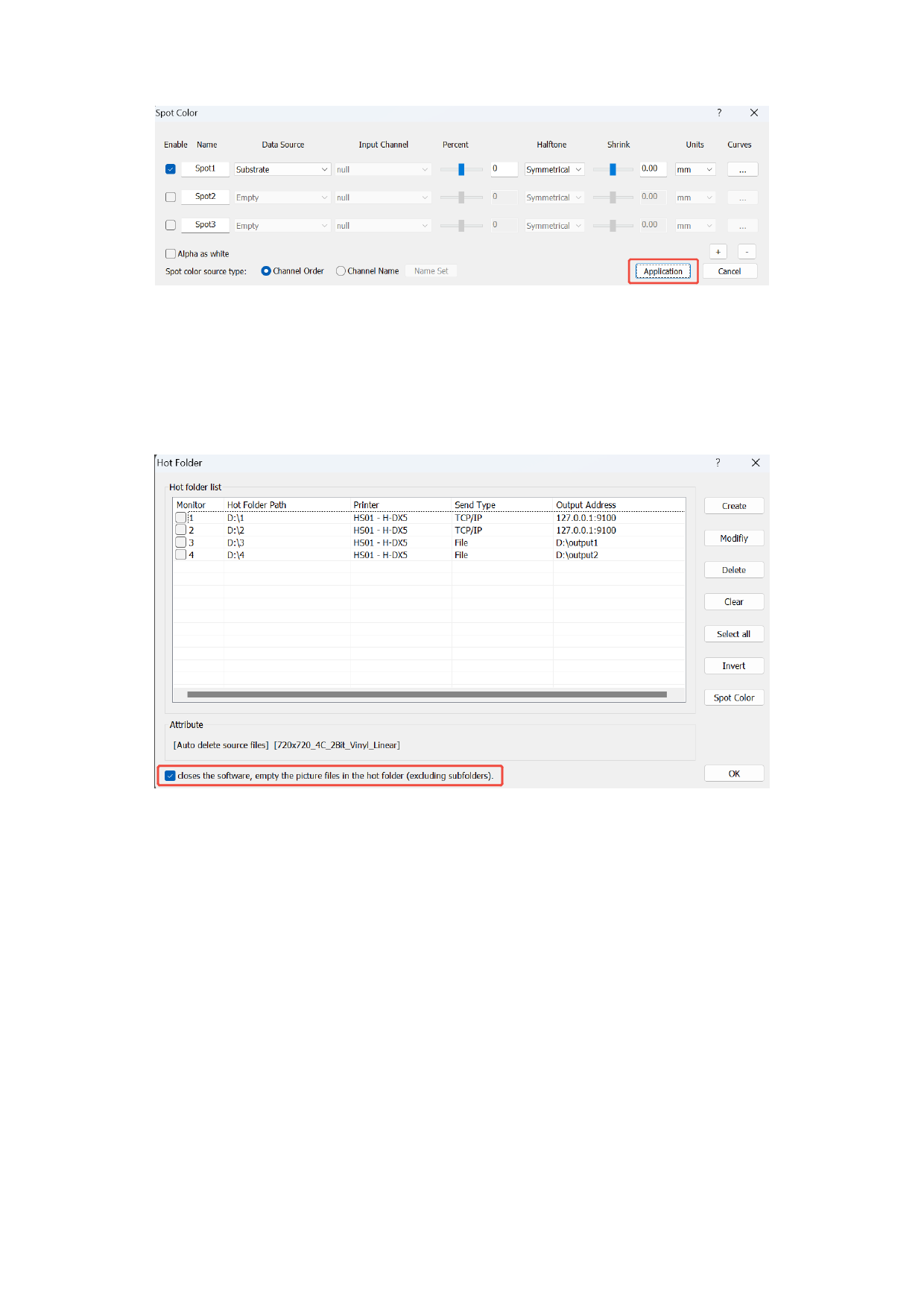
● You can set the software to clear image files in the Hot Folder (excluding subfolders)
upon closing.
● The canvas size must exceed the image dimensions in the Hot Folder; otherwise, an error
will be prompted.
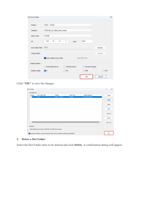
● The Confirm button saves and closes the window, so click it after setting parameters to
save. The close button (X) only closes the window without saving changes.
● Enable the Hot Folder first before placing images; existing images will not be processed
if placed before enabling.
● Hot Folder printing does not support options in the print confirmation interface (e.g.,
normal output, absolute coordinate printing, etc.).
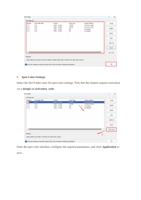
● Hot Folders support spot color output but do not support footnotes, borders, or other
layout settings.