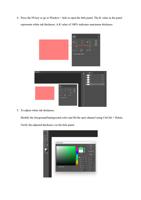
4. Press the F8 key or go to Window > Info to open the Info panel. The K value in the panel
represents white ink thickness. A K value of 100% indicates maximum thickness.
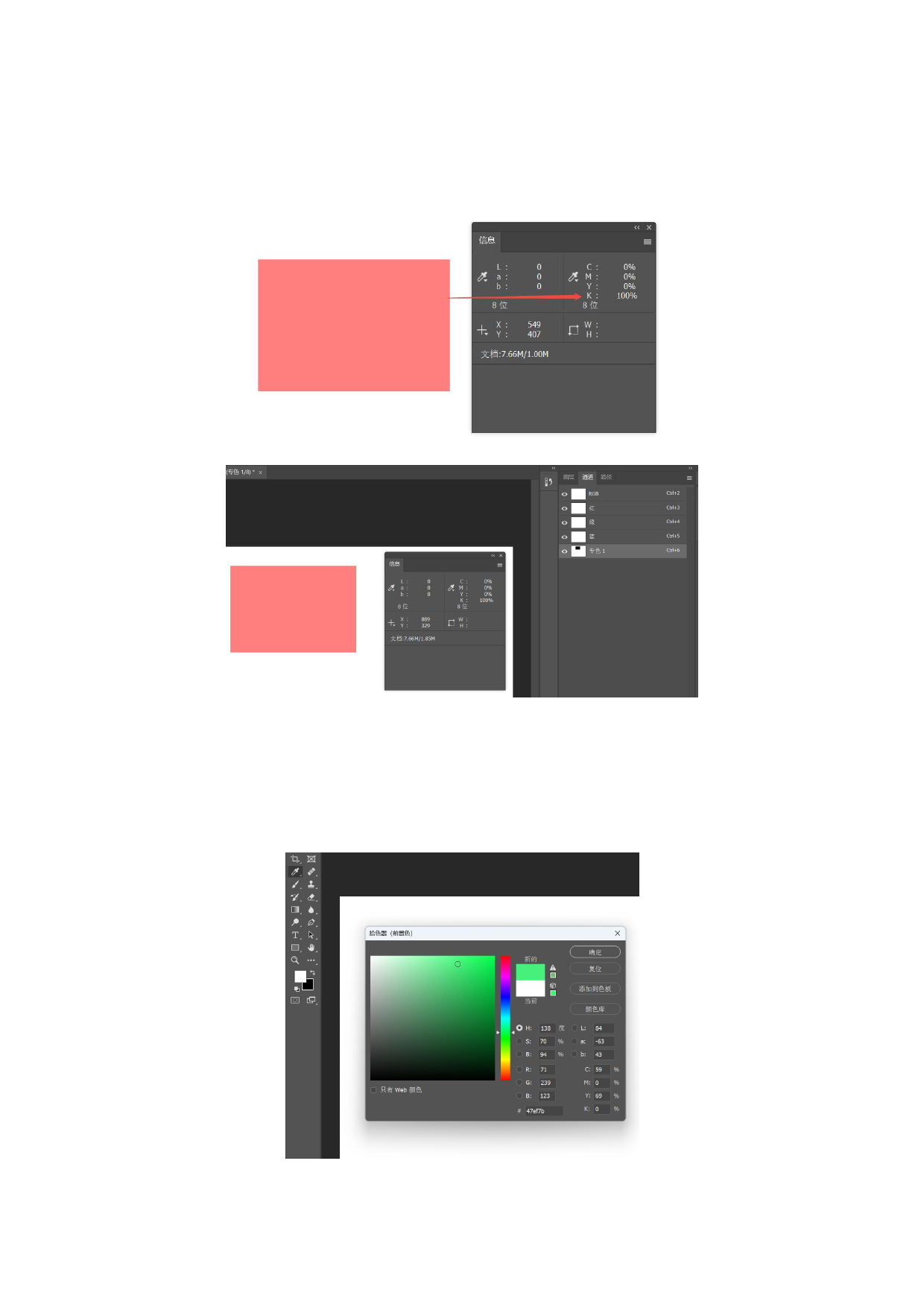
5. To adjust white ink thickness:
Modify the foreground/background color and fill the spot channel using Ctrl/Alt + Delete.
Verify the adjusted thickness via the Info panel.