Creating Spot Color Channels:
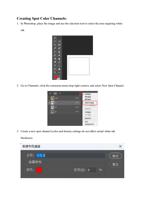
1. In Photoshop, place the image and use the selection tool to select the area requiring white
ink.
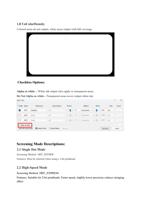
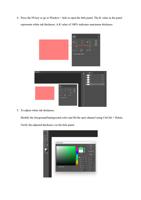
2. Go to Channels, click the extension menu (top-right corner), and select New Spot Channel.
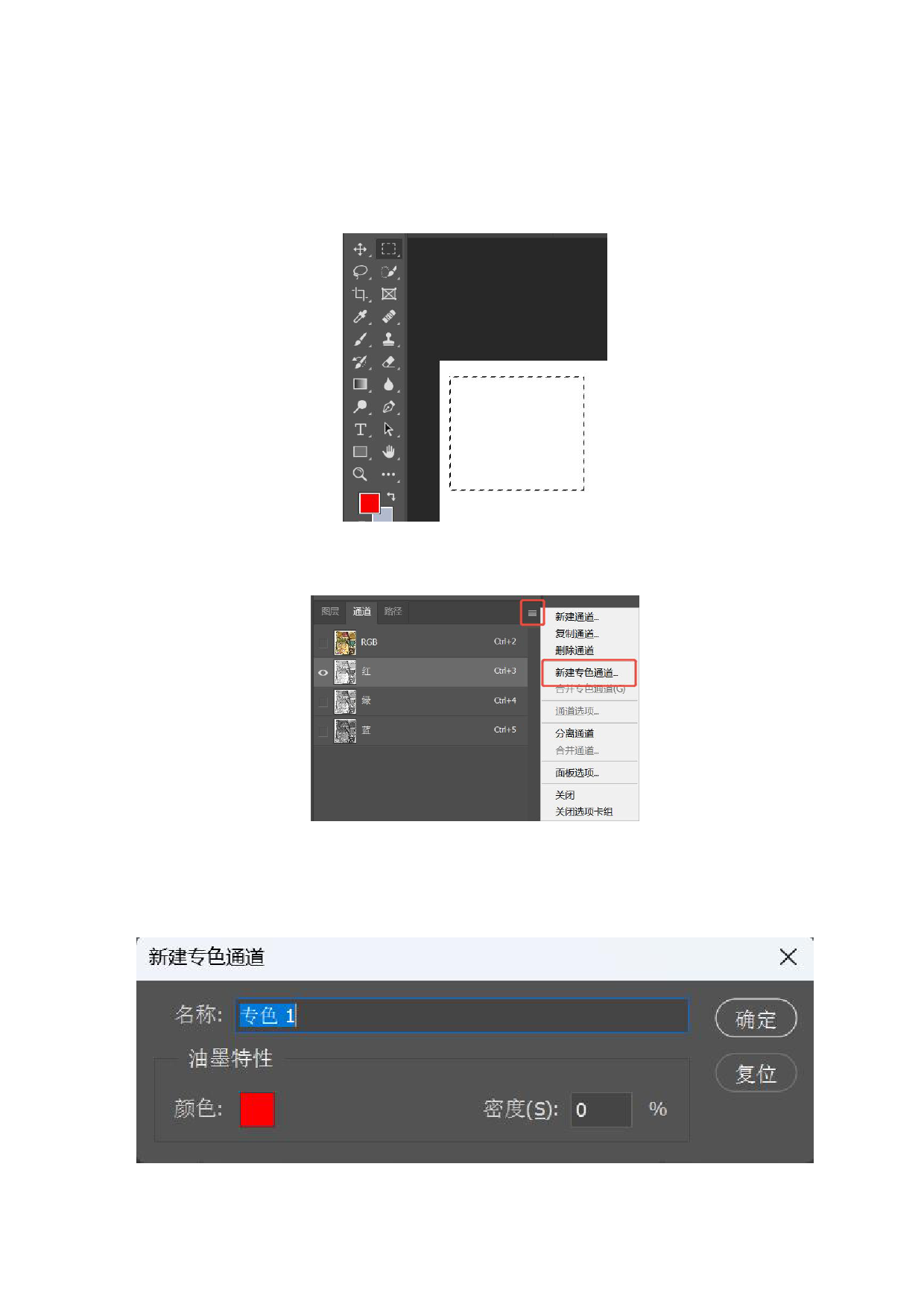
3. Create a new spot channel (color and density settings do not affect actual white ink
thickness).