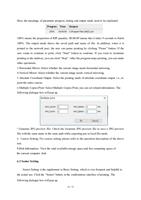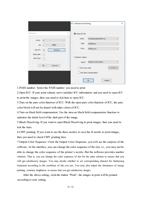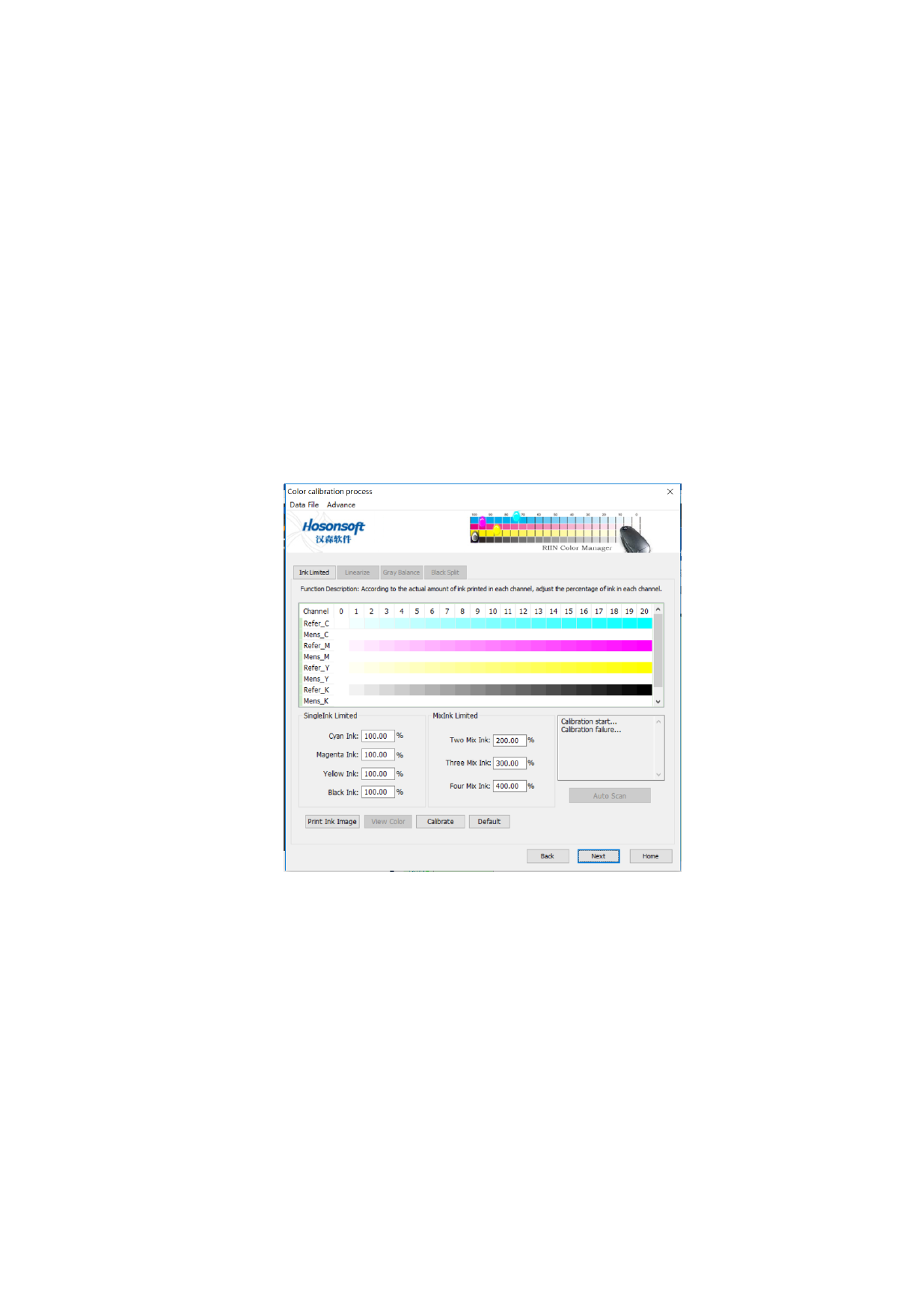
7.4Ink Setting
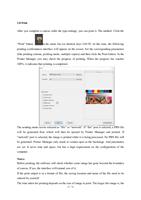
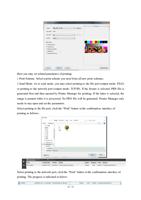
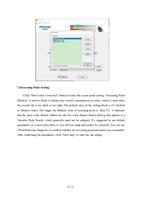
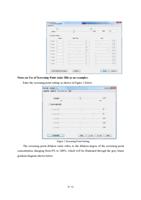
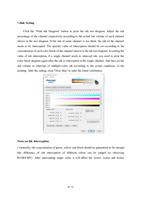
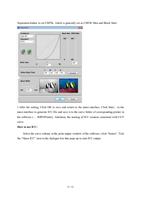
Click the “Print Ink Diagram” button to print the ink test diagram. Adjust the ink
percentage of the channel respectively according to the actual ink volume of each channel
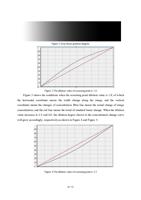
shown in the test diagram. If the ink of some channel is too thick, the ink of the channel
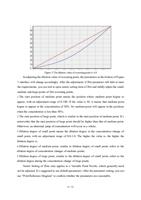
needs to be intercepted. The specific value of interception should be set according to the
concentration of each color block of the channel shown in the ink test diagram. In setting the
value of ink interception, if a single channel needs to intercept ink, you need to print the
color block diagram again after the ink is intercepted in the single channel. And then set the
ink volume to intercept of multiple-color ink according to the actual conditions of the
printing. After the setting, click “Next Step” to enter the linear calibration.
Notes on Ink Interception:
1.Generally, the concentration of green, yellow and black should be guaranteed to be enough
(the difference of ink interception of different colors can be judged by observing
R\G\B\CMY). After intercepting single color, it will affect the 2color, 3color and 4color
80 / 92