Chapter VII Introduction to HMI Operation
7.1 Introduction to HMI function
As for the handheld laser welding system operation panel (hereinafter referred to
as "HMI"), the 7cun configuration TFT touch screen is used, with beautiful interface
and convenient operation. The laser-related parameters can be set, respectively and
the real-time display of input/output IO state, alarm information and running state can
be realized on the main interface.
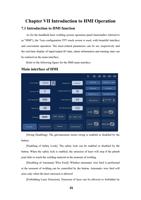
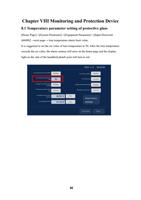
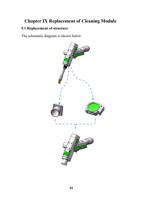
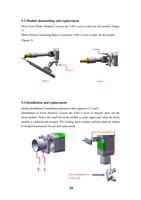
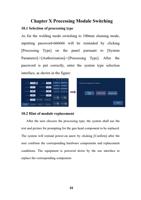
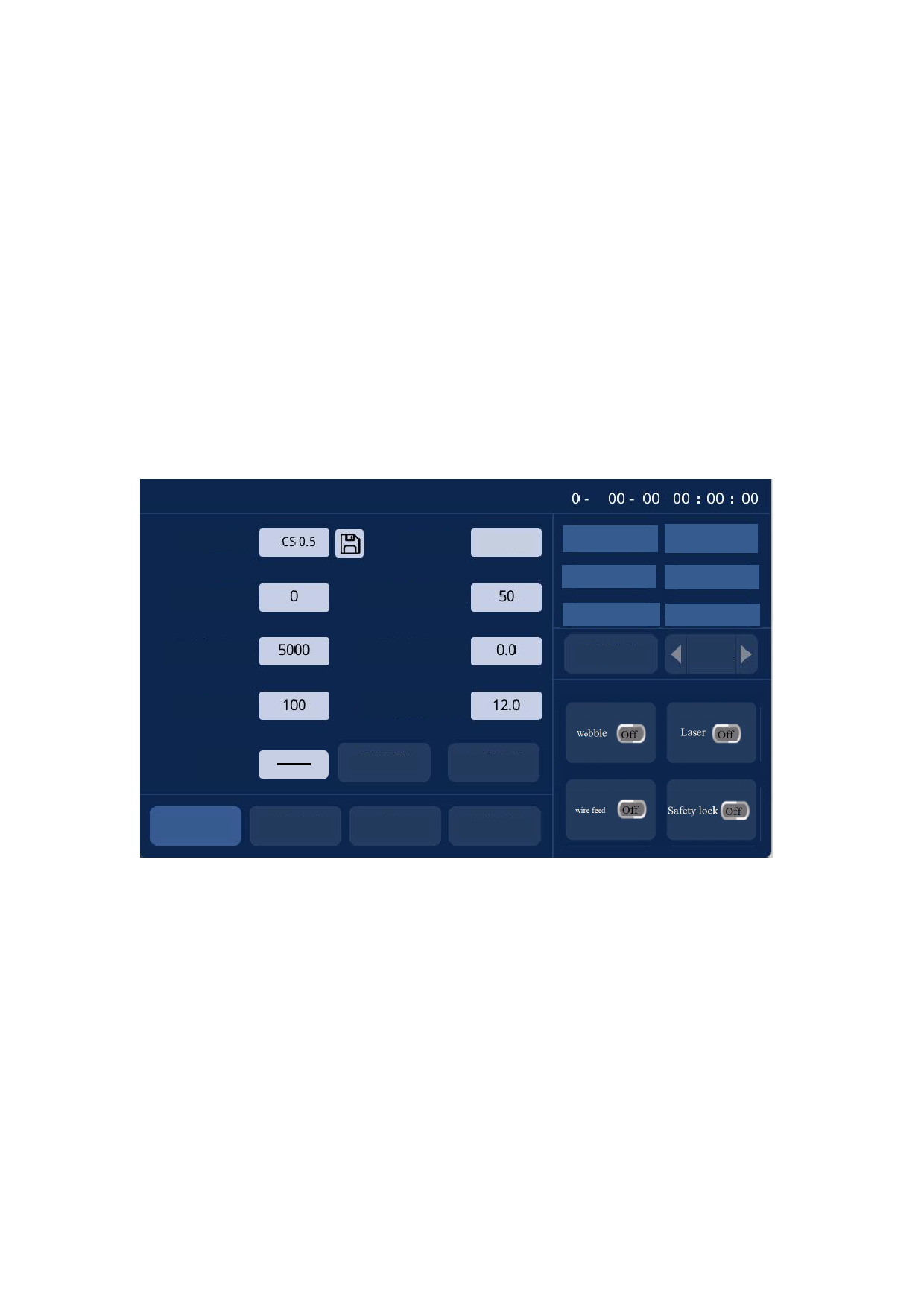
Refer to the following figure for the HMI main interface.
Main interface of HMI
Process database
Laser power (W)
Laser frequency (Hz)
Welding mode
Continuous
Swinging frequency (Hz)
Swing length (mm)
Safety lock
Underpressure alarm
Flow alarm
Laser alarm
Temperature 25°C
Galvanometer alarm
Manual blowing
Wire feeder
Duty ratio (%)
Swing type
Wire feed speed (mm/s)
Weld cleaning
Spot welding mode
Home page
Wire feed parameter
Diagnosis
System parameter
Swing
disabling
Disabling of
automatic
wire feed
Laser
emission
forbidden
Enabling the
safety lock
[Swing Disabling]: The galvanometer motor swing is enabled or disabled by the
button.
[Enabling of Safety Lock]: The safety lock can be enabled or disabled by the
button. When the safety lock is enabled, the emission of laser will stop if the plumb
joint fails to touch the welding material at the moment of welding.
[Disabling of Automatic Wire Feed]: Whether automatic wire feed is performed
at the moment of welding can be controlled by the button. Automatic wire feed will
arise only when the laser emission is allowed
[Forbidding Laser Emission]: Emission of laser can be allowed or forbidden by
25