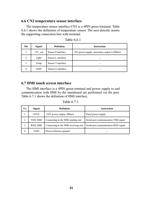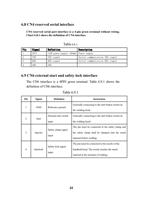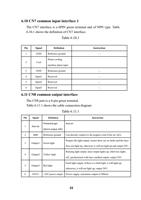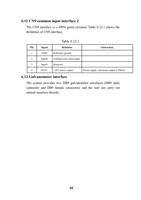
Chapter X Processing Module Switching
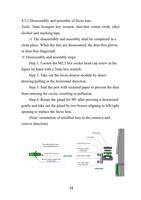
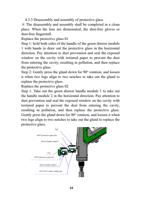
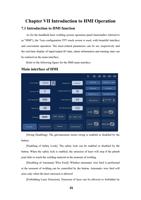
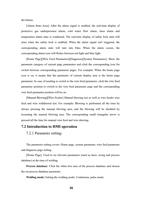
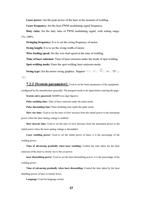
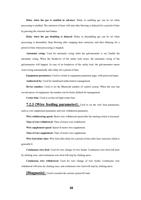
10.1 Selection of processing type
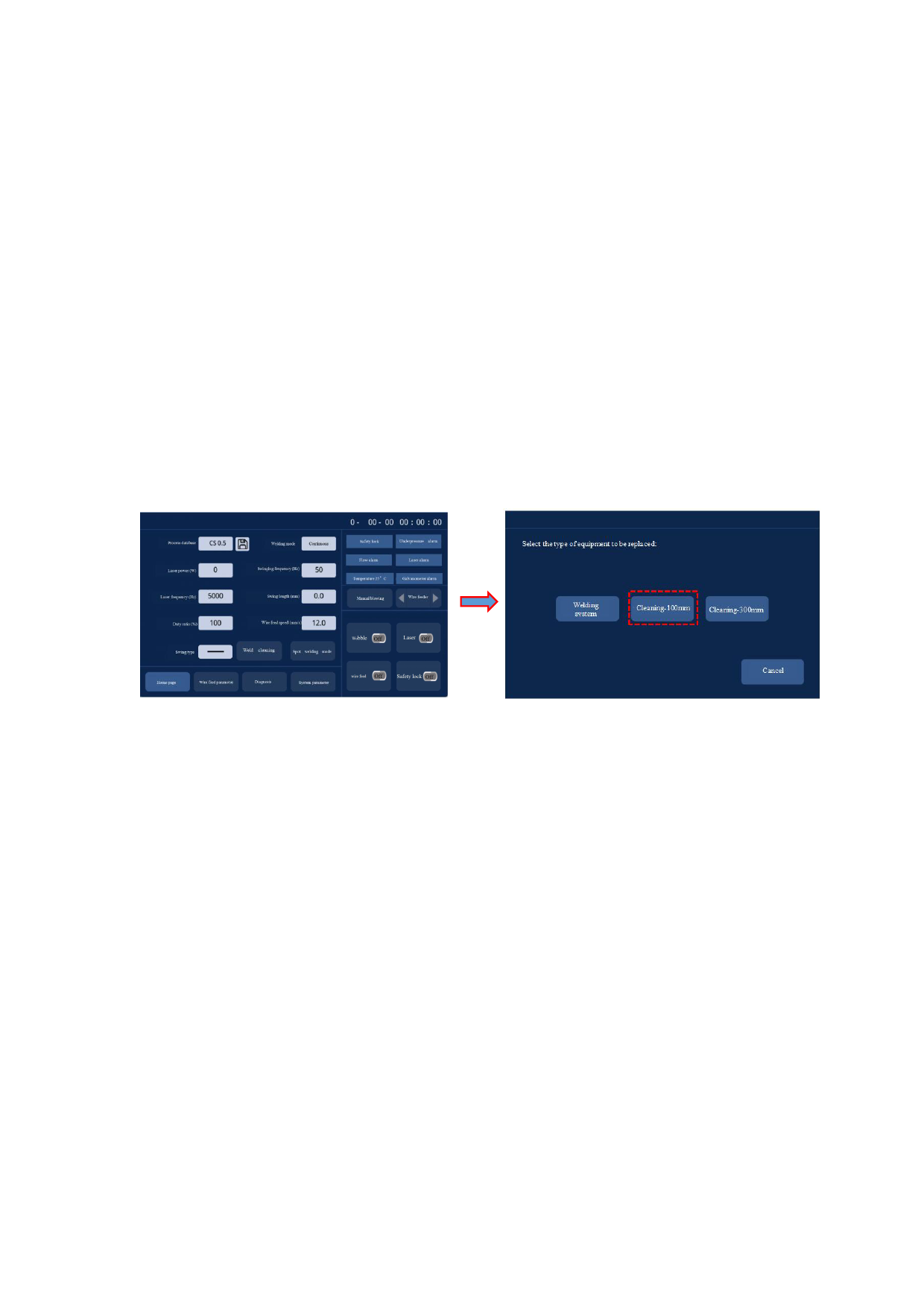
As for the welding mode switching to 100mm cleaning mode,
inputting password-666666 will be reminded by clicking
[Processing Type] on the panel pursuant to [System
Parameter]->[Authorization]->[Processing Type]. After the
password is put correctly, enter the system type selection
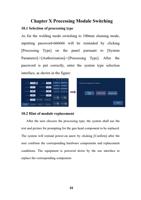
interface, as shown in the figure:
Select the type of equipment to
be replaced:
Welding
system
Energy storage
welding
Cleaning-100mm
Cleaning-300mm
Cancel
10.2 Hint of module replacement
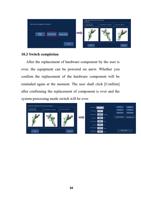
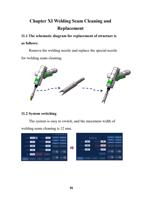
After the user chooses the processing type, the system shall use the
text and picture for prompting for the gun head component to be replaced.
The system will remind power-on anew by clicking [Confirm] after the
user confirms the corresponding hardware components and replacement
conditions. The equipment is powered down by the use interface to
replace the corresponding component.
33