Chapter VIII Monitoring and Protection Device
8.1 Temperature parameter setting of protective glass
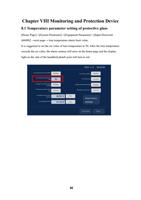
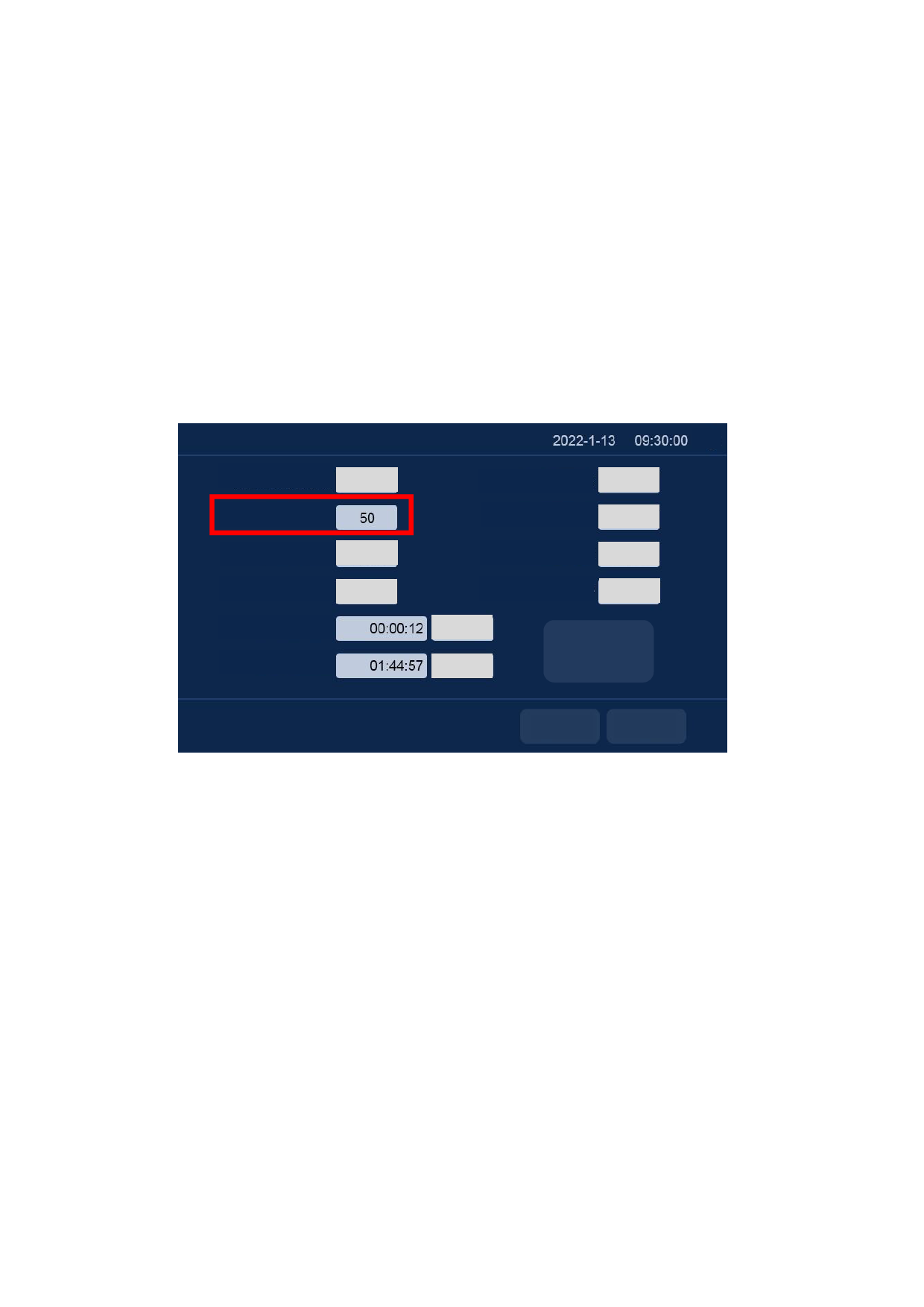
[Home Page]→[System Parameter]→[Equipment Parameter]→[Input Password:
666888] →next page→ lens temperature alarm limit value.
It is suggested to set the set value of lens temperature to 50. After the lens temperature
exceeds the set value, the alarm caution will arise on the home page and the display
light on the side of the handheld plumb joint will turn to red.
Lens temperature alarm enabling Disabling
Lens temperature alarm limit
value
Cooling-water machine alarm
enabling
Disabling
Cooling-water machine alarm
level Low level
Accumulative time of laser
emission
Accumulated boot time
Laser alarm enabling Disabling
Laser alarm level Low level
Underpressure alarm enabling Disabling
Underpressure alarm level Low level
Clear
Restore factory
Clear
settings
Previous page
Return
30