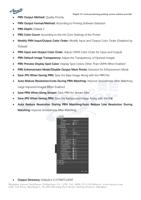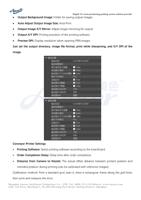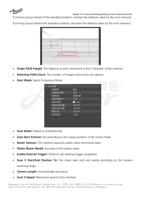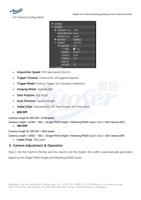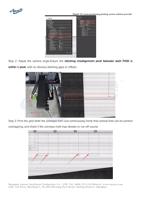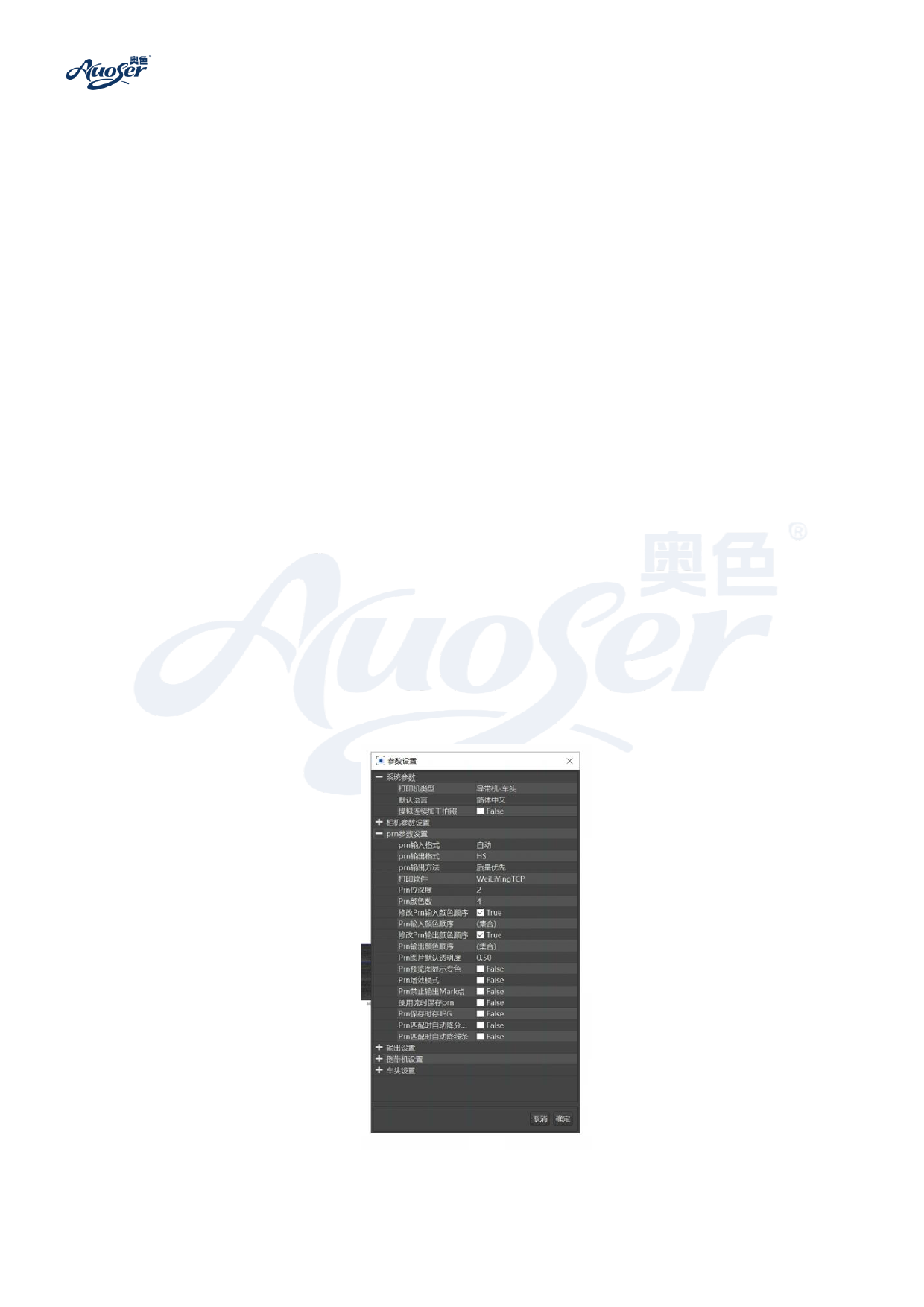
⚫ PRN Output Method: Quality Priority
Digital AI vision positioning printing system solution provider
⚫ PRN Output Format/Method: According to Printing Software Selection
⚫ PRN Depth: Default 2
⚫ PRN Color Count: According to the Ink Color Settings of the Printer
⚫ Modify PRN Input/Output Color Order: Modify Input and Output Color Order (Disabled by
Default)
⚫ PRN Input and Output Color Order: Adjust CMYK Color Order for Input and Output
⚫ PRN Default Image Transparency: Adjust the Transparency of Opened Images
⚫ PRN Preview Display Spot Color: Display Spot Colors Other Than CMYK When Enabled
⚫ PRN Enhancement Mode/Disable Output Mark Points: Exclusive for Enhancement Mode
⚫ Save JPG When Saving PRN: Save the Base Image Along with the PRN File
⚫ Auto Reduce Resolution/Lines During PRN Matching: Improve Smoothness After Matching
Large Imported Images When Enabled
⚫ Save PRN When Using Stream: Save PRN for Stream Files
⚫ Save JPG When Saving PRN: Save the Background Image Along with the File
⚫ Auto Reduce Resolution During PRN Matching/Auto Reduce Line Resolution During
Matching: Improve Smoothness After Matching
⚫ Output Directory: Default is C:/LTNETCLIENT
S h a ng ha i A uo s er I n t el l ig e nt Te ch no lo gy C o. , LT D . Te l : 40 08 - 52 1 - 110 We b s i t e : w w w. au o s e r. com
Add: 3rd Floor, Building 2, No.688 Huiwang East Road, Jiading District, Shanghai