User Manual of Machine Vision Camera SDK Demo (VS2008)
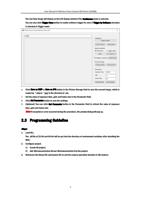
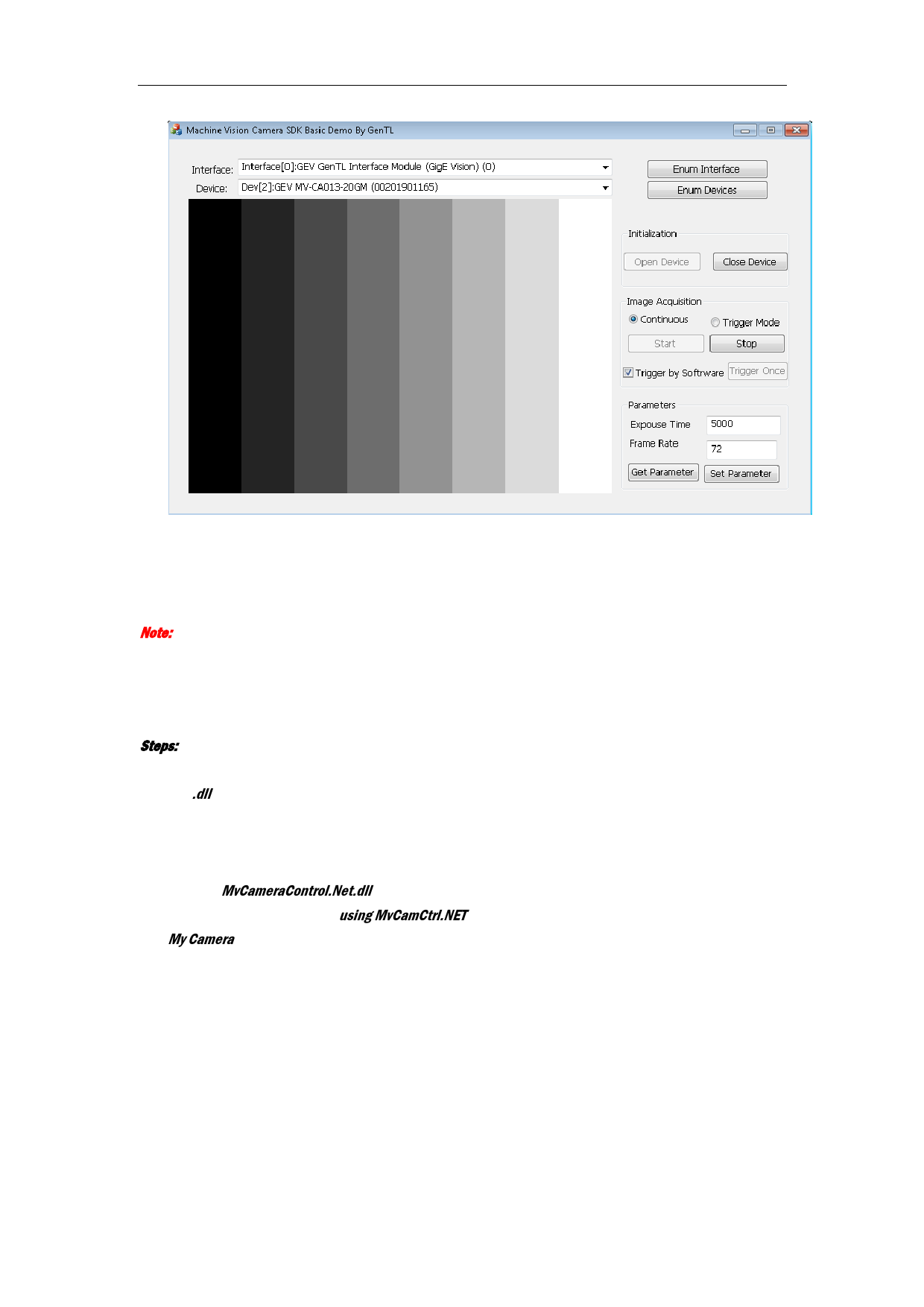
8. Set the value of exposure time, and frame rate in the Parameter field.
9. Click Set Parameter button to save the settings.
10. (Optional) You can click Get Parameter button in the Parameter field to refresh the value of exposure
time, and frame rate.
Note: If any exception or error occurred during the procedure, the prompt dialog will pop up.
7.3 Programming Guideline
Steps:
1. Load DLL.
The .dll file of 32-bit and 64-bit will be put into the directory of environment variables after installing the
MVS.
2. Configure project.
3) Create CS project.
4) Add MvCameraControl.Net.dll to the project.
3. Reference the naming space using MvCamCtrl.NET in the project to call the camera operation function of
My Camera.
13