User Manual of Machine Vision Camera SDK Demo (C#)
Chapter 5ForceIPDemo
5.1 Interface Overview
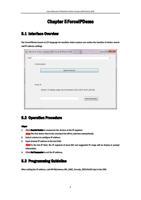
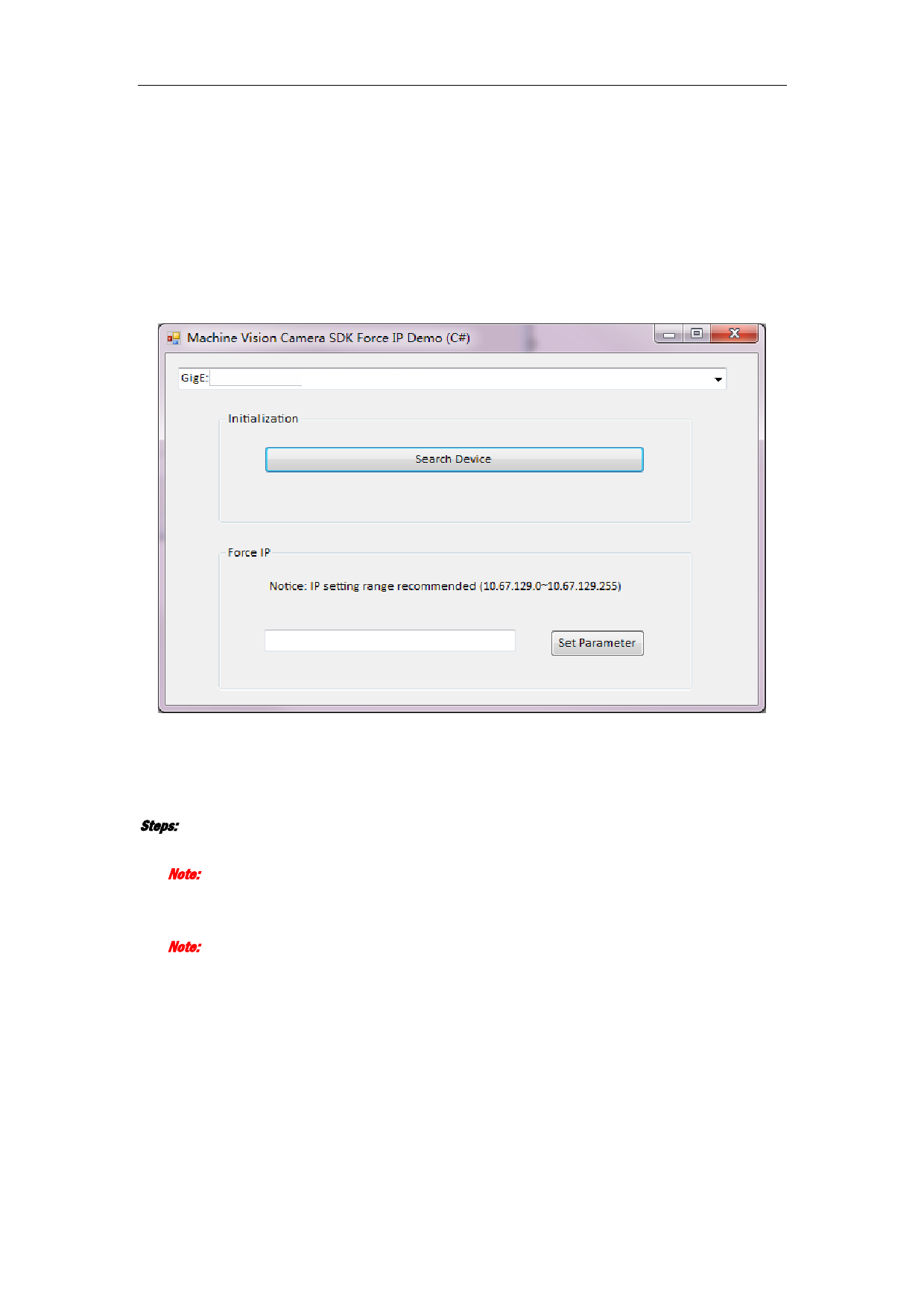
The ForceIPDemo based on C# language for machine vision camera can realize the function of device search
and IP address settings.
5.2 Operation Procedure
Steps:
1. Click Search Device to enumerate the devices in the IP segment.
Note: The first device item in the searched list will be selected automatically.
2. Select a device to configure IP address.
3. Input desired IP address in the text field.
Note: In the Set IP field, the IP segment of local NIC and suggested IP range will be display in prompt
information.
4. Click Set Parameter to set the IP address.
5.3 Programming Guideline
After setting the IP address, call API MyCamera.MV_GIGE_ForceIp_NET(UInt32 nIp) in the SDK.
8