Machine Vision Camera SDK (DotNet) Developer Guide
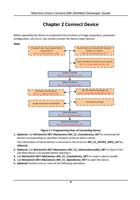
Steps
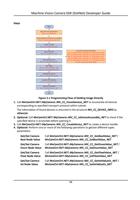
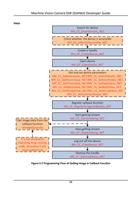
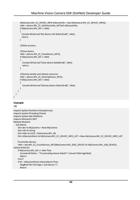
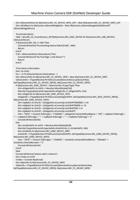
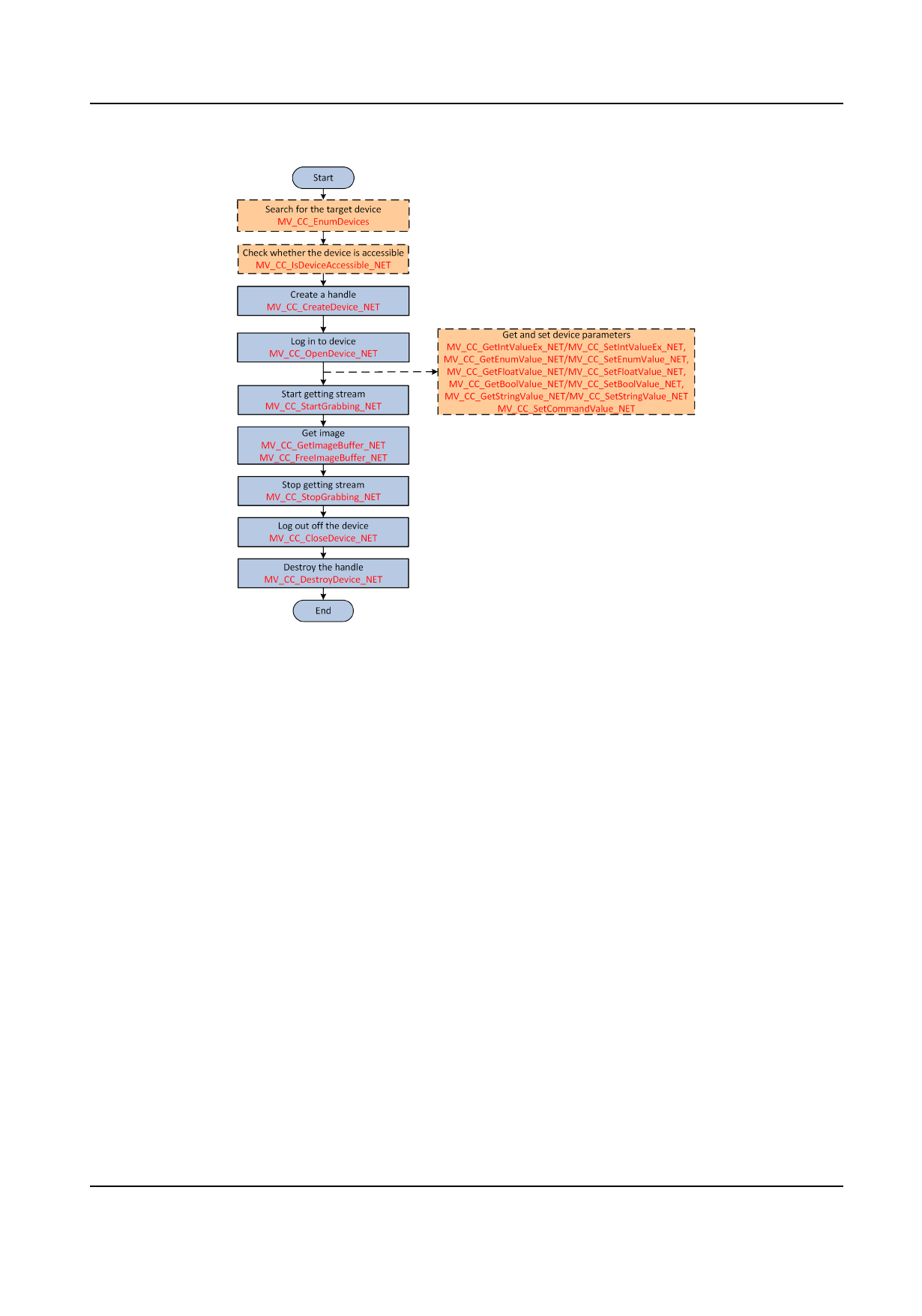
Figure 3-1 Programming Flow of Getting Image Directly
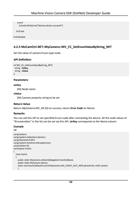
1. Call MvCamCtrl.NET::MyCamera::MV_CC_EnumDevices_NET to enumerate all devices
corresponding to specified transport protocol within subnet.
The information of found devices is returned in the structure MV_CC_DEVICE_INFO by
stDevList.
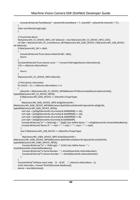
2. Optional: Call MvCamCtrl.NET::MyCamera::MV_CC_IsDeviceAccessible_NET to check if the
specified device is accessible before opening it.
3. Call MvCamCtrl.NET::MyCamera::MV_CC_CreateDevice_NET to create a device handle.
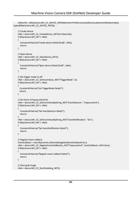
4. Optional: Perform one or more of the following operations to get/set different types
parameters.
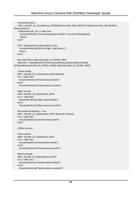
Get/Set Camera Call MvCamCtrl.NET::MyCamera::MV_CC_GetBoolValue_NET /
Bool Node Value MvCamCtrl.NET::MyCamera::MV_CC_SetBoolValue_NET
Get/Set Camera
Enum Node Value
Get/Set Camera
Float Node Value
Call MvCamCtrl.NET::MyCamera::MV_CC_GetEnumValue_NET /
MvCamCtrl.NET::MyCamera::MV_CC_SetEnumValue_NET
Call MvCamCtrl.NET::MyCamera::MV_CC_GetFloatValue_NET /
MvCamCtrl.NET::MyCamera::MV_CC_SetFloatValue_NET
Get/Set Camera
Int Node Value
Call MvCamCtrl.NET::MyCamera::MV_CC_GetIntValueEx_NET /
MvCamCtrl.NET::MyCamera::MV_CC_SetIntValueEx_NET
11