Machine Vision Camera SDK (DotNet) Developer Guide
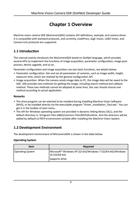
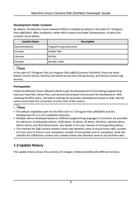
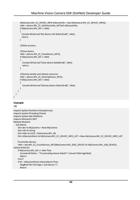
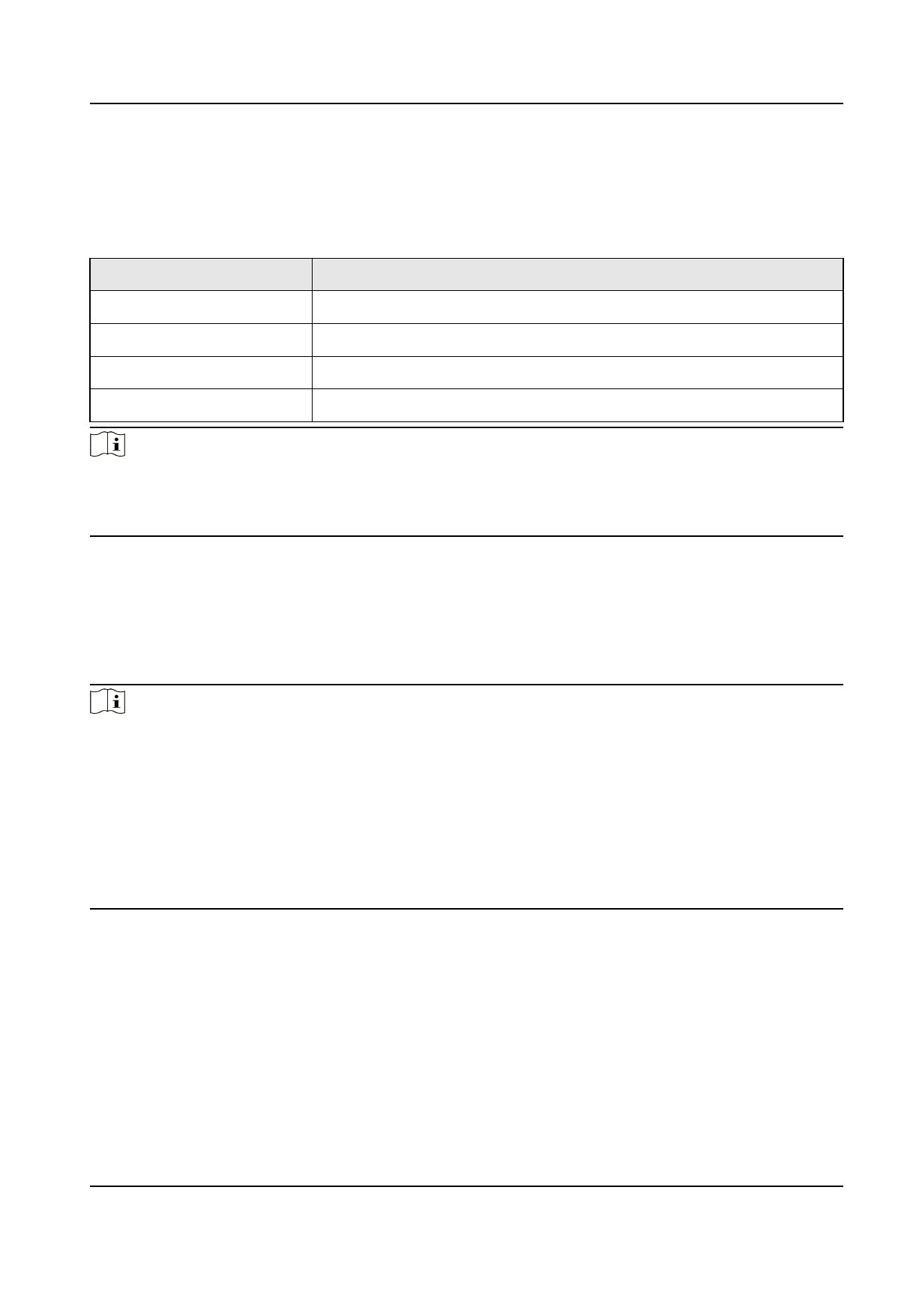
Development Folder Contents
By default, the Machine Vision Software (MVS) is installed by default in the path of C:\Program
Files (x86)\MVS. After installation, folder MVS contains the folder Development, of which the
contents are as below:
Content Name
Description
Documentations
Programming documents
Includes
Header files
Libraries
lib files
Samples
Sample codes
Note
In the path of C:\Program Files (or Program Files (x86))\Common Files\MVS, there are three
folders: Drivers (drive), Runtime (32-bit/64-bit dynamic linking library), and Service (camera log
service).
Prerequisites
Install the Machine Vision Software (MVS) to get the development kit (including programming
manuals, head files, library files, and demos) and prepare environment for development. After
installing the MVS client, and before starting the secondary development based on SDK, add the
camera and check the connection and live view of the camera.
Note
• The default installation path for the MVS client is C:\Program Files (x86)\MVS and the
development kit is in this installation directory.
• Multiple demos developed based on different programming languages or functions are provided
for reference, including BasicDemo, VC60 demo, VS demo, VB demo, C# demo, LabView demo,
Halcon demo, and DirectShow demo. See details in the user manual of corresponding demos.
• The checklist for GigE camera contains frame rate (whether same to actual frame rate), number
of errors (non-0: frame is lost, exception), number of lost packets (non-0: exception), while the
checklist for USB3Vision camera only contains frame rate (whether same to actual frame rate).
1.3 Update History
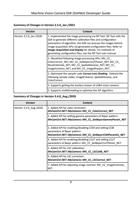
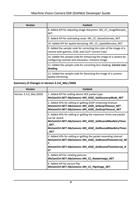
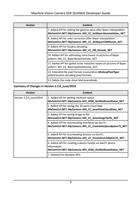
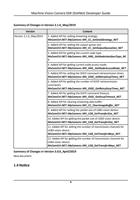
The update history shows the summary of changes in MvCameraSDK with different versions.
2