Machine Vision Camera SDK (DotNet) Developer Guide
Chapter 1 Overview
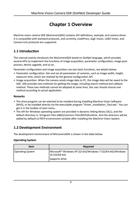
Machine vision camera SDK (MvCameraSDK) contains API definitions, example, and camera driver.
It is compatible with standard protocols, and currently, CoaXPress, GigE Vision, USB3 Vision, and
Camera Link protocols are supported.
1.1 Introduction
This manual mainly introduces the MvCameraSDK based on DotNet language, which provides
several APIs to implement the functions of image acquisition, parameter configuration, image post-
process, device upgrade, and so on.
Parameter configuration and image acquisition are two basic functions, see details below:
• Parameter configuration: Get and set all parameters of cameras, such as image width, height,
exposure time, which are realized by the general configuration API.
• Image acquisition: When the camera sends image data to PC, the image data will be saved to the
SDK. SDK provides two methods for getting the image, including search method and callback
method. These two methods cannot be adopted at same time, the user should choose one
method according to actual application.
Remarks
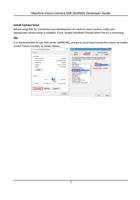
• The drive program can be selected to be installed during installing Machine Vision Software
(MVS), or be installed directly via the executable program "Driver_Installation_Tool.exe". You can
get it in the toolbar of start menu.
• The API for Windows operating system are provided in dynamic linking library (DLL), and the
default directory is: \Program Files (x86)\Common Files\MVS\Runtime. And the directory will be
added by default to PATH environment variable after installing the Machine Vision System.
1.2 Development Environment
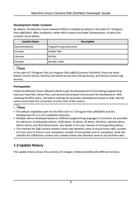
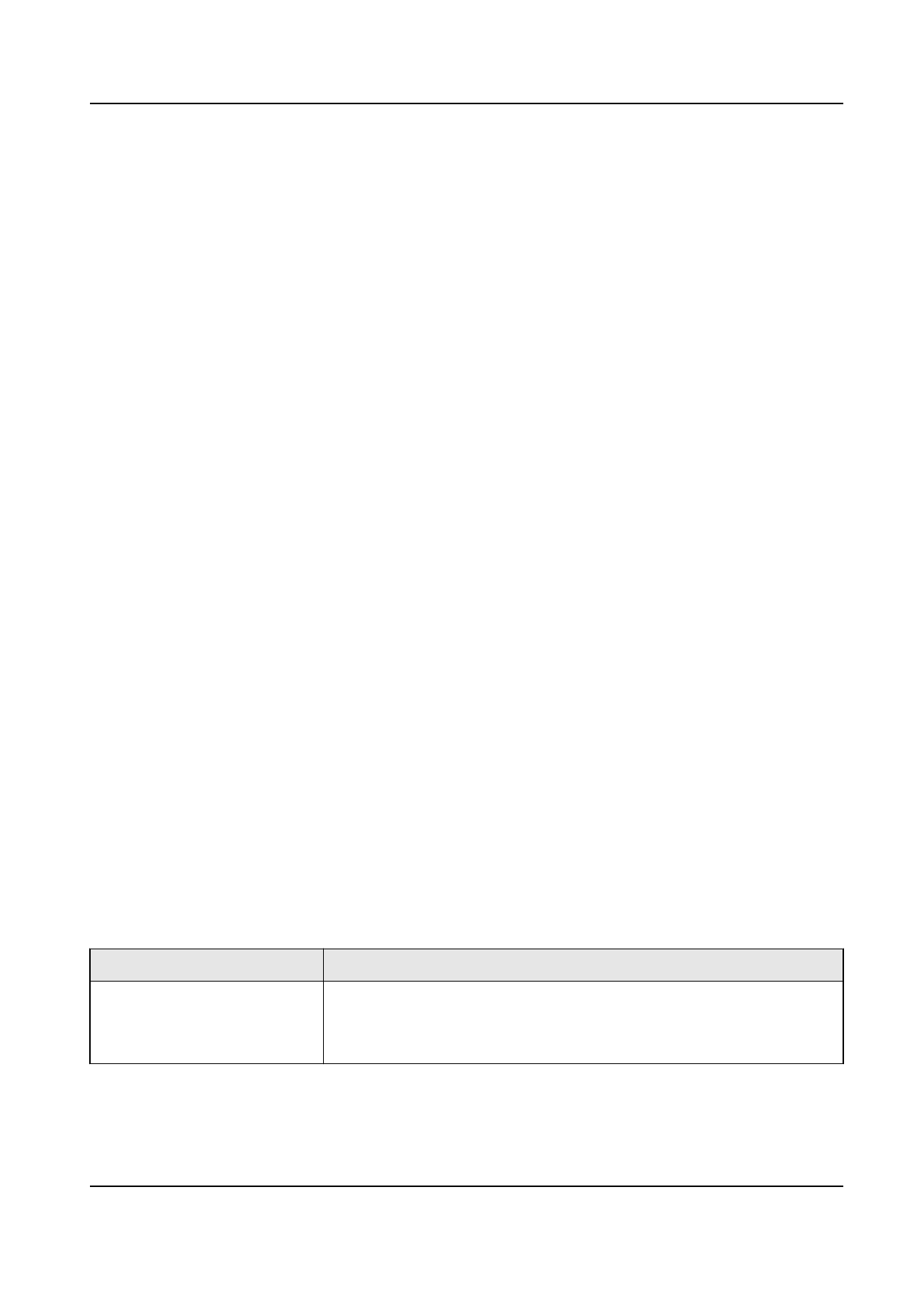
The development environment of MvCameraSDK is shown in the table below.
Operating System
Item
Operating System
Required
Microsoft® Windows XP (32-bit)/Windows 7 (32/64-bit)/Windows
10 (32/64-bit)
Supports drive
1