Home
3D
PrintUP 3D Printer
PioCreat 3D Printer
Printers
FastCOLOUR >>
ATools
DTF Textile
UV-DTF
FlatPRINT
PrintExp
InkRIP
Lasers
TruCUT CO
2
>>
TruCUT RDWorks
TruCUT 2020+
TruCUT Express
TruCUT Lite >>
4030 & Vertical Software
4030 & Vertical Documents
New 6040 Desktop
LabelMark
RayCUT
MorCUT >>
MorCUT-Cyclops
LaserMaster
Plasmas
MetalWise
Fabricam
Routers
EasyRoute
PowerRoute
Blade Cutters
Vinyl Cutters >>
V-Series
V-Smart
V-Auto (& V-Smart+)
Vinyl4
Flatbed Cutters >>
FlatCUT
Label Cutters >>
V-Auto Label Cutters
Software >>
VinylCut
More
FastCUT
Heatware
Rollman
ScreenMaster
Other Software
Miscellaneous
AM.CO.ZA
/
Buy CNC Software
/
CNC Software Training
/
CNC Software Downloads
Sales: 072 222 2211
Support: 076 666 6655
Training: 060 818 1818
Jo’burg: 087 802 5368
Cape Town: 087 802 7106
An
Project
Multimedia
Univision Videos
#SortIT Videos
MakersLab.TV
Software Training
Welldone Gallery
Updates
Prevision Blog
Cornerstone Trust
Email Campaigns
Contact Us
Sales WhatsApp
060 600 6000
Support WhatsApp
060 600 7000
Johannesburg Headquarters
011 397 1429
087 802 5368
Cape Town Showroom
021 555 3250
087 802 7106
Links
CNC Machine Repair
Vinyl Cutter
Heatware
You are here:
AM.CO.ZA
Buythis
CNC Utilities Homepage
Office-Softwares
ZKTEco
ZKAccess Professional Version 3.4.3.23 (Full SDk 2.2.1.18)
ZKAccess3.5门禁系统用户手册.pdf
Page 77 of 105
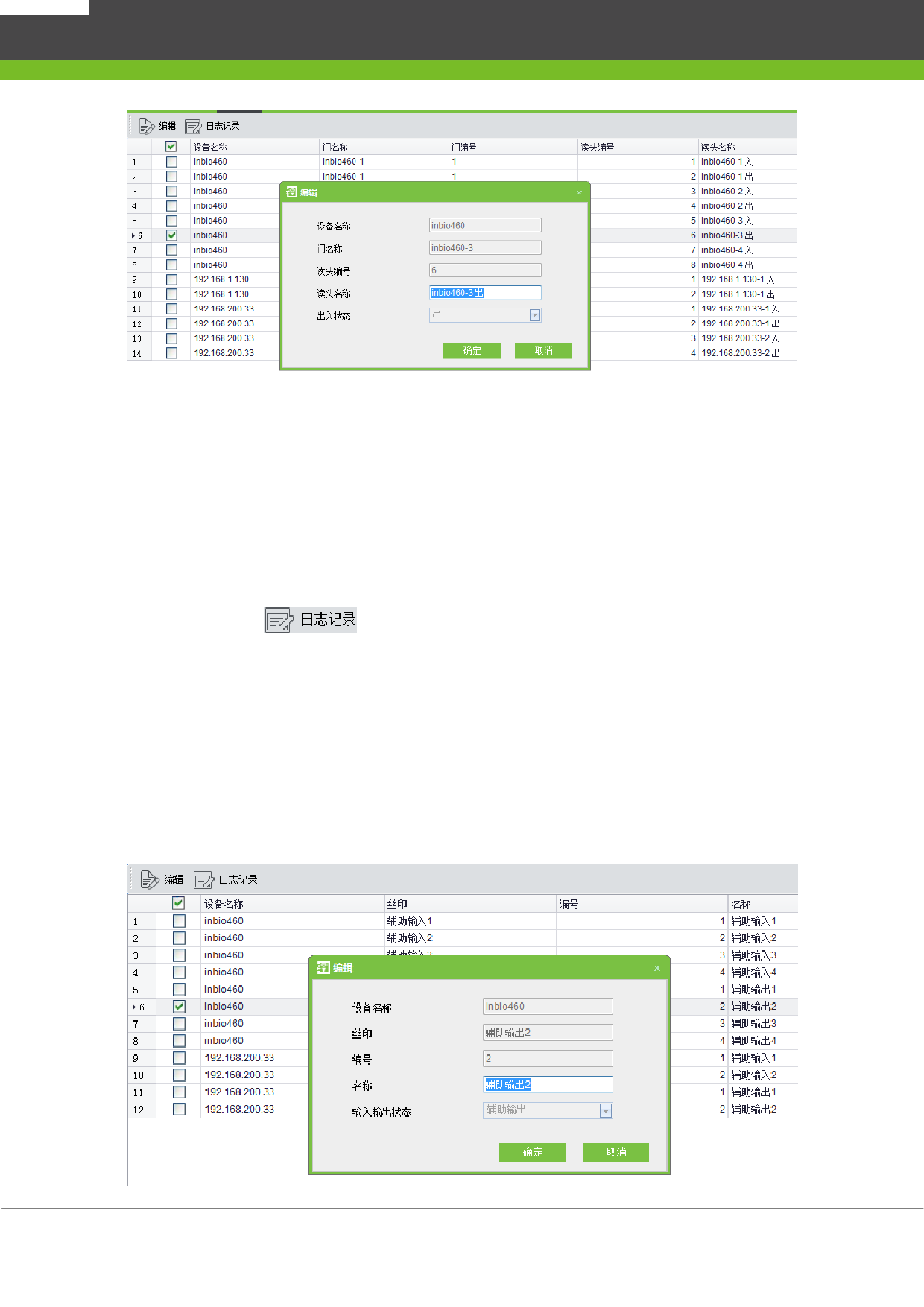
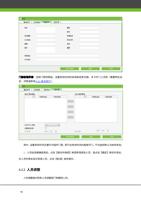
备注:脱机设备没有出入状态,所以不添加读头。单门控制器、两门控制器、四门控制器和门
禁一体机设备会生成读头,一扇门生成两个读头,分别代表出和入两种状态;在报表和实时监控中,
根据事件中的出入状态显示读头名称。
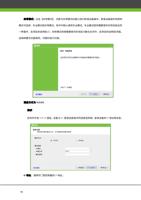
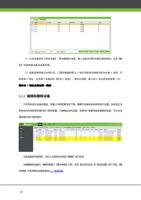
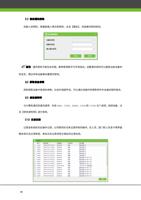
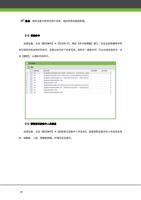
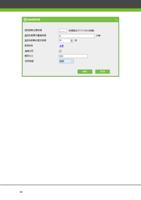
读头名称变更日志
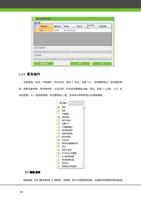
选择读头,点击
,即可查询某个读头名称的变更记录。
6.14
辅助输入输出
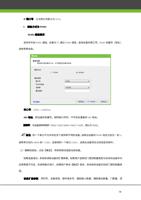
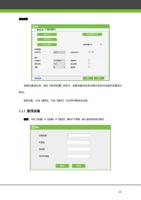
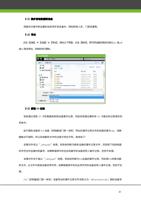
编辑辅助输入输出名称
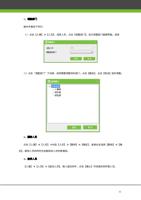
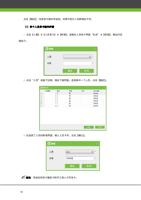
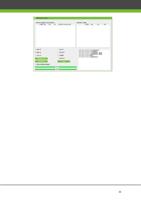
点击【门禁】
【高级门禁】
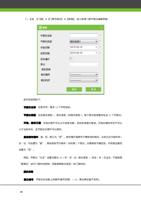
【辅助输入输出】,选择设备辅助输入或输出,点击【编辑】,在
编辑对话框【名称】栏中编辑辅助输入
/
输出名称。
71
"
Do you need help?
Call Me Back