- You are here:
- AM.CO.ZABuythisCNC Utilities Homepage
- LabelMark-Laser-Marking-Machine
- LabelMark Marking Software Manual, v2.8.pdf
- Page 114 of 154
EzCad2UNI User’s Manual
Figure 8-22
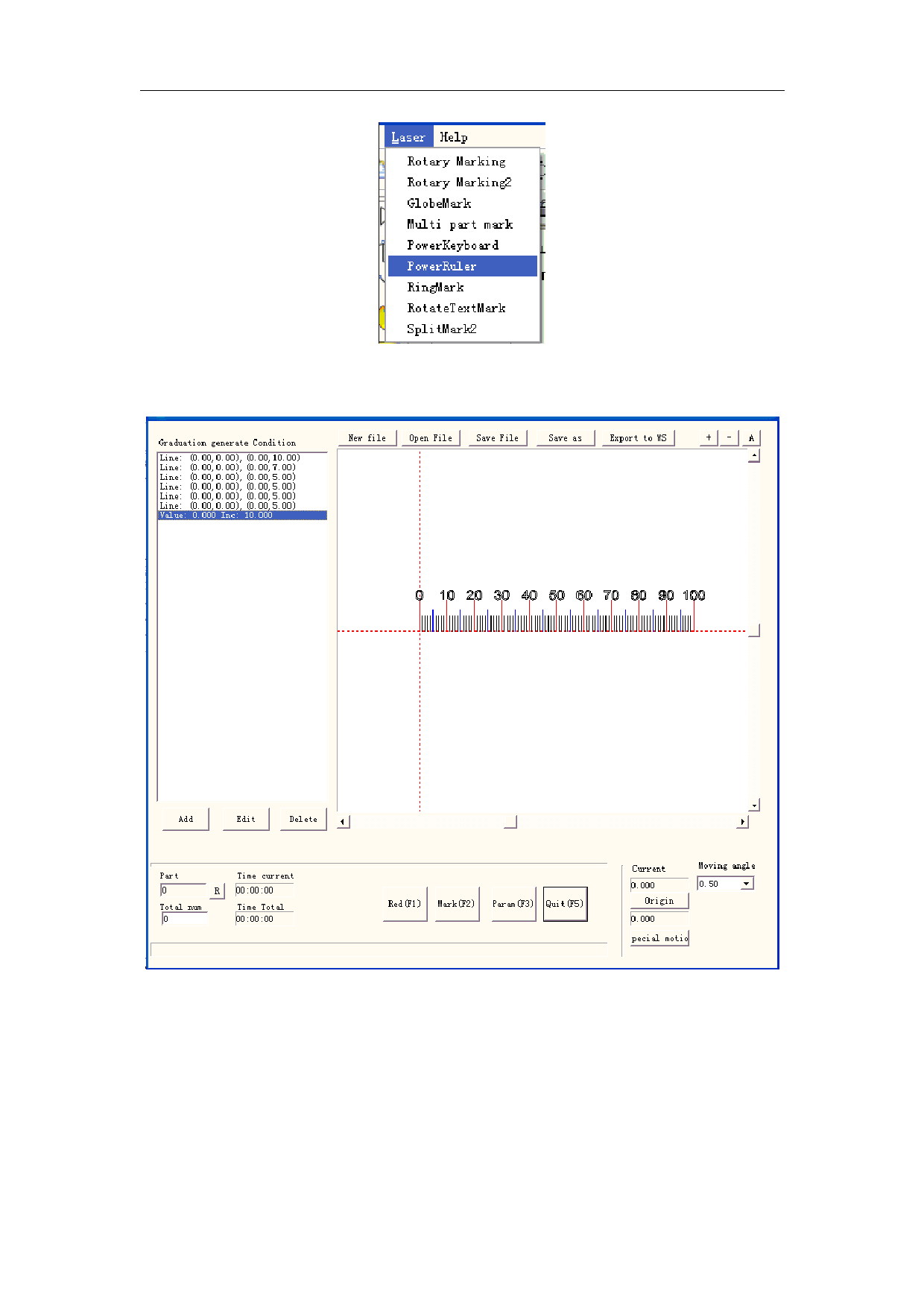
Click “Power Ruler” the mark dialog box is shown in Figure 8-23:
Figure 8-23
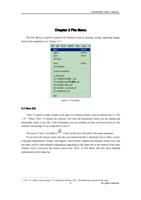
New File : The software will close the documents which you are editing and meanwhile
create a new file
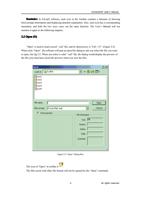
Open File:When click “Open”, the software will pop an open-file dialog to ask you select
the file you want to open
Save File: save the current file to disk.
Save as: save the current file to disk by another name.
Export to WS: export the file to the software workspace.
110
All rights reserved