- You are here:
- AM.CO.ZABuythisCNC Utilities Homepage
- LabelMark-Laser-Marking-Machine
- LabelMark Marking Software Manual, v2.8.pdf
- Page 100 of 154
EzCad2UNI User’s Manual
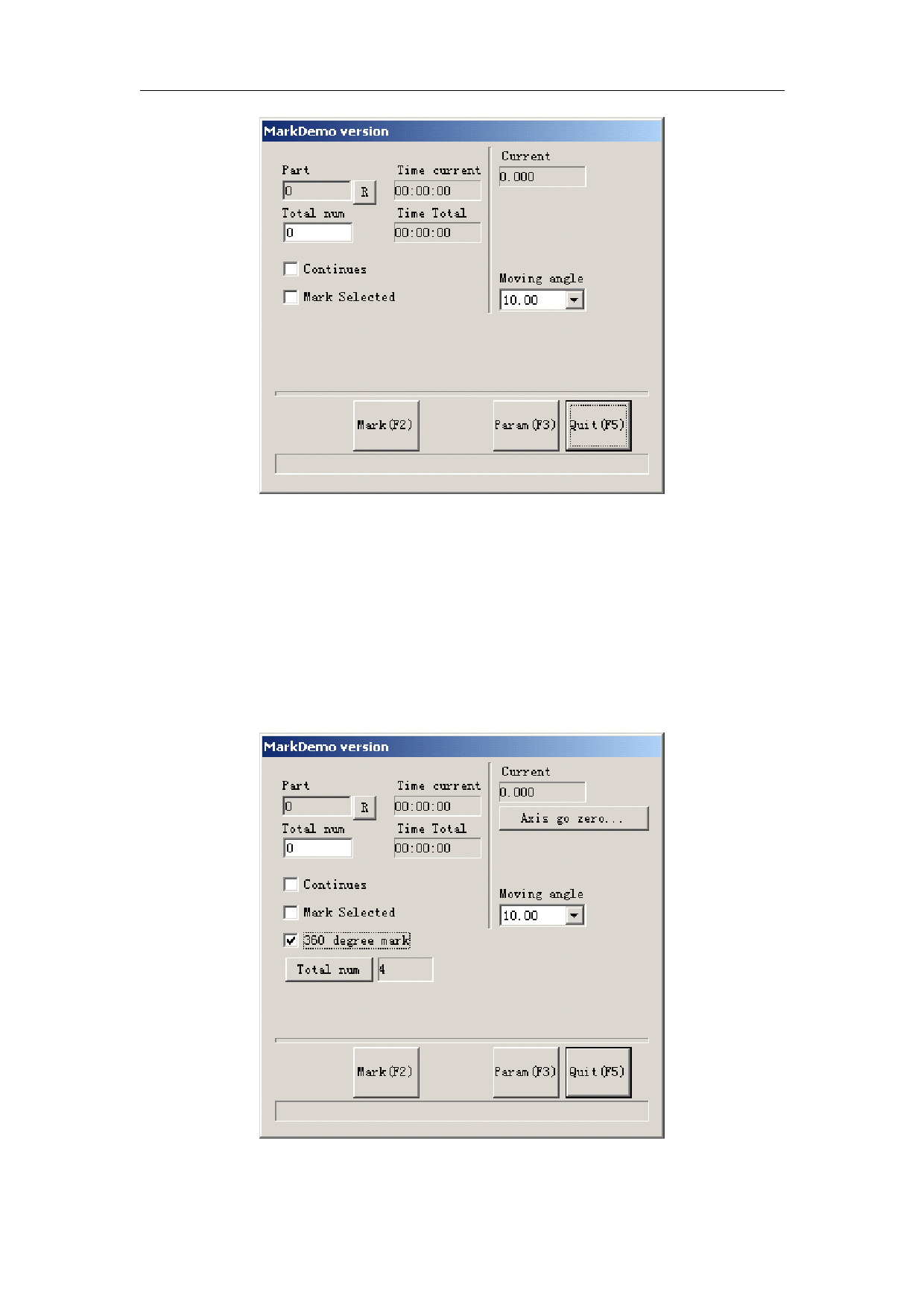
Figure 8-5-4 rotary marking dialog box
Step 5: Click button Param(F3) or press key F3 to setup configuration parameters.
Step 6: Click button Mark(F2) or press key F2 to start the job.
8.2 Rotary marking 2
Except the new option 360 degree mark, the others parameters in Rotary marking2 is the
same as those in Rotary marking, as is shown in Figure 8-6.
Figure 8-6 Rotary marking2 interface
96
All rights reserved