- You are here:
- AM.CO.ZABuythisCNC Utilities Homepage
- FlatPRINT-Flatbed-UV-Printer
- Component Manuals
- 圆柱体夹具安装英文版.pdf
- Page 3 of 7
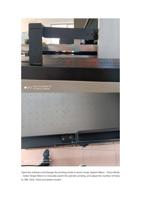
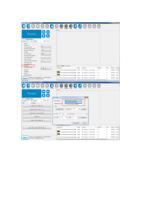
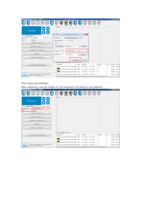
Open the software and change the printing mode to drum mode: System Menu - Drum Mode
- Select Single Motor to manually switch the cylinder printing, and adjust the number of holes
to 30%. Click "Hold and switch modes".