User Manual of Machine Vision Camera SDK Demo (Halcon)
Chapter 3Raw_2_3DFile_C&Raw_2_3DFile_CSh
arp Demo
Raw_2_3DFile_C and Raw_2_3DFile_CSharp mainly introduces the steps to convert image format using
Halcon API and instructs the user to convert 3D image data.
3.1 Demo Instruction
3.1.1 Interface Introduction
The console program includes the following functions: Search Device, Open/Close Device, Start/Stop
Acquisition and Save Halcon3D Image
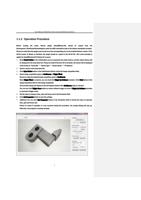
3.1.2 Operation Procedure
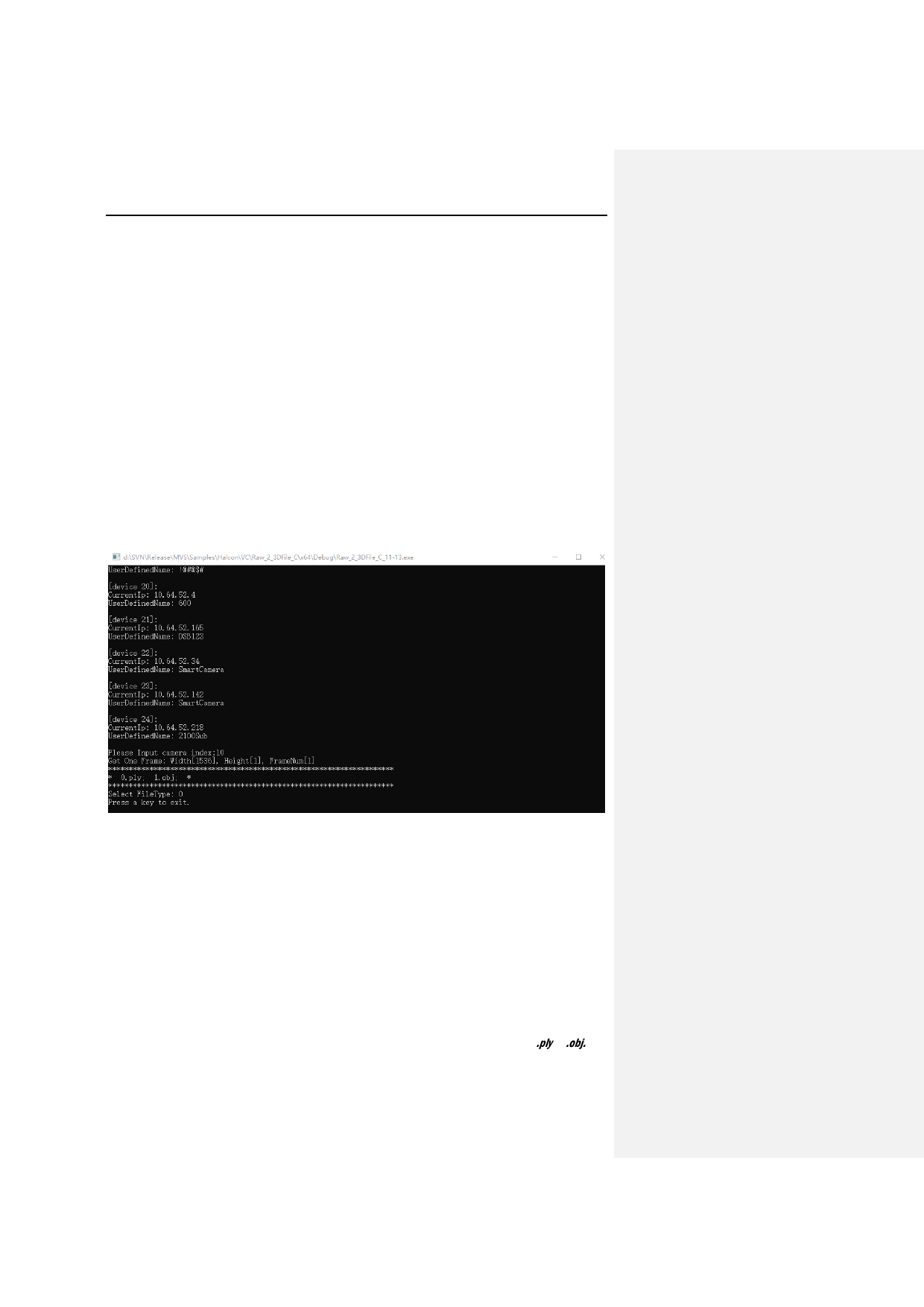
In Raw_2_3DFile_C and Raw_2_3DFile_CSharp demos, after the cameras are enumerated, the input of
subscript of 3D devices would trigger the action of image acquisition function in SDK for acquiring and
converting image data.
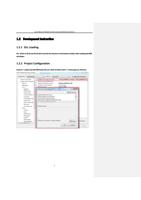
3.2 Development Instruction
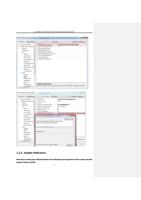
The development procedure is similar as that of the HalconGrabImage demo. This part mainly introduces the
steps of converting 3D data from camera to 3D data format in Halcon and save in the format of .ply or .obj.
First call StartGrabbing interface from SDK and get data of one frame via MV_CC_GetOneFrameTimeout.
8