User Manual of Machine Vision Camera SDK Demo (VB)
Chapter 6MultipleDemo
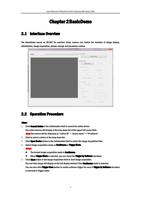
6.1 Interface Overview
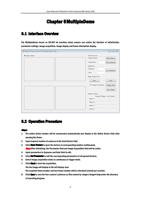
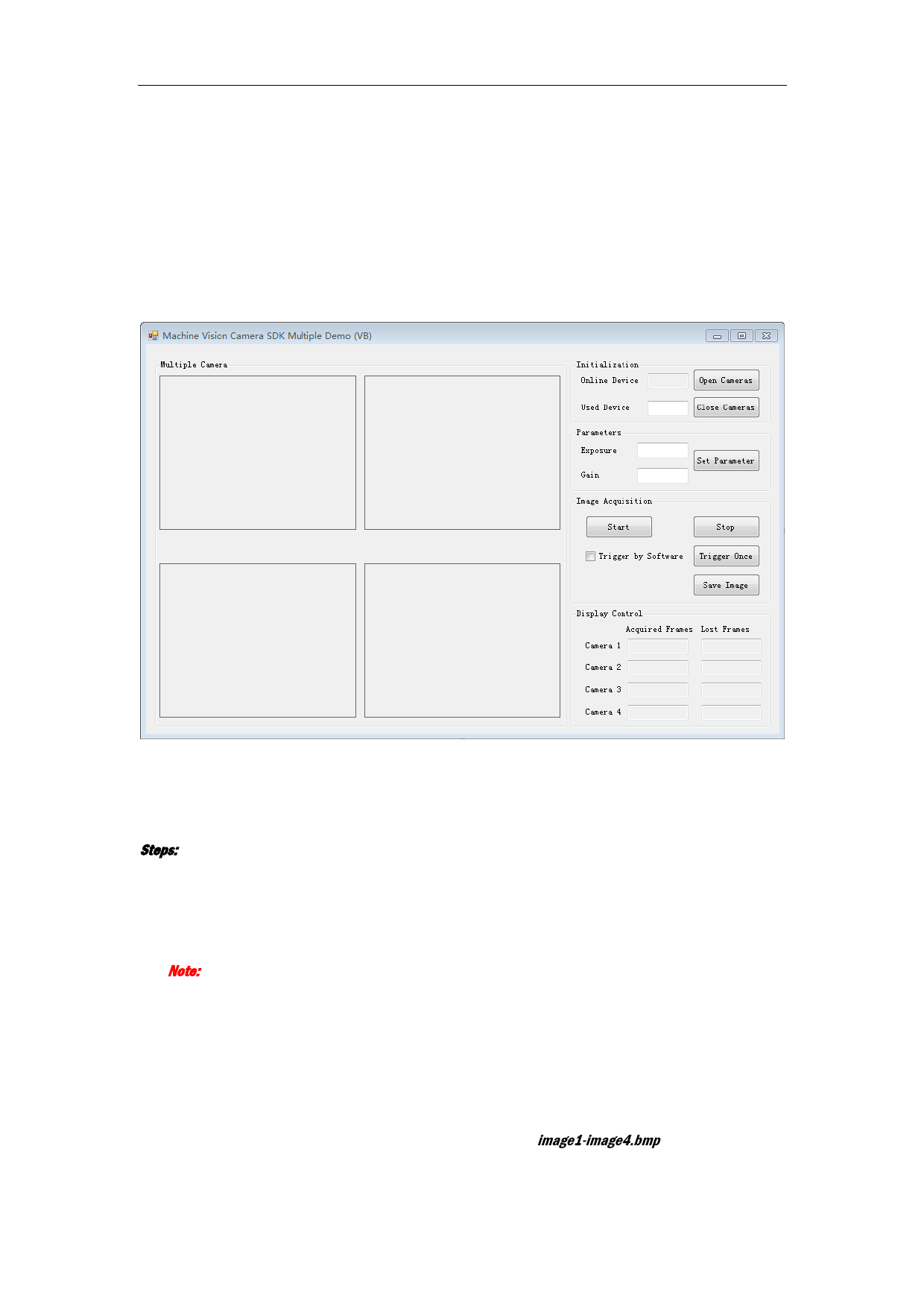
The MultipleDemo based on VB.NET for machine vision camera can realize the function of initialization,
parameter settings, image acquisition, image display and frame information display.
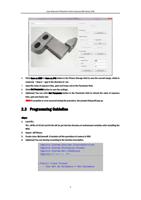
6.2 Operation Procedure
Steps:
1. The online device number will be enumerated automatically and display in the Online Device field after
opening the Demo.
2. Input required number of cameras in the Used Device field.
3. Click Open Camera to open the devices in corresponding number continuously.
Note: After initializing, the Parameter field and Image Acquisition field will be active.
4. Input parameters in Exposure and Gain field to edit.
5. Click Set Parameter to edit the corresponding parameters of all opened devices.
6. Select image acquisition mode as continuous or trigger mode.
7. Click Start to start the acquisition.
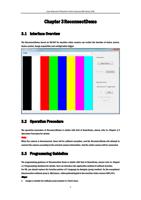
The live image will display in the left display area.
The acquired frame number and lost frame number will be refreshed (refresh per second).
8. Click Save to save the four camera’s pictures as files named by image1-image4.bmp under the directory
of executing program.
9