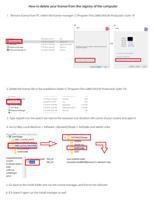






How to delete your license from the registry of the computer
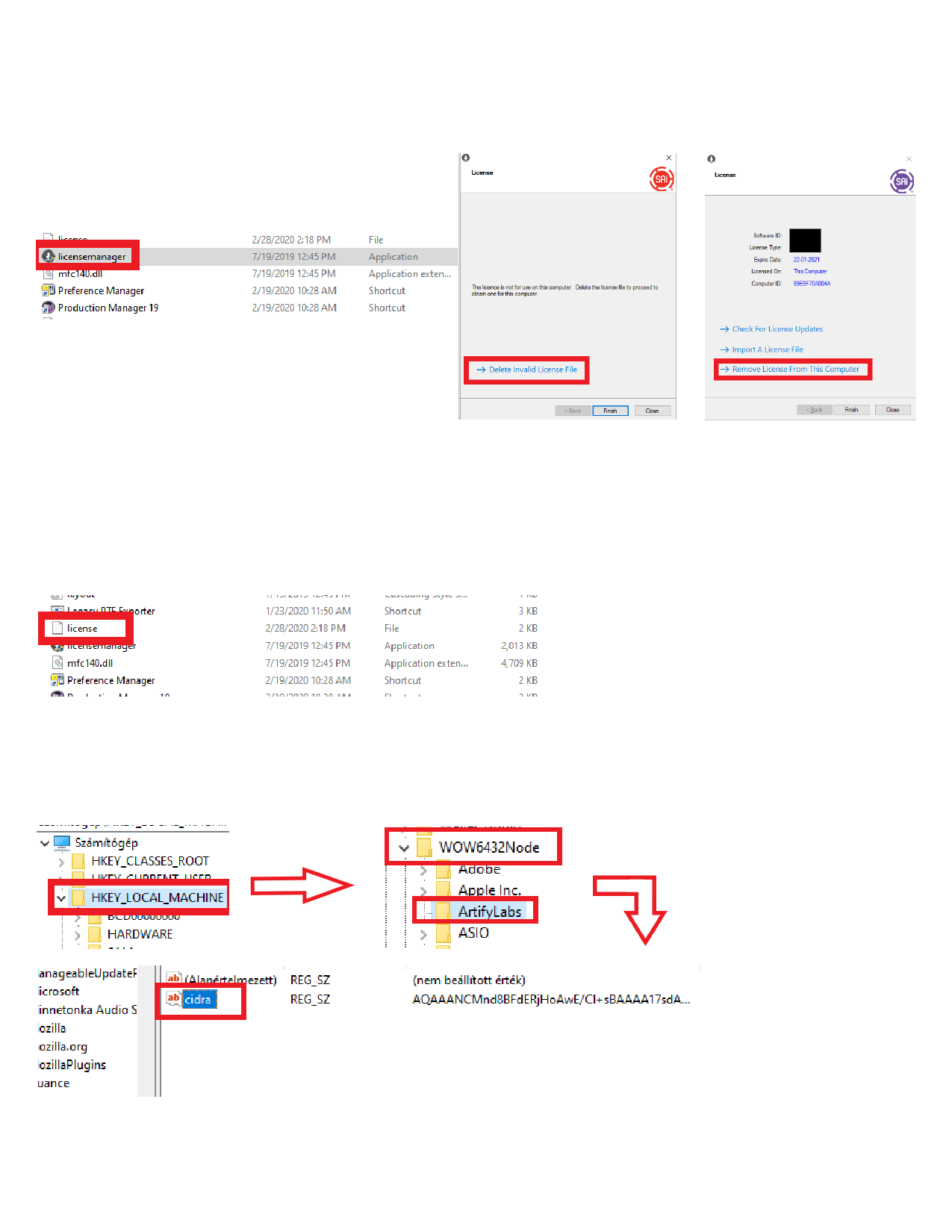
1. Remove license from PC within the license manager: C:\Program Files (x86)\SAi\SAi Production Suite 19
OR
2. Delete the license file in the installation folder (C:\Program Files (x86)\SAi\SAi Production Suite 19) :
3. Type regedit into the search bar next to the windows icon (bottom left corner of your screen) and open it
4. Go to Hkey Local Machine > Software >Wow6432Node > Artifylabs and delete cidra
5. Go back to the install folder and run the license manager, and license the software
6. If it doesn’t open run the install manager as well.