






radius, minimum radius circle at the speed of the output of the corresponding.
If the speed greater than maximum speed limit list the speed round, the speed only associated
with the speed of the layer.
If the speed is in the list, set the output speed by list.
If the request received by limiting layer parameters faster than the speed set in the layer, press
the speed of the output layer.
Scan backlash
Laser scanning graphic way, because the relationship between the machine belt tension may
cause the edge of the scanned graphics uneven. Therefore, increasing backlash to fix. It has the
specific backlash for the certain speed. General, the greater the speed, the greater the backlash.
① Add backlash
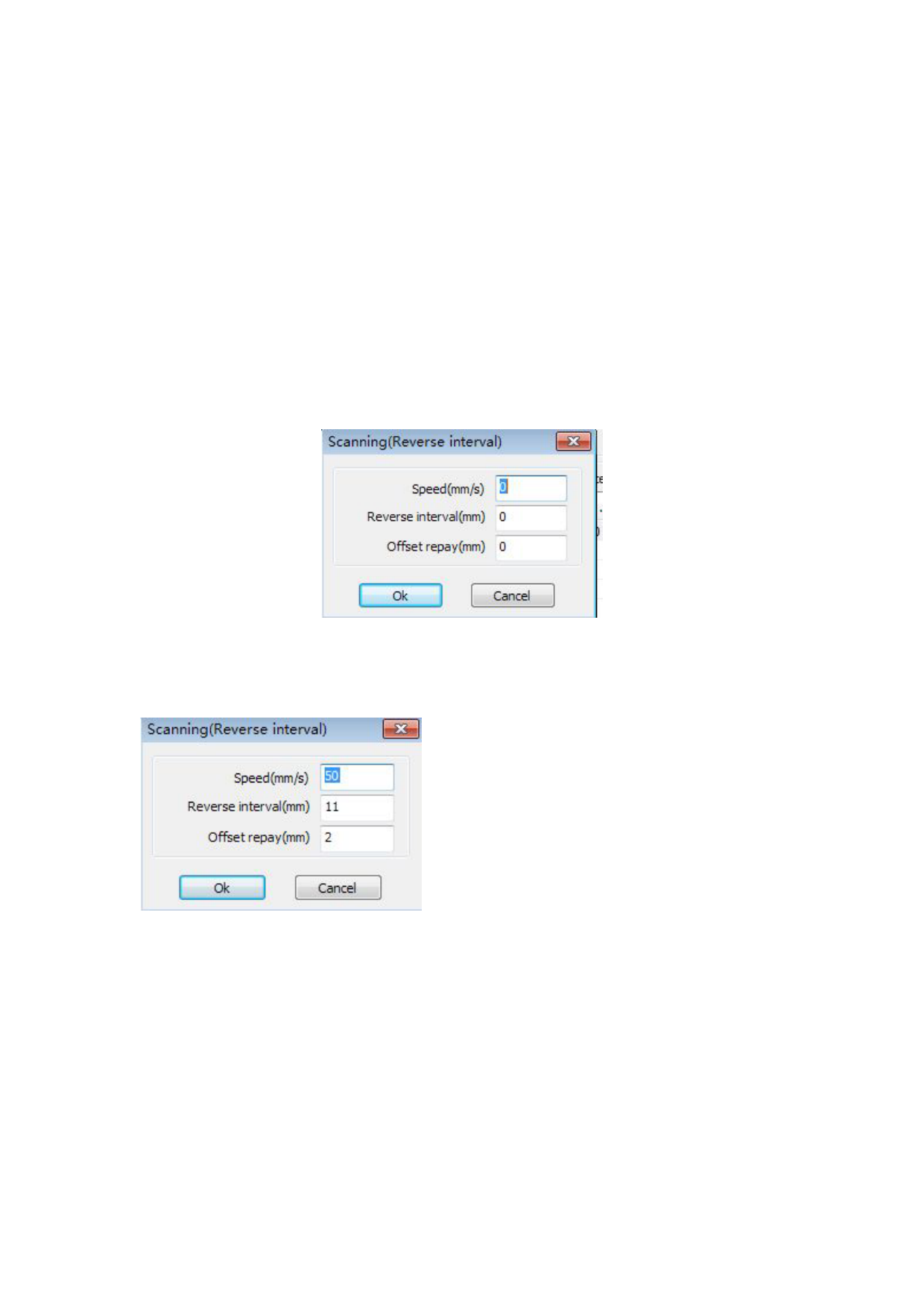
Click the Add button, the screen will pop up as shown in Figure
Set speed and backlash, click OK, the value to be inserted into the list of backlash.
② Modify backlash
Double-click the left mouse button scanning (reverse gap) need to modify the reverse block
entry clearance, then the pop-up screen shown in Figure.
In the interface can modify the current speed of the corresponding backlash.
③ Remove backlash
Right-click scanning (reverse gap) block in the backlash to delete the item, then click the
【Delete】button.


