






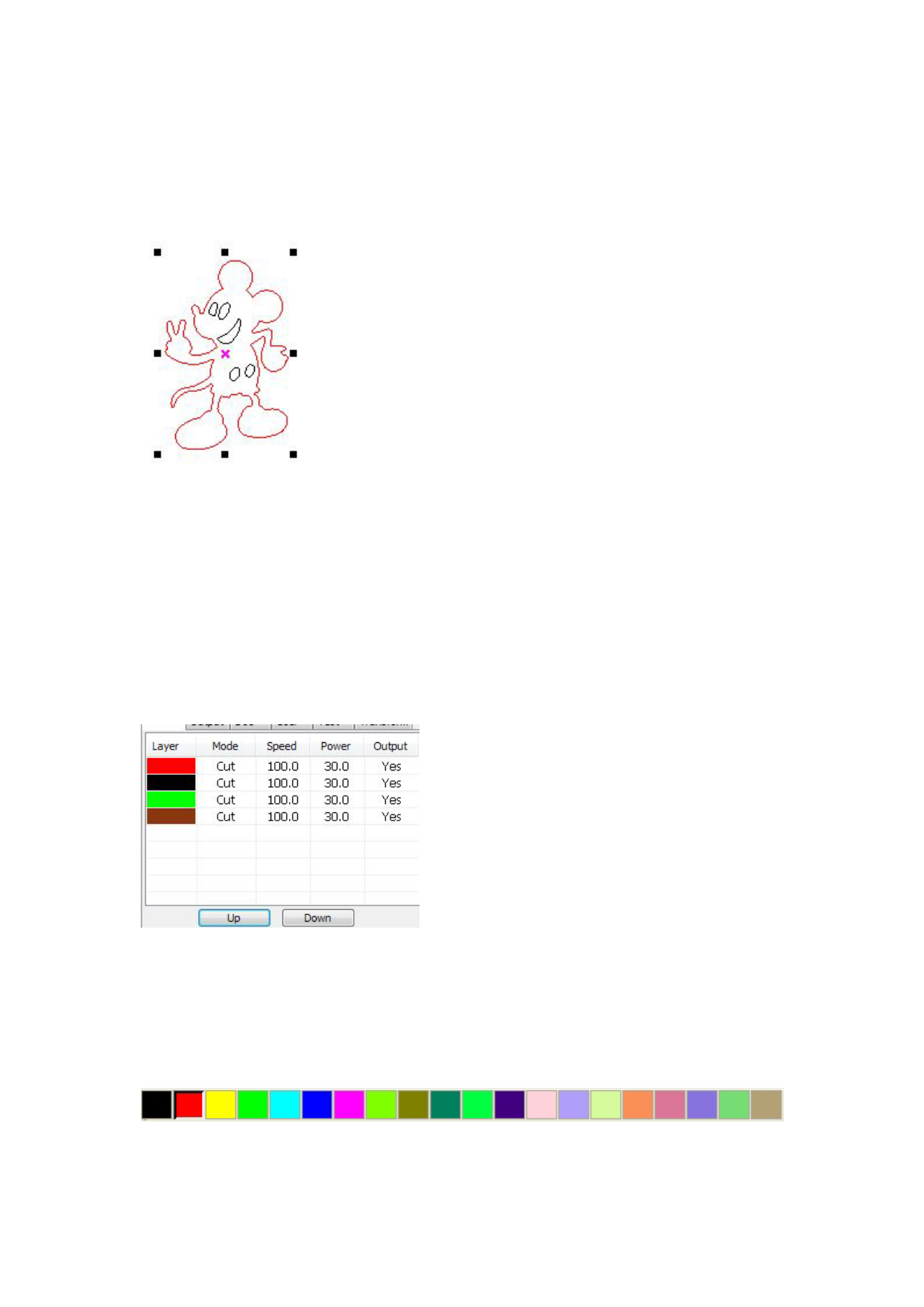
status,you can select object.The following are five kinds of method of selecting:
◆ Click menu【Edit】->【Select All】(Shortcuts Ctrl+A), select all objects。
◆ Click mouse on the screen to select single object
◆ Select object using select box
Press the mouse and drag, as long as the box come into contact with the object will be selected。
◆ Increased select object/minus select object
Increase select:Press “Shift” key, click or box select to increase select object.
Minus select:Press “Shift” key, click or box select the selected object.
◆ Select object according to layer
Right-click the selected layer, then the part of all objects in the layer will be selected.
2.8 Object Color
The color of object that is the color of the object contour.You can click the color button on the
Layer Bar to change the color of the object has been selected.The color of the pressed button is the
color of current layer.
2.9 Object Transformation


