RdProjectorCut Operation Manual
not need to set this parameter, can remove the option directly
Match overtime: this parameter controls the match time. To adjust the parameters when the target graphics
matching failed due to lacking of time or to avoid waiting too long time in search process. This parameter is
mainly affected by the model characteristics of complexity.
Matching test: The current model matches with the current target graphics in camera view range, test results will
be back in results interface. You can know the mark point elated parameters from test results.
3.2.3 Enable Secondary Positioning
After searching the target, not set this location coordinates as criterion, but moved to the target automatically,
take photos again, and repositioned target location coordinates.
Distance offset / Angle offset: When two-point positioning, such as you might find more features when
searching feature 2, according to the distance between feature 1 to feature 2, if found multiple features in the
circle arc of feature 1 as origin, then as angle to distinguish them.
Note: But when the offset is set too small, missing cut will be happened. Generally distance offset can be set
within 2mm, angle offset within 5°, such as the workpiece requires more accurately, you can set smaller.
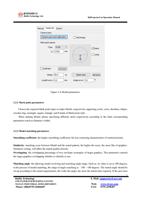
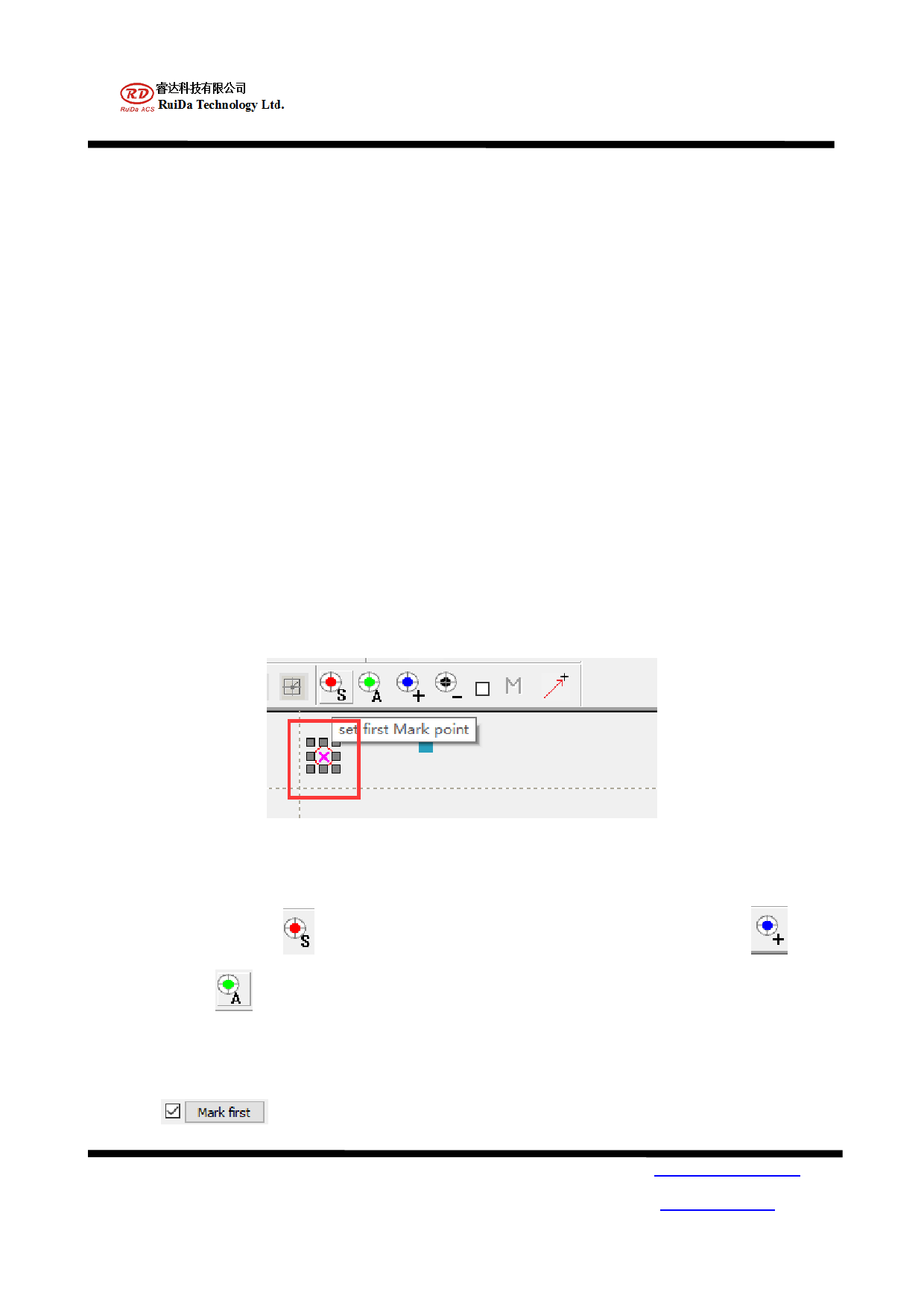
3.3. Mark point identification settings
Figure 4-5 Mark point setting
Support any point identification, which is fit for mark point cutting with different quantity. To choose the mark
point in the view area, click
to set the starting point, and choose other mark point, click
to set.
You can also click
to search all the mark points automatically.
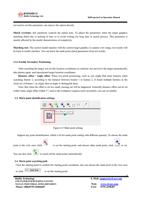
3.4. Mark point searching path
Click the starting point to confirm the starting point coordinate, also can choose the mark point in the view area
to click
to set the starting point.
RuiDa Technology
1TH FLOOR,5TH BUILDING,NANYOU
TIANAN INDUSTRIAL ZONE,SHENZHEN
Phone: (086)0755-26066687
8
E-Mail: support@rd-acs.com
Web: www.rd-acs.com
FAX: 0755-2698287