Chapter 3 Cutting Function
3.9 Dynamic Amplification
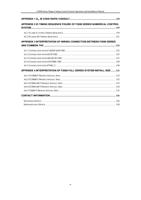
After the start of cutting, the F8 in the cutting interface will become "dynamic
amplification", then press the F8 key, full-screen amplify the processing graphic , and
dynamically tracking.
F1 Back
F4
F5
F6
F7
F2 Demo F3 GoBack
F8 ZoomIn
Speeddown Speedup Preheatdown Preheatup
Fig 3.8 Function key of cutting interface
Press the F8 key continuously, the system will progressively amplify graphic.
Press ESC to exit the amplified display, back to the cutting interface.
3.10 Cutting Exit
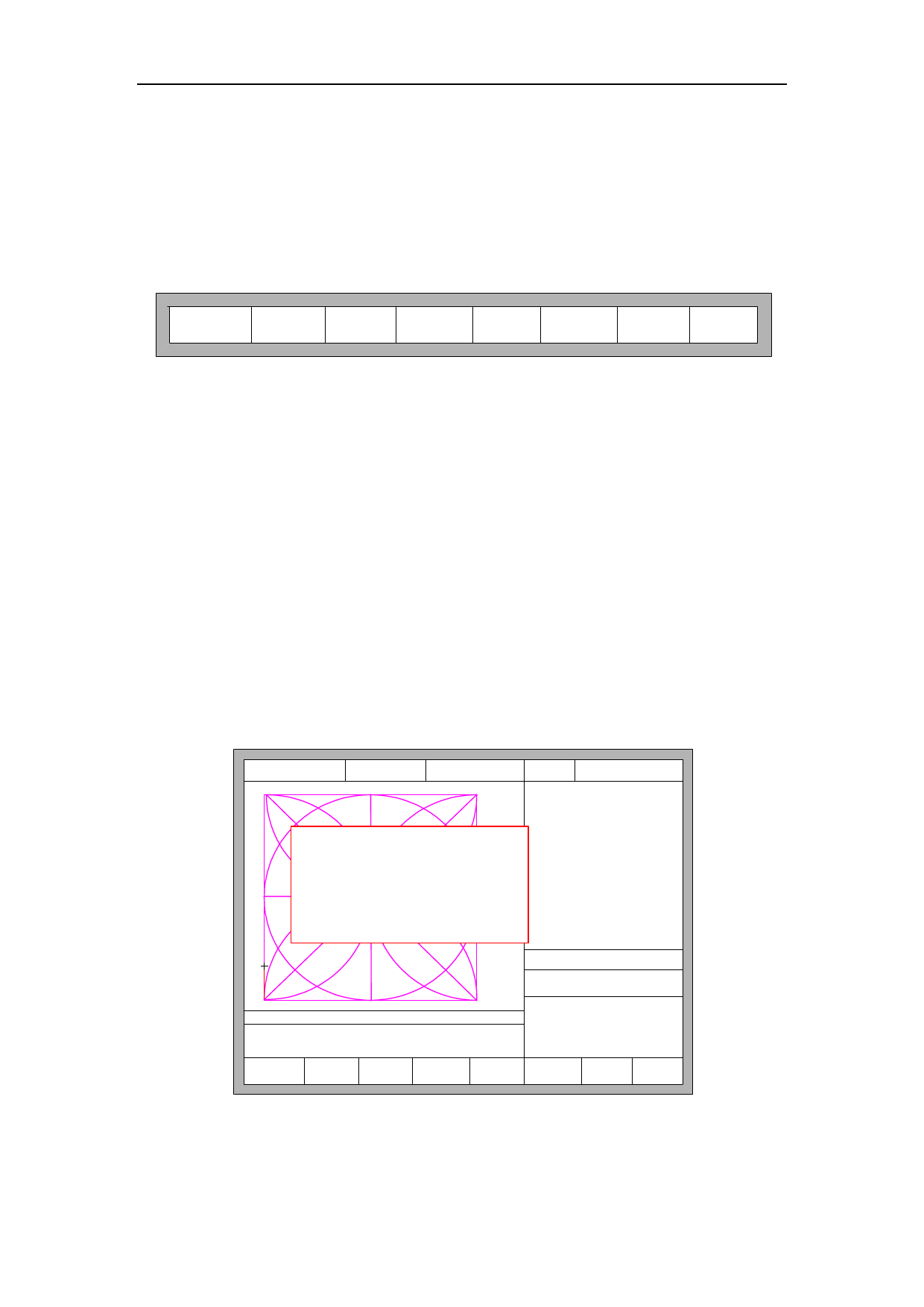
When the cutting operation does not get finished, and the cutting machine also
being in the pause condition, if press 【Esc】, the system will query whether quit the
cutting operation. If pressing 【Enter】, the system will exit, and if pressing 【Esc】
the system will not exit, get into the automatically interface and go on with the cutting
operation at the current place.
FLSK F2200T
Version 3.3.71.1
Speed:
00000
File:
SHAPE_43.TXT
Status:
Stop
Current Line/Hole:
00000/00000
Quit of cutting?
ENTER: Quit
ESC: Continue cutting
●Ignition
s
●LowHeat
s
●HighPreheat
s
●Pierce1
s
●Pierce2
s
●Pierce3
s
●TorchUp
s
●TorchDn
s
●THC En
●Blow
s
CutSpeed 【X】1000.00 Kerf【N】1.20
ManualSpeed【Y】3000.00 Angle 0.00
Manual 【F】 ContiMov
StepDis【G】 5.00 Flame Cu 【M】
+X:500.00 -X:0.00 +Y:500.00 -Y:0.00
6: G01 X0 Y500.00
7:G01 X500.00 Y0
F1 Back
F4
F5
F2 Demo F3 GoBack
Speeddown Speedup
X:+000000.00
Y:+000048.70
F6
F7
F8
Preheatdown Preheatup JumptoPierce
Fig. 3.9 Quit of cutting
23