- You are here:
- AM.CO.ZABuythisCNC Utilities Homepage
- LabelMark-Laser-Marking-Machine
- LabelMark Marking Software Manual, v2.6.pdf
- Page 111 of 154
EzCad2UNI User’s Manual
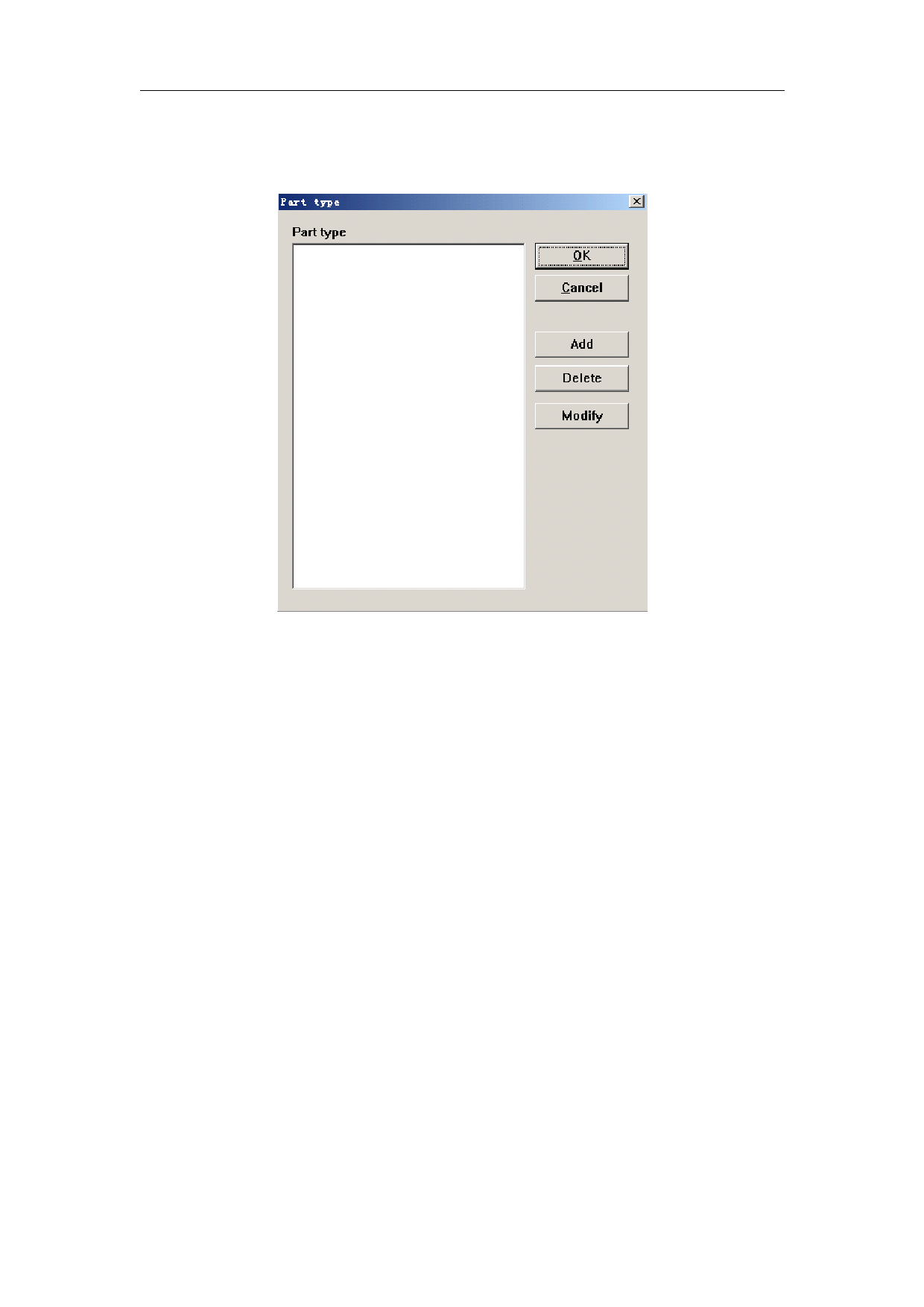
Click Select part type to add or modify part parameters, which is shown in Figure 8-15:
Figure 8-15 Part enactment
Take Add for an example to account for the operation of Multi part mark.
Firstly, click Add button to add a new part type. The dialog box in Figure 8-16 will popup.
105
reserved
All rights