- You are here:
- AM.CO.ZABuythisCNC Utilities Homepage
- LabelMark-Laser-Marking-Machine
- LabelMark 5 Software Manual, v3.6.pdf
- Page 212 of 217
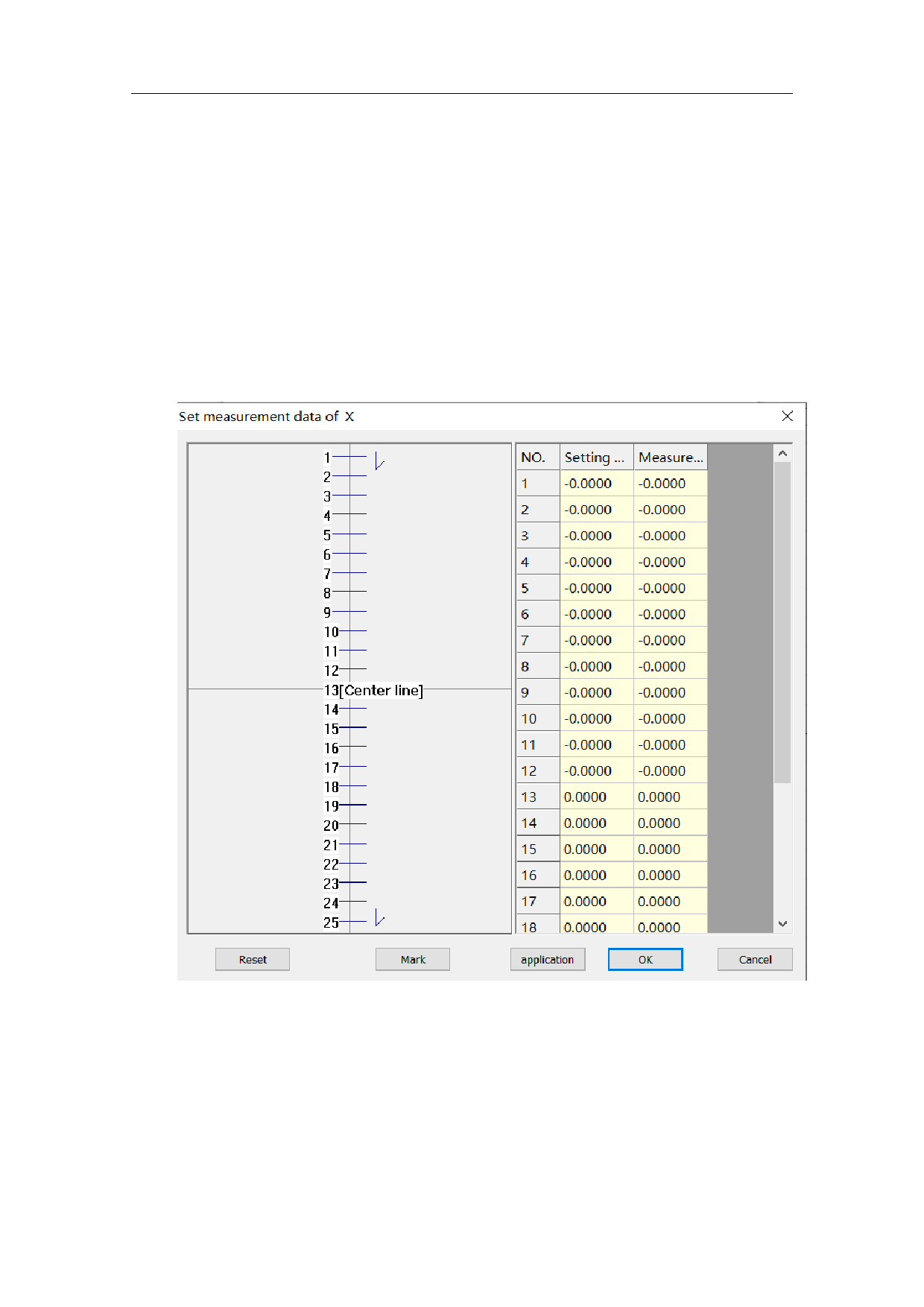
Step 1, click "Mark X Scale Line", the program marks the short line from
short to long along the X-axis direction.
,“X”,。
Step 2, click “Set X Scale Parameter” to enter the scale value setting
interface.
Set Measurement Data
Setting Value
Marking Value
[] [Center Line]
OK
206 / 217