- You are here:
- AM.CO.ZABuythisCNC Utilities Homepage
- LabelMark-Laser-Marking-Machine
- LabelMark 5 Software Manual, v3.6.pdf
- Page 166 of 217
corresponding to the current pen number, double click the color bar to change
the color.
:。9-2。
Parameter Application Button: When the user presses the parameter
application button, the pen number of the currently selected object will be
changed to the corresponding button pen number. As shown in Figure 9-2.
9-2
Figure 9-2 Parameter Application Button
9-3。
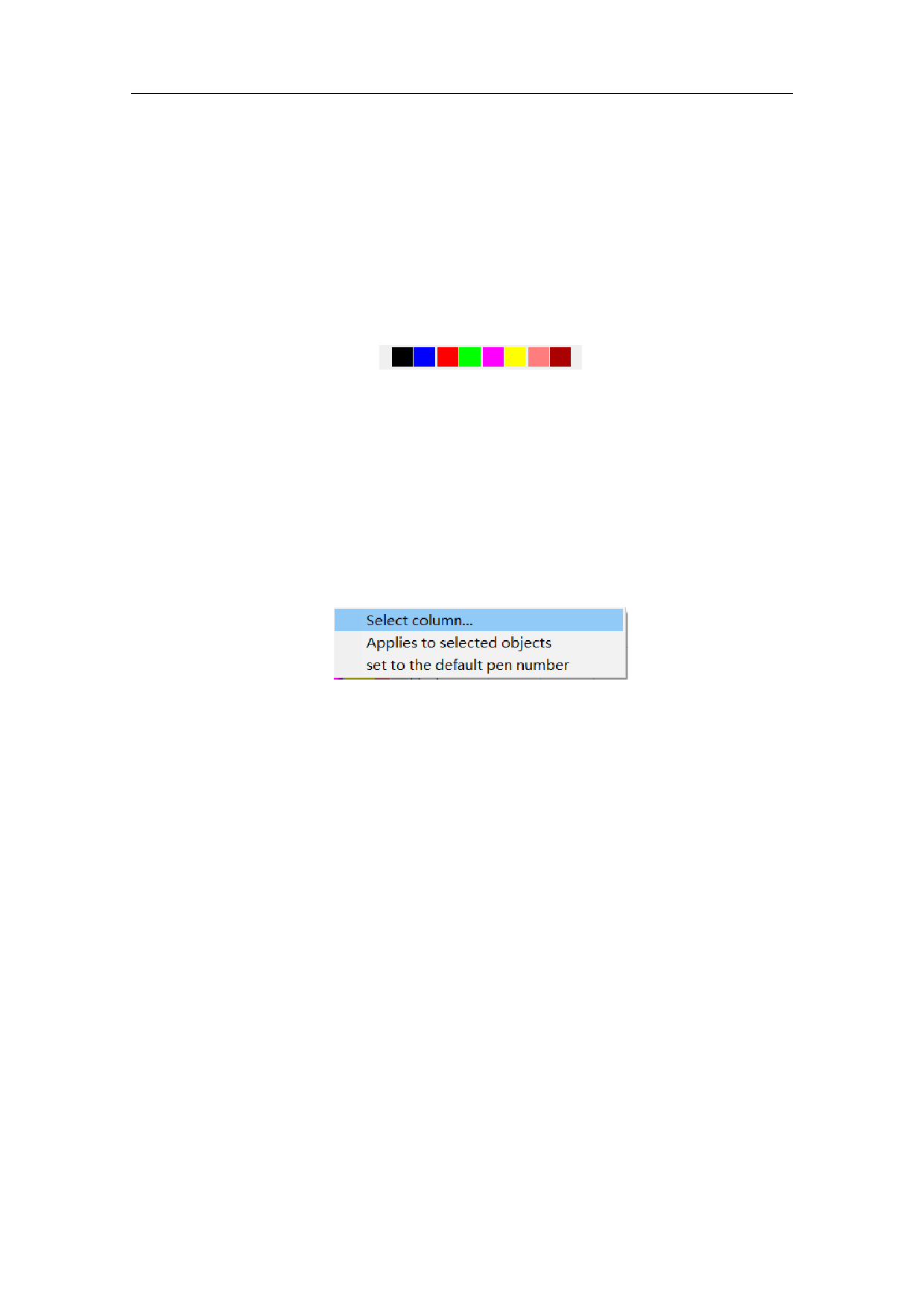
When the user presses the right mouse button in the current list, the right
button menu as shown in Figure 9-3 will pop up.
9-3
Figure 9-3 Right Button Menu
Select List
Apply to the Selected Objects
Set as Default Pen Number
160 / 217