- You are here:
- AM.CO.ZABuythisCNC Utilities Homepage
- LabelMark-Laser-Marking-Machine
- LabelMark 5 Software Manual, v3.6.pdf
- Page 114 of 217
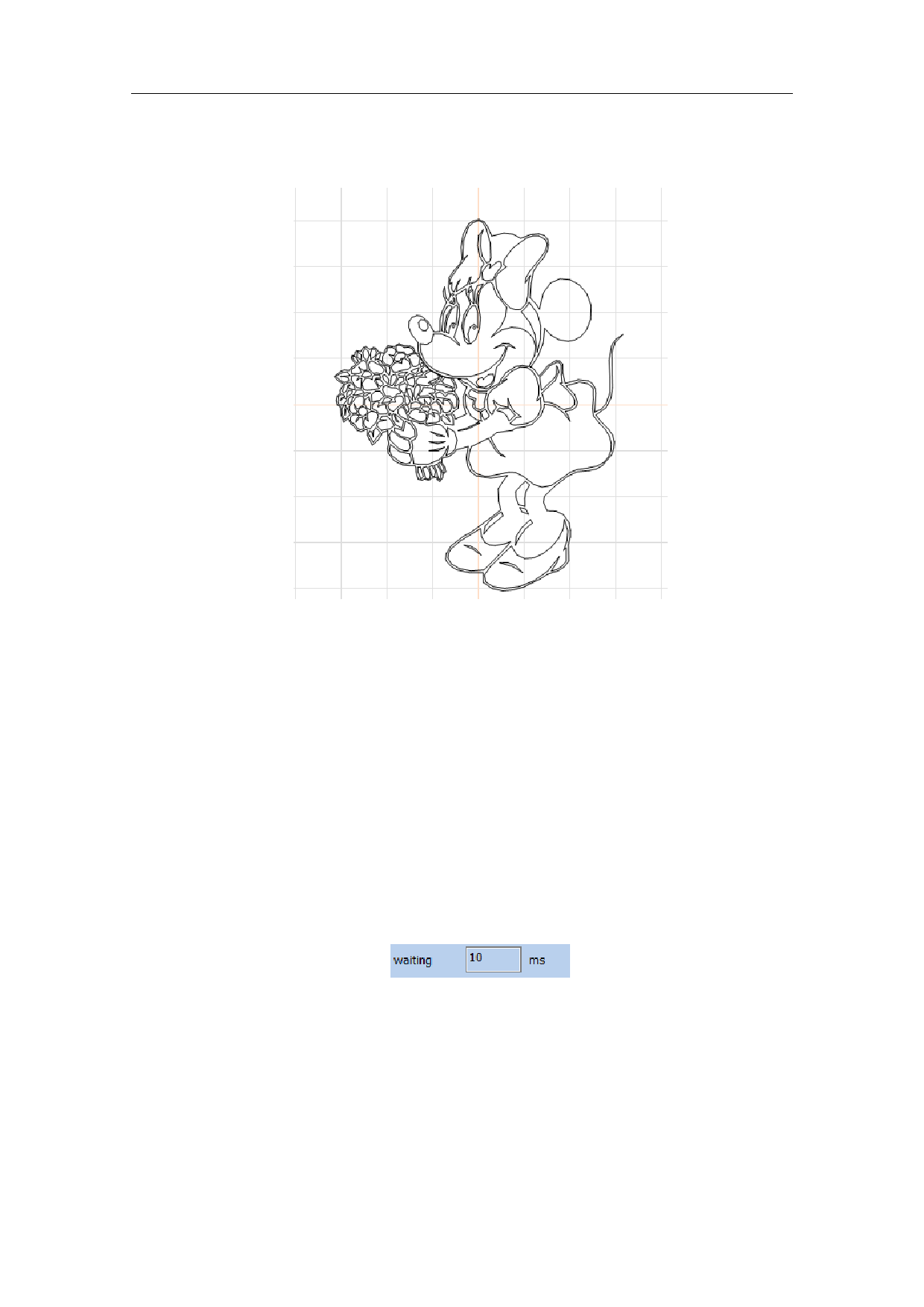
The bitmap formats supported by the current system include AI, PLT and DXF.
The Fig. 4-40 shows the result of vector image import.
Fig. 4-40 Vector Image Import
4.11. Time-lapser Draw delay
To input the control object of delayer, the user can select the “Delayer”
command in the Draw Menu or click the icon.
If you want to enter a delayer control object, Choose the time delay command
from the draw menu or click the icon.
When the “Delayer” is selected, the delayer property as shown in Fig. 4-41 will
be displayed in the Properties Toolbar.
Fig. 4-41 Delayer Property
10 Waiting Time 10 ms
Waiting time: When the marking comes to the current delayer, the system will
wait for a scheduled period and then continue to operate.
108 / 217