User Manual of Machine Vision Camera SDK Plugin (Halcon)
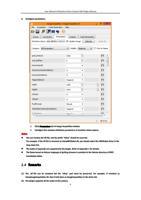
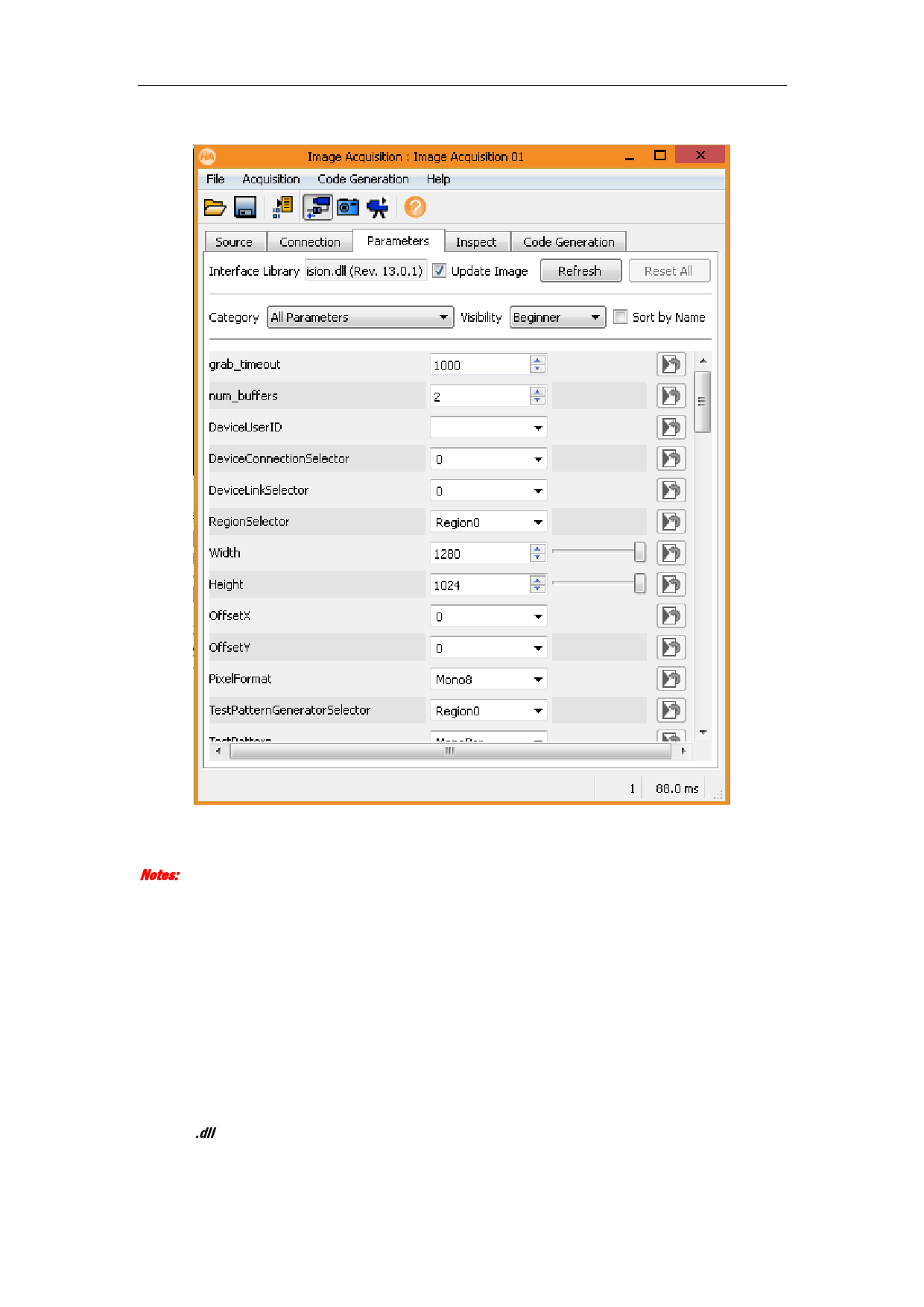
5. Configure parameters.
1) Click Parameters tab of Image Acquisition window.
2) Configure the common attributes parameters of machine vision camera.
Notes:
You can rename the dll file, but the prefix “hAcq” should be reserved.
For example, if the dll file is renamed as hAcqABCRobot.dll, you should select the ABCRobot driver in the
drop-down list.
The nodes of appendix are supported by the plugin. Refer to Appendix 1 for details.
The Demo based on Halcon language of getting streams is provided in the Halcon directory of MVS
installation folder.
2.4 Remarks
(1) The .dll file can be renamed but the “hAcq” part must be preserved. For example, if renamed as
hAcqImageAcquisition.dll, then it will show as ImageAcquisition in the driver list.
(2) The plugin supports all the nodes in the camera.
4