User Manual of Machine Vision Camera SDK Plugin (Halcon)
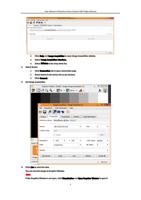
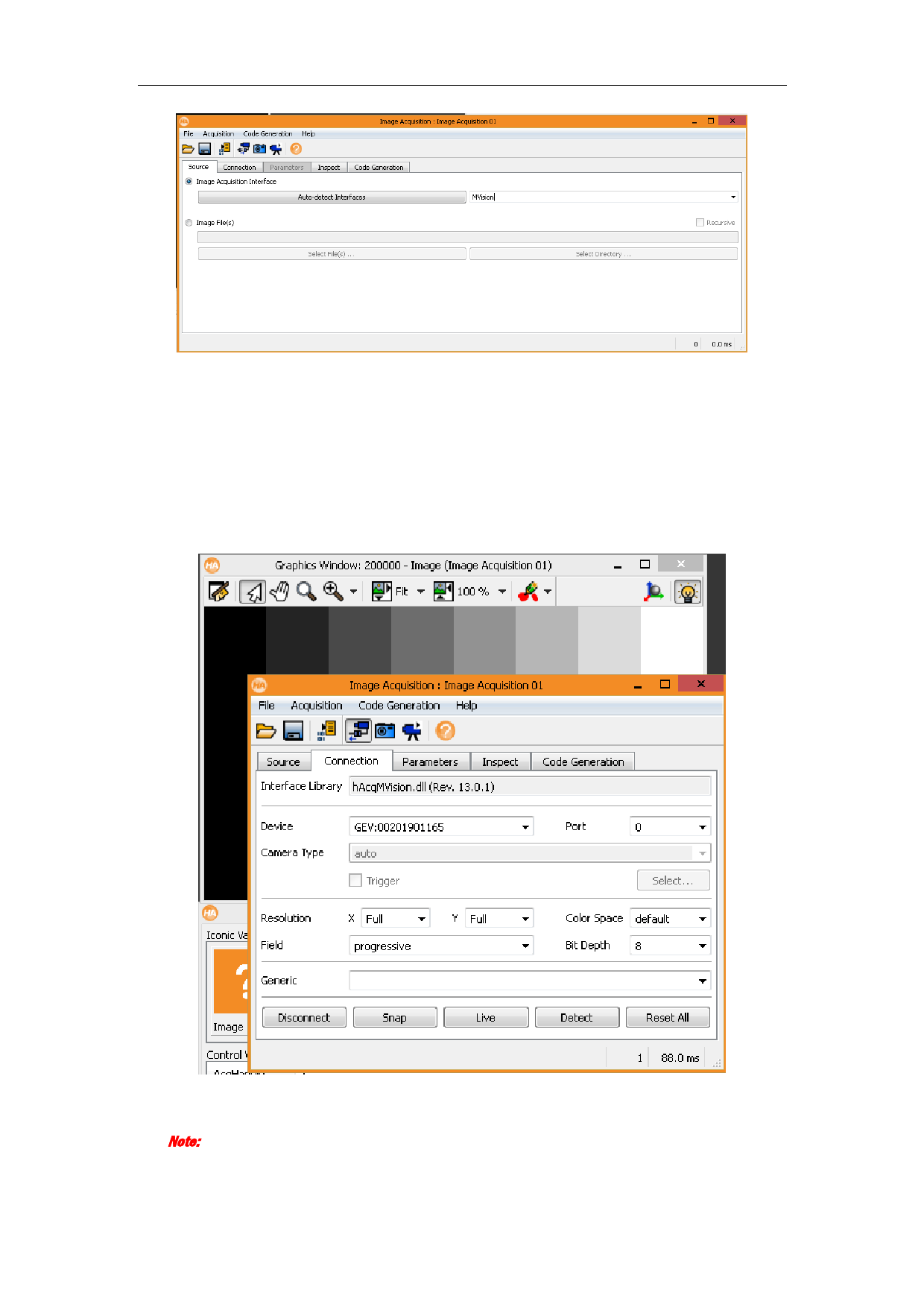
2) Click Help and Image Acquisition to open Image Acquisition window.
3) Select Image Acquisition Interface.
4) Select MVision in the drop-down list.
2. Select device.
1) Click Connection tab to open connection page.
2) Select device in the device list as you desired.
3) Click Connect.
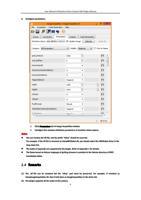
3. Set image acquisition.
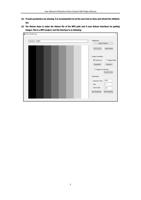
4. Click Live to start live view.
You can view the image in Graphics Window.
Note:
If the Graphics Window is not open, click Visualization and Open Graphics Window to open it.
3